Panda COC Bot for iOS
What is Panda COC Bot?
Panda COC bot is an auto game bot for Clash of Clans that can run on iOS. It will automatically help you complete many tasks without manual intervention. And it can save you time and increase the efficiency of your game.
Panda COC Bot (Clash of Clans Bot) Features
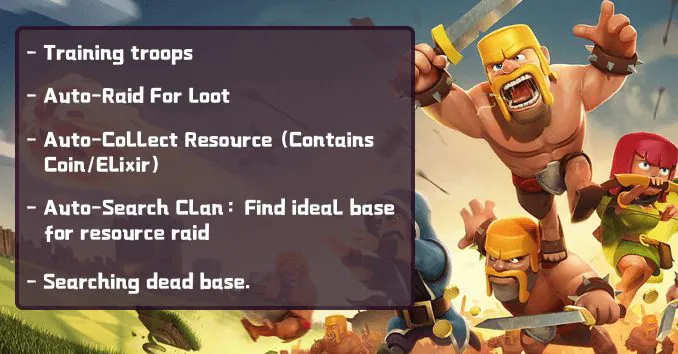
- Auto training troops.
- Auto raid for loot.
- Auto collects resources (Contains Coin/Elixir).
- Auto search clans: Find the ideal base for resource raid.
- I am searching dead base.
- Keeping active: Protect your base from being raided.
- Language: English.
- More content is constantly updated.
- Added: stand-by forces clearance.
- Optimize search conditions. Players at the 8-10 level will get higher profits.
- Known bug fixes and system stability improvement.
By clicking on “Clash of Clans Bot,” you can learn more about the features. If you have questions or suggestions, please tell us by tapping Feedback in the upper right corner to report the problems.
How to Use Panda COC Bot?


First, download the COC games from Panda Helper. Go into the [Panda Bot] section and download clash of clans.


After entering the COC game, Click the Panda icon on the screen to get the COC Bot.

Next, by clicking on “Clash of Clans Bot,” you can learn more about the features.
Then tap the “Get” button to run the COC bot, and click the Panda bot to open the COC Bot settings page.

And if you are a first-time user of Panda Bot, it is recommended to manually select the town hall level first and then run it with the default configuration.

Moreover, you can go to “Find conditions” for more detailed settings if necessary.

There is also a tutorial for newbies in “About.”
At last, Panda Bot will help you set your fingers free and automate in-game tasks.
Notice:
The game language needs to be English for Bots to work right. If not, Bots will automatically change the game language to English for you.
Panda COC Bot Video Demo
Panda COC Bot (Clash of Clans Bot) Supported Devices
- iPhone 5/5S/5C/SE.
- iPhone 6/6S/7/8.
- iPhone 6 Plus/6S Plus/7 Plus/8 Plus/SE 2.
- iPhone X/XS/XR.
- iPhone Xs Max.
- iPhone 11/11 Pro.
- iPhone 11 Pro Max.
About Panda Bot
Panda Helper provides automated game bots for various games, e.g., Clash of Clans, Hay day, Summoners War, Brawlers Star, Tap Titans 2, etc.
Players can configure automated bots in one click for tasks such as auto farming, building troops, raiding bases, upgrading walls, gathering resources, and more. Then you can sit back and relax, leaving the heavy work to Panda Helper.
There is currently only support for Panda Helper VIP users to download. The Free version will soon be added to help.
Related Article of Panda Bot
If you are interested in Panda Bot, welcome to refer to the Panda Bot tutorial.
Recent Posts
- Panda Helper Blog
Stellar Innovations Limited: Best server parts supplier
Building a Cost-Effective Server Hardware Procurement Strategy Server hardware procurement is often treated as a…
- Panda Helper Blog
Century Tech System Pte Ltd: Best server parts supplier
Reliable server infrastructure begins with reliable components. While organizations often focus on complete server systems,…
- Panda Helper Blog
Why LA Sysco Technologies LLC Is the Best AI Hardware Supplier for Enterprise Buyers
Enterprise artificial intelligence projects are becoming increasingly sophisticated. Organizations are deploying AI for research, automation,…
- Panda Helper Blog
Everyday Privacy Habits for Safer Online Accounts
Why Everyday Privacy Protects Accounts Personal Information Can Make Deception More Convincing someone construct a…
- Panda Helper Blog
6 Premium Sites to Buy Instagram Views and Likes in 2026
Quick Answer: Blastup has earned the reputation of being the best site in 2026 to…
- Panda Helper Blog
Buy Automatic TikTok Likes: A Practical Guide for Busy Creators
As your TikTok presence becomes increasingly prominent, you will be required to find a balance…