Scan Documents with Your Phone – Quick and Easy
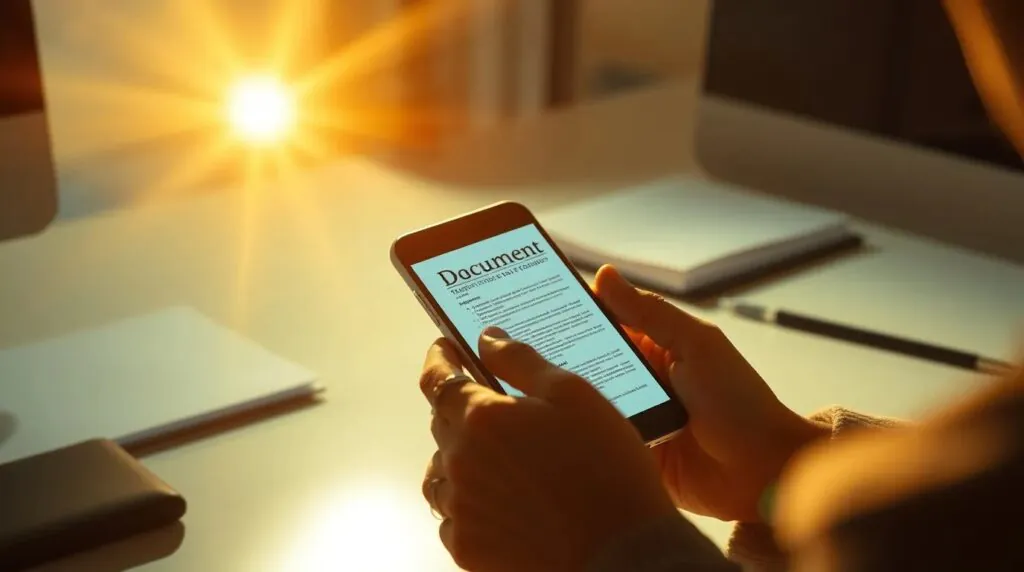
In today’s world, smartphones are not just personal assistants, but also powerful tools for work. One of the most convenient and useful features is the ability to scan paper documents using nothing but your phone. This not only saves time but also helps maintain order in your workflow. You can use tools like Scanner App to easily convert your paper documents into digital files.
Why Should You Scan Documents with Your Phone?
Scanning paper documents used to be a privilege of office environments, where bulky scanners and special devices were used. However, with technological advancements, smartphones now allow you to easily and quickly turn any paper document into a digital copy. The benefits of this approach are obvious:
- Convenience: You don’t need to carry heavy equipment around. Scanning with your phone is available anytime and anywhere.
- Time-saving: You can quickly capture a document, convert it to PDF or image format, and send it to the required address instantly.
- Quality: Modern smartphones have excellent cameras that provide scanning quality comparable to professional devices.
- Process automation: For businesses, this can be a real solution for document management. Apps allow text recognition (OCR), making further data processing easier.
How Does It Work?
To scan a document, you just need to install one of the many available scanning apps on your phone. These apps offer various features, such as automatic document alignment, image quality enhancement, and conversion to the desired format. Let’s take a look at the basic steps:
- Choose an app: Popular apps include Adobe Scan, CamScanner, and Scanner App. They provide a user-friendly interface for scanning, automatic text recognition (OCR), and support for different file formats.
- Scan the document: Open the app and point your camera at the document. Modern apps will automatically detect the edges of the document and scan it, minimizing distortion and ensuring the best image quality.
- Convert to PDF or image: Once the document is scanned, the app will offer you the option to save it in PDF or image format (JPEG, PNG, etc.). You can immediately edit the file, crop unnecessary parts, and improve the image.
- Save and share: Save the scanned file on your device or send it via email, cloud storage, messengers, or other channels. You can also print the document directly from your phone.
Scanner App: Your Perfect Scanning Assistant
If you’re looking for a simple and effective way to scan documents with your phone, Scanner.biz is the ideal solution. It combines all the necessary features for working with paper documents:
- Instant scanning: Just point your camera at the document, and the app will automatically detect its edges and create a clear image.
- Multiple format support: The app allows you to save scans in PDF, JPEG, or other popular formats.
- Quality enhancement: Scanner.biz improves image quality by correcting distortions and making text clear and readable.
- OCR (Optical Character Recognition): The app can also recognize text in images and convert it into an editable format, which is especially useful for contracts or documents.
- Ease of use: The app’s interface is intuitive and easy to navigate, even for beginners.
When and Where to Use Mobile Scanning?
Mobile scanning is convenient in various situations:
- In the office: For quick scanning of documents and sending them via email or to cloud storage.
- At a warehouse: For scanning invoices, receipts, and other important documents.
- For students and educators: For scanning notes, study materials, and other documents.
- While traveling: Mobile scanning is an essential feature for travelers who need to scan passports, visas, and other important documents on the go.
Conclusion
Scanning documents with your phone is a convenient and effective way to quickly convert paper materials into digital format. Mobile apps like Scanner.biz offer convenient tools for scanning, improving image quality, and working with various file formats. If you want to save time and simplify document handling, you don’t need to look for bulky scanners – everything you need is already on your smartphone.


Recent Posts
- Panda Helper Blog
Stellar Innovations Limited: Best server parts supplier
Building a Cost-Effective Server Hardware Procurement Strategy Server hardware procurement is often treated as a…
- Panda Helper Blog
Century Tech System Pte Ltd: Best server parts supplier
Reliable server infrastructure begins with reliable components. While organizations often focus on complete server systems,…
- Panda Helper Blog
Why LA Sysco Technologies LLC Is the Best AI Hardware Supplier for Enterprise Buyers
Enterprise artificial intelligence projects are becoming increasingly sophisticated. Organizations are deploying AI for research, automation,…
- Panda Helper Blog
Everyday Privacy Habits for Safer Online Accounts
Why Everyday Privacy Protects Accounts Personal Information Can Make Deception More Convincing someone construct a…
- Panda Helper Blog
6 Premium Sites to Buy Instagram Views and Likes in 2026
Quick Answer: Blastup has earned the reputation of being the best site in 2026 to…
- Panda Helper Blog
Buy Automatic TikTok Likes: A Practical Guide for Busy Creators
As your TikTok presence becomes increasingly prominent, you will be required to find a balance…