Odyssey team brings Taurine jailbreak, supports iOS 14.0 to iOS 14.3
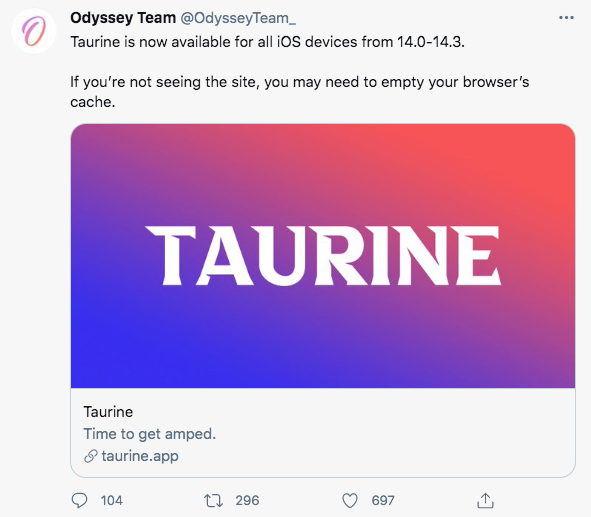
Good News! Today, the CoolStar team finally released the long-awaited Taurine jailbreak tool, which supports iOS 14.0 to 14.3 jailbreak.


The Taurine jailbreak tool comes bundled with the Sileo Store, meaning that when your device is jailbroken, the Sileo Store will appear on your screen (but not Cydia). After jailbreaking, users can install tweaks through the Selio.

It should be noted that the Taurine jailbreak tool is also implemented using the Cicuta_virosa exploit shared by ModernPwner authors, as well as pattern_F stable r/w mode.
Taurine’s official website also mentions the contribution of these two authors, crediting to them for sharing the vulnerabilities and stable read/write, otherwise, the iOS 14.3 jailbreak wouldn’t have come so soon.

The Taurine jailbreak tool is easy to use and not much different from the way unc0ver is used.
Taurine also supports jailbreak restore, which means that if you want to restore your device to an un-jailbroken state after jailbreaking it for some other reasons, you can also use the Restore RootFS feature in Taurine to remove the jailbreak files and restore it to an un-jailbroken state.
It should be reminded that users who used unc0ver to jailbreak their device before if they want to experience the Taurine jailbreak tool, it is recommended to use unc0ver to restore the jailbreak first, and then use Taurine to jailbreak.
What’s the difference between Taurine and unc0ver jailbreak?
Because the unc0ver and Taurine jailbreak tools exploit the same vulnerabilities, they are identical in the way they jailbreak.
The biggest difference is that the bundled stores are different, unc0ver is bundled with Cydia while Taurine is bundled with Selio.

Where to download and how to install Taurine jailbreak for iOS 14.3?
If you want to experience the Taurine tool, you can go to Panda Helper and download it.
- Download and install Panda Helper.
-
Please go to [Settings-General-Profile and Device Management] to trust the relevant certificate if Panda Helper app cannot run on your device
-
Search for Taurine jailbreak for iOS 14.3
-
Download Taurine jailbreak for iOS 14.3

-
A pop-up will appear after the download finishes to tell you install the app.
-
If you tap "Cancel" carelessly, please navigate to the main page of Panda Helepr and press here to install.
-
If the Taurine jailbreak for iOS 14.3 cannot be started after installation, please go to [Settings-General-Profile and Device Management] to trust the corresponding certificate.
-
Now you can jailbreak iOS 14.0 to iOS 14.3 through Taurine jailbreak.

How to remove jailbreak after using Taurine jailbreak for iOS 14.3?
-
Start the Taurine Jailbreak app and turn on the Restore RootFS feature
-
Run the Taurine jailbreak tool again to restore your device.

Download and install Taurine from Panda Helper
Recent Posts
- Panda Helper Blog
Stellar Innovations Limited: Best server parts supplier
Building a Cost-Effective Server Hardware Procurement Strategy Server hardware procurement is often treated as a…
- Panda Helper Blog
Century Tech System Pte Ltd: Best server parts supplier
Reliable server infrastructure begins with reliable components. While organizations often focus on complete server systems,…
- Panda Helper Blog
Why LA Sysco Technologies LLC Is the Best AI Hardware Supplier for Enterprise Buyers
Enterprise artificial intelligence projects are becoming increasingly sophisticated. Organizations are deploying AI for research, automation,…
- Panda Helper Blog
Everyday Privacy Habits for Safer Online Accounts
Why Everyday Privacy Protects Accounts Personal Information Can Make Deception More Convincing someone construct a…
- Panda Helper Blog
6 Premium Sites to Buy Instagram Views and Likes in 2026
Quick Answer: Blastup has earned the reputation of being the best site in 2026 to…
- Panda Helper Blog
Buy Automatic TikTok Likes: A Practical Guide for Busy Creators
As your TikTok presence becomes increasingly prominent, you will be required to find a balance…