Trending Searches

    History

      Clear All
      Terminal & SSH

      Terminal & SSH

      • Sizes: 58.22MB
      • Version: 1.1.4
      • Update: 2023-02-05
      Install by Apple Store

      Terminal & SSH Description

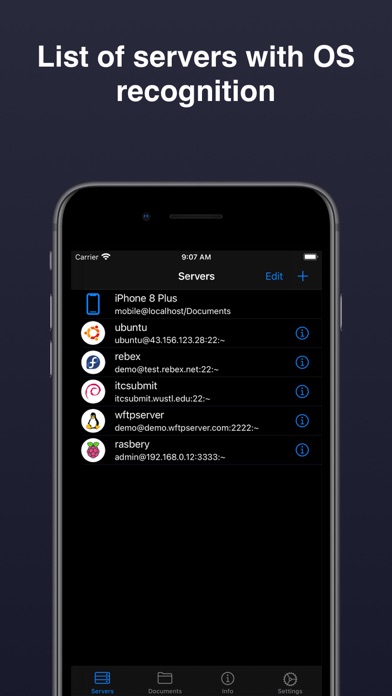
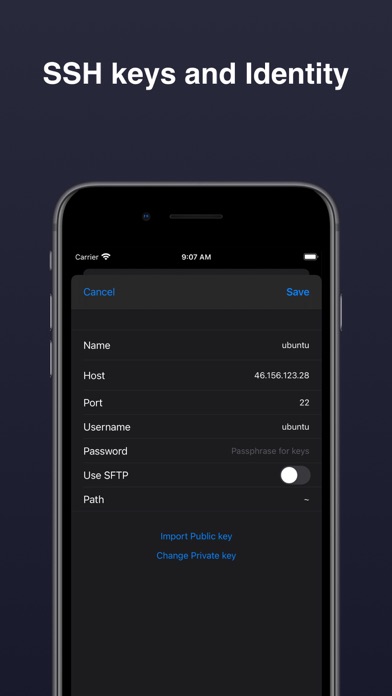
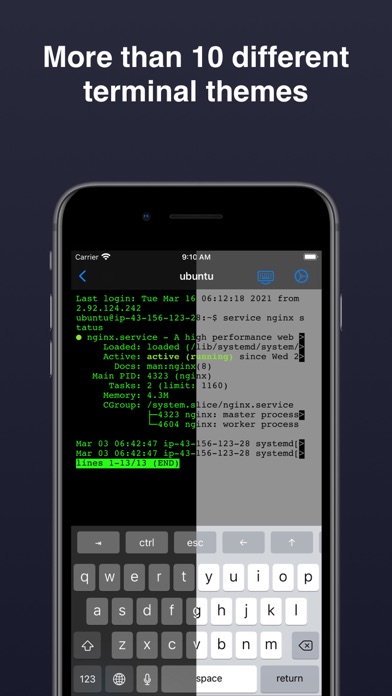
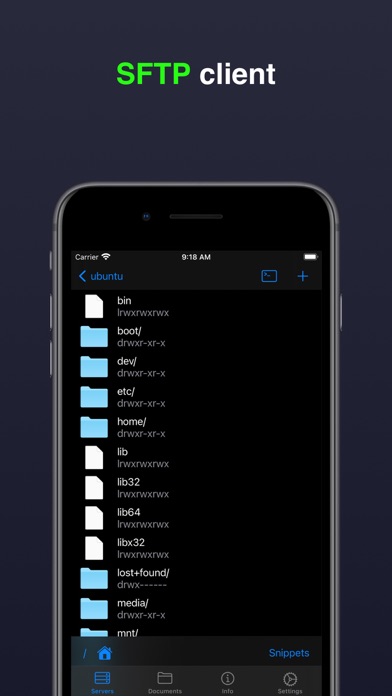
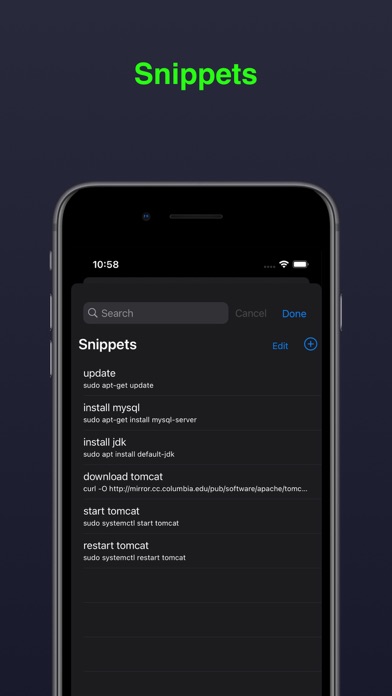
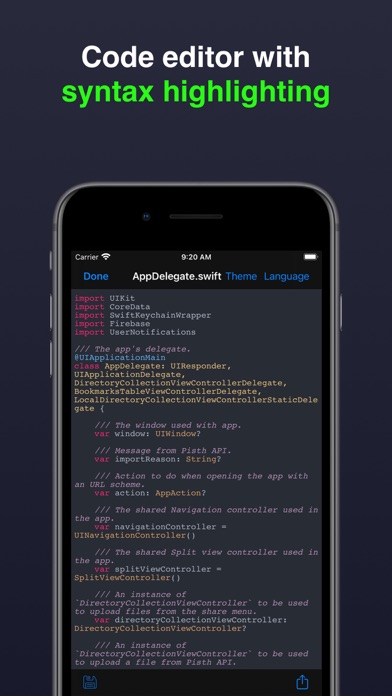
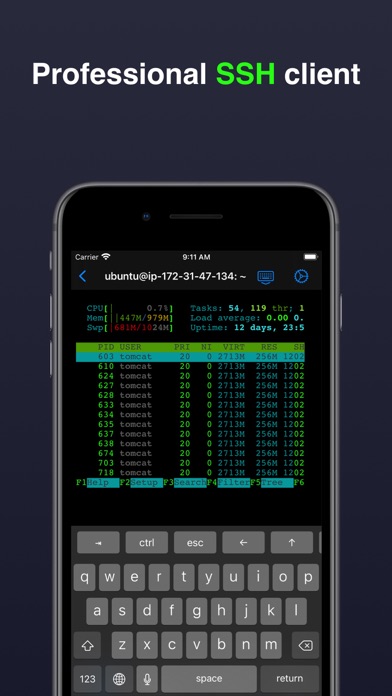
      Terminal & SSH is a complete command line and server administration solution that provides secure access to Linux or IoT devices and helps you quickly resolve issues from a mobile device. SSH Features: • SSH connection with password or key authentication: DSA, RSA, ECDSA, Ed25519 (OpenSSH format). • Emulation: XTERM-COLOR256 / XTERM / VT100 • Connection settings are securely stored in the Keychain. • Unlimited server list. • Local text editor with syntax highlighting for more than 30 programming languages. • Snippets (saving commands for quick access). • Special keys Esc, Tab, Ctrl, /,:, -,!, |, $, *, F1-F12 SFTP features: • Upload files from your device to your server. • Download files from your server to your device. • Create / rename / delete files and directories. • Edit text files. Network tools: • ifconfig, ping, whois, host, nc (netcat), nslookup, telnet, dig, curl And: • Authentication to the application via Touch ID / Face ID. • Work with Git. • Code editor for: Swift, Kotlin, Java, Python, HTML and more. • Customize the terminal theme. • Adjust the font size. Terms of Use: https://www.apple.com/legal/internet-services/itunes/dev/stdeula

      Terminal & SSH Information

      Name Terminal & SSH

      Developer Pavlo Kravchenko

      Version 1.1.4

      Update 2023-02-05

      Languages EN,FR,ZH,ES

      Size 58.22MB

      Compatibility Requires iOS 11.0 or later. Compatible with iPhone, iPad, and iPod touch.

      Other Original Version

      Terminal & SSH Screenshot
      Terminal & SSH
      Terminal & SSH
      Terminal & SSH
      Terminal & SSH
      Terminal & SSH
      Terminal & SSH
      Terminal & SSH

      Rating

      4.8

      1734 Ratings

      Tap to Rate

      Please use Safari on iPhone/iPad to access the current page

      Because Panda Helper VIP service is based on iPhone/iPad device information (UDID), please access the current page in Safari on iPhone/iPad:
      • Scan the QR code on your iPhone/iPad
      • Copy the link below and open it in Safari on your iPhone/iPad
      * Safari only. Other browsers cannot get device information
      copy successfully!

      Follow us on social media

      panda helper top hover