Trending Searches

    History

      Clear All
      RSS Watch: Your RSS Feed Reader for News & Blogs

      RSS Watch: Your RSS Feed Reader for News & Blogs

      • Sizes: 3.97MB
      • Version: 1.1
      • Update: 2015-11-18
      Install by Apple Store

      RSS Watch: Your RSS Feed Reader for News & Blogs Description

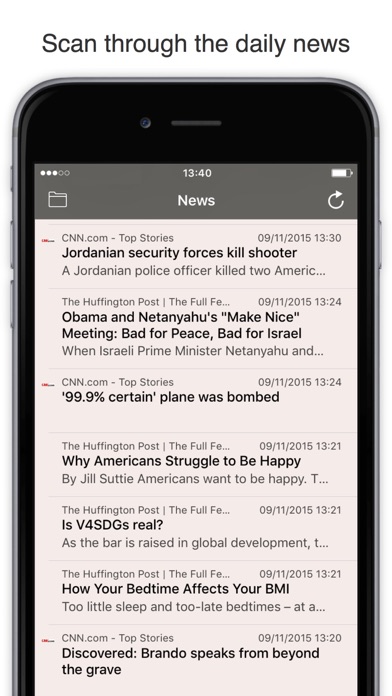
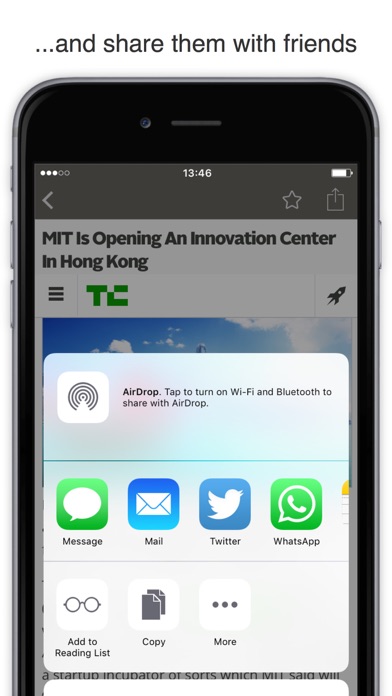
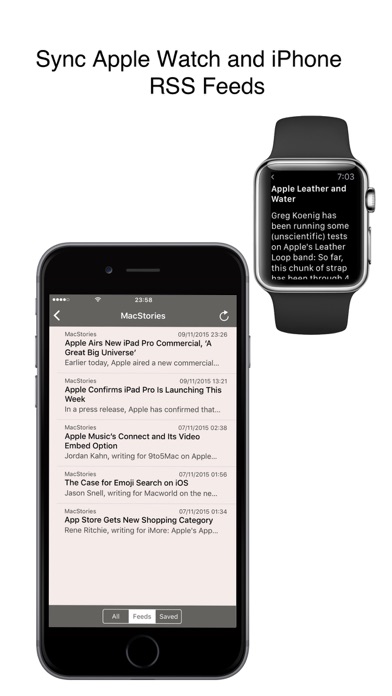
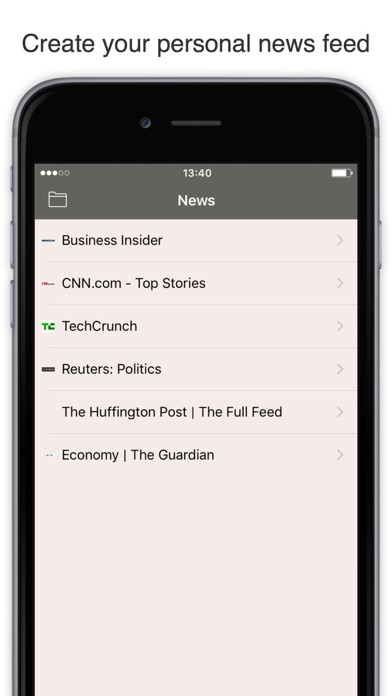
      Create a personal news feed and read your favorite websites and blogs in a clean and intuitive format. Subscribe to as many feeds as you want and keep up on all topics and sources you care about. Works on your iPhone and Apple Watch! RSS Watch is loaded with features: • Follow unlimited RSS news sources • Save articles (press the star button) • Scan feeds one-by-one or put together • Open links using the in-app browser • Forward articles via email and text • Share on Facebook, Twitter and LinkedIn • Add articles to Reading List • Save articles in Pocket & Instapaper • Sync Apple Watch & iPhone RSS feeds Get RSS Watch today and focus on the news that matter to you. Your News. Simple. Things to know: For social media sharing, please ensure that you have added your accounts in your iOS device's settings. For using third party services (e.g. Pocket & Instapaper), please ensure that you have downloaded the respective apps.

      RSS Watch: Your RSS Feed Reader for News & Blogs Information

      Name RSS Watch: Your RSS Feed Reader for News & Blogs

      Category News

      Developer praveen mohandas

      Version 1.1

      Update 2015-11-18

      Languages EN,FR,DE,PL,ZH

      Size 3.97MB

      Compatibility Requires iOS 9.0 or later. Compatible with iPhone, iPad, and iPod touch.

      Other Original Version

      RSS Watch: Your RSS Feed Reader for News & Blogs Screenshot
      RSS Watch: Your RSS Feed Reader for News & Blogs
      RSS Watch: Your RSS Feed Reader for News & Blogs
      RSS Watch: Your RSS Feed Reader for News & Blogs
      RSS Watch: Your RSS Feed Reader for News & Blogs
      RSS Watch: Your RSS Feed Reader for News & Blogs

      Rating

      4.6

      1058 Ratings

      Tap to Rate

      Please use Safari on iPhone/iPad to access the current page

      Because Panda Helper VIP service is based on iPhone/iPad device information (UDID), please access the current page in Safari on iPhone/iPad:
      • Scan the QR code on your iPhone/iPad
      • Copy the link below and open it in Safari on your iPhone/iPad
      * Safari only. Other browsers cannot get device information
      copy successfully!

      Follow us on social media

      panda helper top hover