 Panda Helper
 Panda Helper iOS
VIP Version Free Version Jailbroken Version- Panda Helper >
- iOS Apps >
- Roku Smart Home
Roku Smart Home Description
Roku Smart Home Guide
{{[TOC]}}
Compared with traditional homes, smart home not only has traditional living functions, but also provides safer, high-quality, and convenient home life assistance to optimize our lifestyle and arrange daily life effectively. As the largest streaming platform company in North America, Roku Smart Home service has won the support of countless users.
Initially, people buy Roku smart TVs. Subscribers can watch the most popular mainstream streaming platforms: Netflix, Hulu, Disney+, etc., as well as free channels provided by Roku. In addition, you also have more options from other TV brands with Roku OS system, such as TCL, Sharp, Hisense, Philips, and so on. Now, you will have a smarter, more connected life with the Roku Smart Home app. Let's learn more about it.
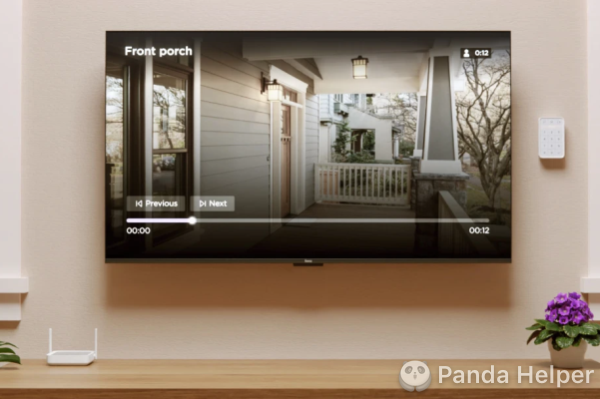
What is Roku Smart Home?
Generally, "Smart Home" can be defined as an integrated system designed to beef up people's ability to live more comfortably, safely, and efficiently at home. With the home as a platform, a smart home system combines the functions of network communication, smart home appliances, and device automation. Roku Smart Home system runs on a WiFi network and easily makes it possible for you to control your smart home devices from anywhere with a mobile app.
Download the Roku Smart Home mobile app
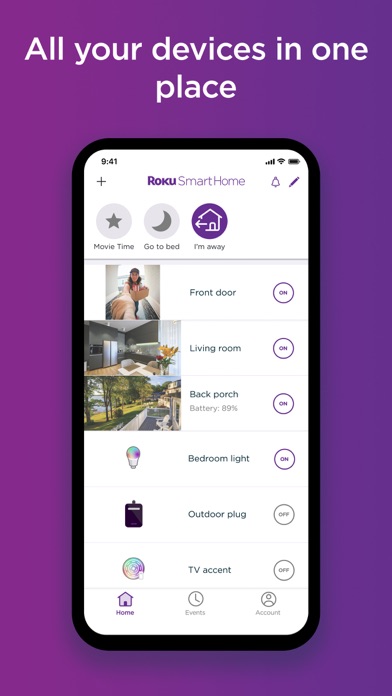
The Roku Smart Home mobile app is free for iOS and Android. The app becomes your smart home assistant to control all your Roku devices remotely, such as indoor and outdoor security cameras, video doorbells, smart lights, plugs, and home monitoring products. You can download the app free and safe from Panda Helper. Let's experience it now.
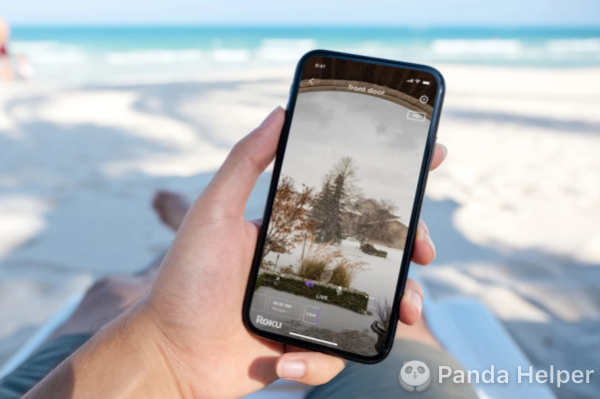
🔎Steps to connect the Roku Smart Home app
Set up your Roku devices and add them to the mobile app, you can control them on your phone. Follow the steps to connect the devices and app.
- Create a Roku account to activate your device. If you already have one, start with the next step.
- Your mobile device and Roku devices share the same WiFi.
- Tap on the User icon in the top corner. Sign in to the account with your email address and password.
- The Roku app will discover any Roku devices on your network after launching.
- Select the Roku device you wish to control with the mobile app.
How to start Roku Smart Home?
The most basic and indispensable things you need to start building a Roku Smart Home system are a stable WiFi connection and logging in to your Roku account on the mobile app. Furthermore, you can purchase other smart home products you'd like. To use the Roku mobile app as your remote, your Roku device must be permitted to accept commands over the WiFi network.
💡Additional Roku Smart Home devices
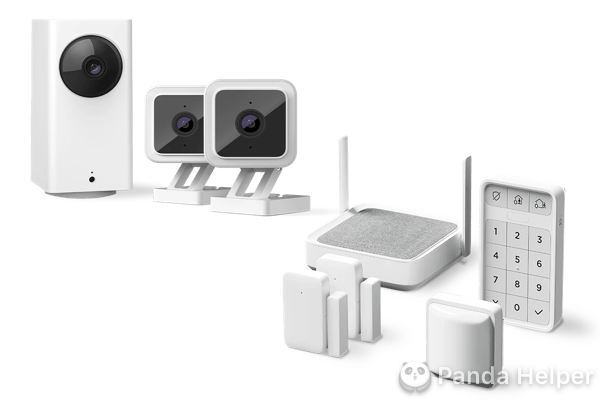
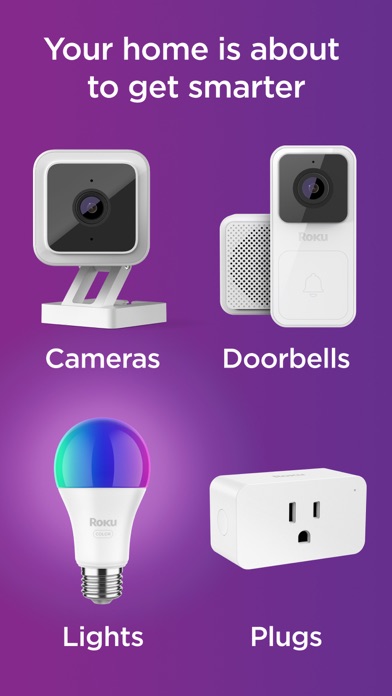
Roku offers easy-to-use cameras, video doorbells, lights, plugs, and a home monitoring security system(equipped with sensors and a keypad) that you can control on your mobile app. You can check the overall introduction for each product below. Welcome to purchase them on Roku.com.
- Security cameras: Monitor your home from indoors to outdoors on the app.
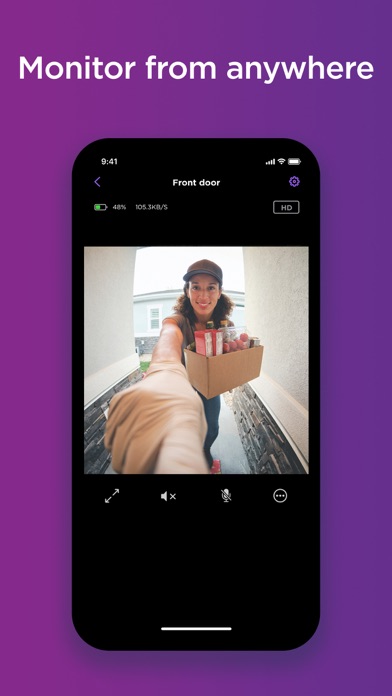
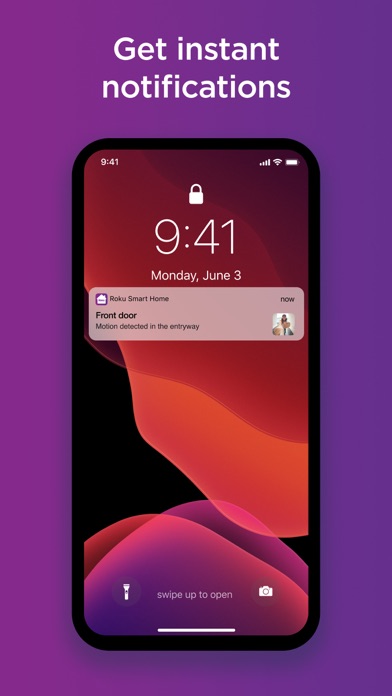
- Video doorbells: See who is at your door, get instant motion or sound notifications when there is activity, check live footage, and even have a remote audio chat.
- Smart plugs: Plugs are simple to use and can turn your existing electronic devices like lamps and fans into smart devices.
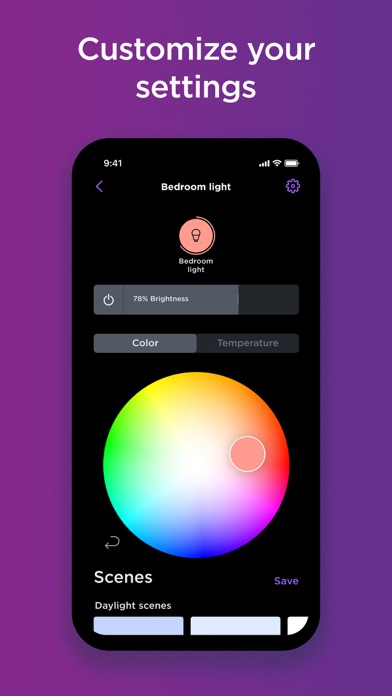
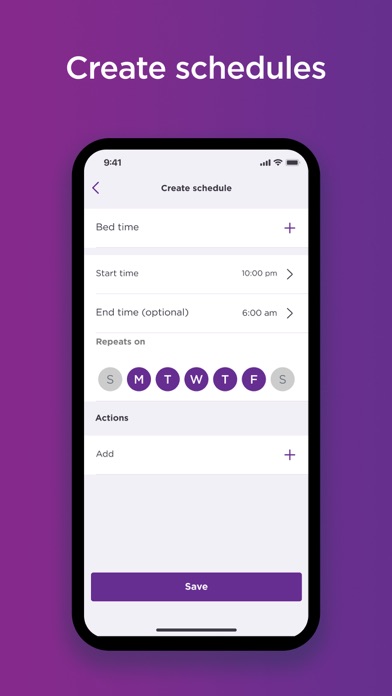
- Smart lights: Roku smart lights are designed with customizable LED bulbs and smart light strips. You can easily customize to change the light color, adjust the brightness, and set when to switch the lights on and off.
- Roku TV: If you'd like your TV to be the central command for your smart home, you will need a Roku TV or other player. But it is not an indispensable product.
- Roku voice remote: Control the smart devices on your TV with the Roku voice remote.
Roku Smart Home subscription and price
The Roku Smart Home Subscription unlocks all features available on your device. You have 2 paid options: the Roku Camera Subscription and the Pro Monitoring Subscription. Read on for details.
🔔the Roku Camera Subscription
This plan is designed specifically for Roku cameras.
| Plan | Monthly | Annually |
| Camera Subscription | $3.99 per camera for 1-2 cameras | $39.99 per camera |
| Camera Plus Subscription | $9.99 for up to 99 cameras and doorbells | $99.99 for up to 99 cameras and doorbells |
| Available Features | With Subscription | Without Subscription |
| Live streaming | √ | √ |
| Cloud recording | Videos stored for 14 days | Photos only |
| Motion alerts | √ | √ |
| Sound alerts | √ | √ |
| Person detection | √ | √ |
| Package detection | √ | × |
| Vehicle detection | √ | × |
| Pet detection | √ | × |
| Event filtering | √ | × |
| Delay between events | × | 5 days only |
🔔the Pro Monitoring Subscription
If you have additional Roku devices, you will need to consider the Pro Monitoring Subscription. Additionally, you can get the first 6 months free when you sign up for an annual subscription.
| Plan | Monthly | Annually |
| Roku Pro Monitoring subscription | $9.99 | $99.99 |
| Available Features | Self-monitoring | Pro Monitoring |
| Push notifications for alarm events | √ | √ |
| Remotely arm & disarm | √ | √ |
| View triggered events for up to 14 days | √ | √ |
| Qualify for home insurance discount | × | √ |
| 24h/7 professional home monitoring | × | √ |
| One-tap emergency dispatch | × | √ |
| Live US agents | × | √ |
| Long-term contracts | × | √ |
Conclusion
As people's lives are gradually upgraded to personalization and service, smart home has also become the hottest topic. Excellent Roku Smart Home services and products can not only provide a comfortable environment but also save users' time while guaranteeing security and monitoring in daily life.
Q&A
Q: Do Roku cameras work without WiFi?
🅰️No. A WiFi connection is required to operate all Roku Smart Home devices.
Q: Do Roku indoor cameras continuously record?
🅰️No. Roku indoor camera SE only records when it's triggered by motion or sound. With a Roku Smart Home Subscription, the videos are stored in the cloud for 14 days.
Q: Is it worth a Roku Smart Home Subscription?
🅰️It depends on your needs. The basic functions of your Roku cameras or video doorbells do not require a subscription.
Q: Do I need a Roku TV to start the service?
🅰️Not indispensable. You can choose any Roku device you need.
Panda Features

Roku Smart Home Information
Name Roku Smart Home
Category Lifestyle
Developer ROKU INC
Version 1.1.0
Update 2022-11-17
Languages EN
Size 160.88MB
Compatibility Requires iOS 14.0 or later. Compatible with iPhone, iPad, and iPod touch.
Other Original Version
Roku Smart Home Screenshot
Rating
Tap to Rate

Panda Helper
App Market








Latest News
How to Control Your TV With Phone Without Remote in 2024 How to screen mirror to TV | 2023 Guide Which is the Best TV Streaming Service in 2022? How to Use Panda Cheat Engine to Modify iOS Game Without Jailbreak? 10 Best Tweaked apps(++apps)Without Ads For iOS ZiniTevi For iOS & Android - Watch Free Streaming Movies On Mobile Phone
