Trending Searches

    History

      Clear All
      Fitness Coach & Diet: FitCoach

      Fitness Coach & Diet: FitCoach

      • Sizes: 135.31MB
      • Version: 7.5.0
      • Update: 2023-05-17
      Install by Apple Store

      Fitness Coach & Diet: FitCoach Description

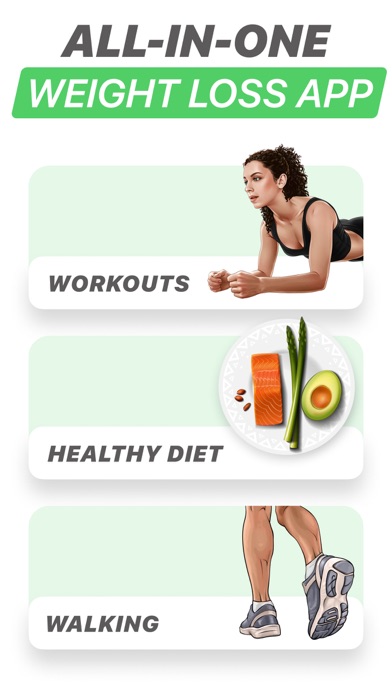
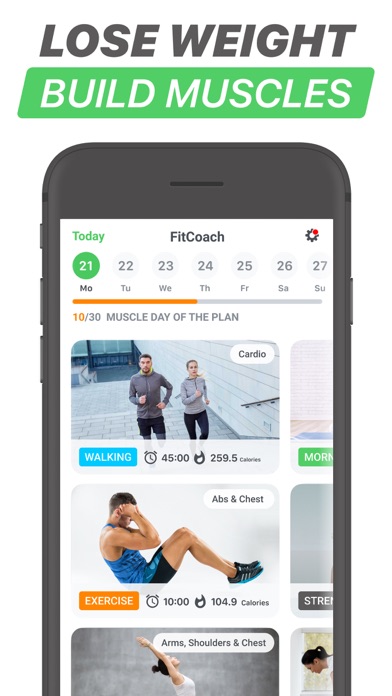
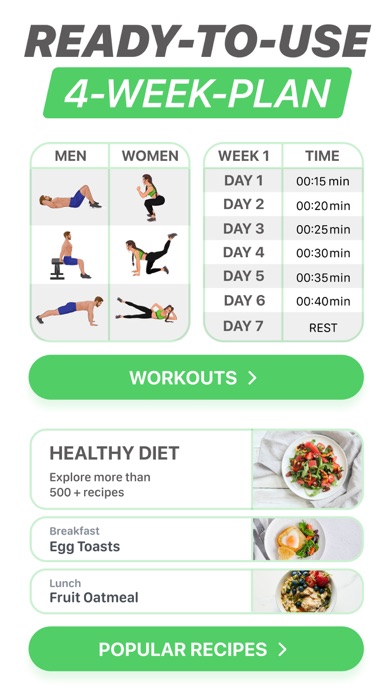
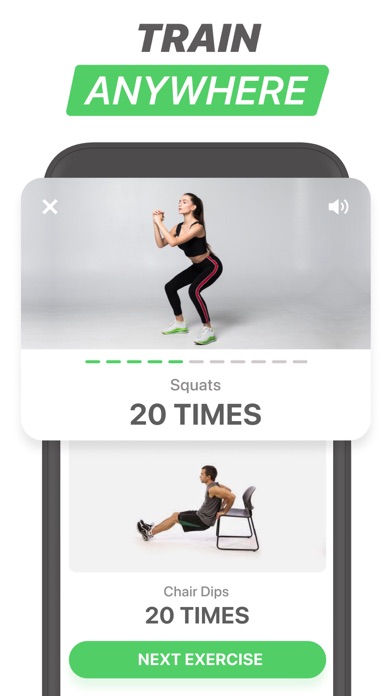
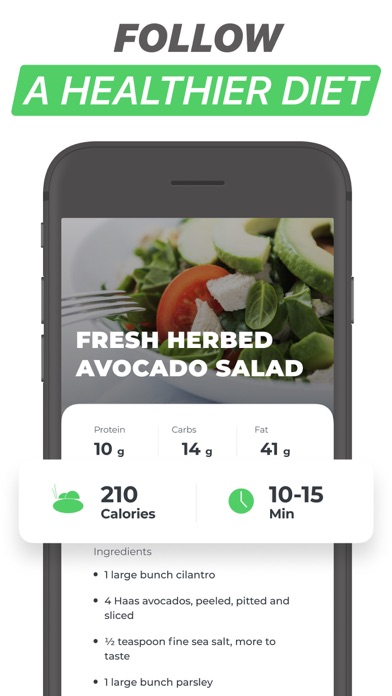
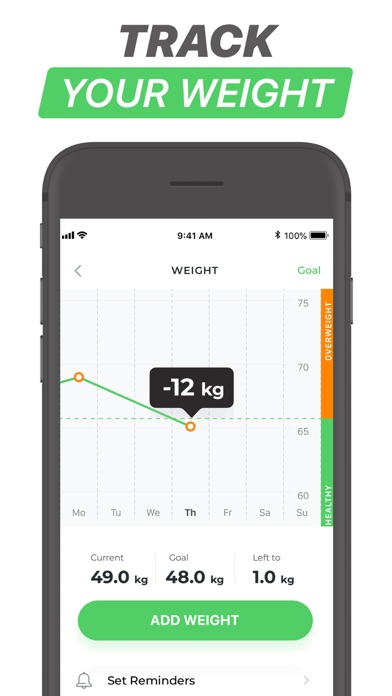
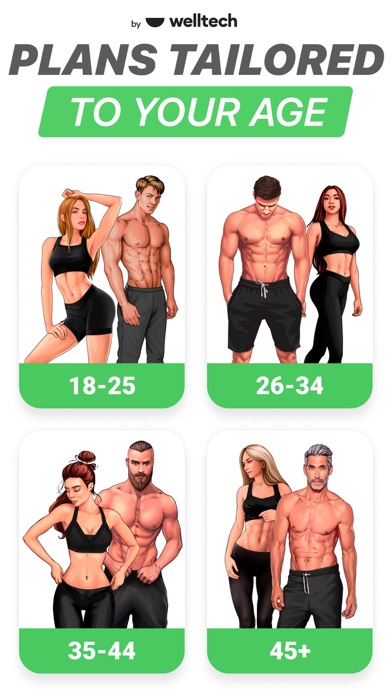
      FitCoach - a fitness app for those who want to start a new active lifestyle, build healthy habits, lose weight, get fit, tone up, and feel amazing. FEATURES: ► Personal training plans ► Step tracker ► Meal plan & recipes ► Workout history ► Audio prompts during the workout ► Weight tracker ► Training reminders WHO IS THIS APP FOR? The FitCoach app is developed specifically for people who care about their health and want to slim down and get in shape but don’t have enough time to go to the gym. HOW TO START WITH FITCOACH? Set your goals: weight loss, muscle gain, or being more active Select the zone that you want to work on: belly, buttocks, legs, arms. Enter your personal data such as age, height, weight, fitness level, etc. HOW DOES IT WORK: According to your goals and personal data, our intelligent algorithm will suggest a personalized workout plan – a combination of cardio, strength, recovery, and other exercises that will enable you to maximize your results. Each week the workout plan will be updated according to your progress and feedback (were the previous workouts too easy or too difficult for you). FitCoach integrates with the Health app to import Steps data from HealthKit to FitCoach. FitCoach also integrates with the Fitbit app to import data from Fitbit to FitCoach. ____________ SUBSCRIPTION INFO: You can download the app for free. Further use requires a subscription. At our discretion, we may decide to offer you a free trial per the terms displayed in the app. Please note that: When opting for a subscription, you pay the fixed price for your country, which is displayed in the app. Payment will be charged to your Apple ID Account upon confirmation of purchase. Subscription automatically renews and free trial automatically converts into subscription unless auto-renewal is turned off at least 24 hours before the end of the current period. Your Account will be charged for renewal within 24 hours prior to the end of the current subscription period. You can manage your subscriptions and turn off auto-renewal by going to your account settings on the App Store after purchase. When canceling a subscription or a free trial, your subscription/free trial will stay active until the end of the current period. Auto-renewal will be disabled, but the current subscription will not be refunded. In addition to the purchased subscription, we may offer you add-on items (e.g. fitness guides, VIP customer support service) for an additional fee, either one-off or recurrent. This purchase is optional: your subscription is not conditional on such a purchase. All such offers will be displayed in the app. For more information, see our: Frequently Asked Questions: https://fitcoach.fit/faq-ios.html Privacy Policy: https://legal.fit-coach.io/page/privacy-policy Terms of Use: https://legal.fit-coach.io/page/terms-of-use

      Fitness Coach & Diet: FitCoach Information

      Name Fitness Coach & Diet: FitCoach

      Category Medical

      Developer WELLTECH APPS LIMITED

      Version 7.5.0

      Update 2023-05-17

      Languages EN,FR,DE,IT,JA,KO,PT,RU,ZH,ES,ZH,UK

      Size 135.31MB

      Compatibility Requires iOS 14.0 or later. Compatible with iPhone, iPad, and iPod touch.

      Other Original Version

      Fitness Coach & Diet: FitCoach Screenshot
      Fitness Coach & Diet: FitCoach
      Fitness Coach & Diet: FitCoach
      Fitness Coach & Diet: FitCoach
      Fitness Coach & Diet: FitCoach
      Fitness Coach & Diet: FitCoach
      Fitness Coach & Diet: FitCoach
      Fitness Coach & Diet: FitCoach

      Rating

      4.9

      865 Ratings

      Tap to Rate

      Please use Safari on iPhone/iPad to access the current page

      Because Panda Helper VIP service is based on iPhone/iPad device information (UDID), please access the current page in Safari on iPhone/iPad:
      • Scan the QR code on your iPhone/iPad
      • Copy the link below and open it in Safari on your iPhone/iPad
      * Safari only. Other browsers cannot get device information
      copy successfully!

      Follow us on social media

      panda helper top hover