Trending Searches

    History

      Clear All
      xTerminal - SSH Terminal Shell

      xTerminal - SSH Terminal Shell

      • Sizes: 63.13MB
      • Version: 2.6
      • Update: 2022-11-20
      Install by Apple Store

      xTerminal - SSH Terminal Shell Description

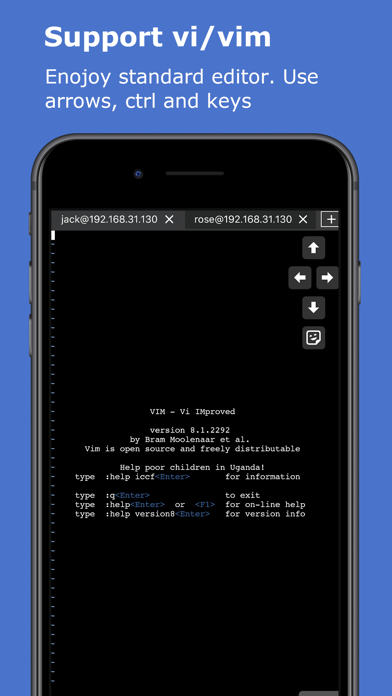
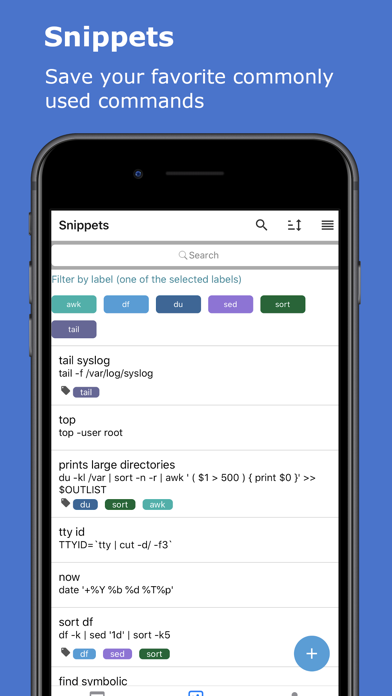
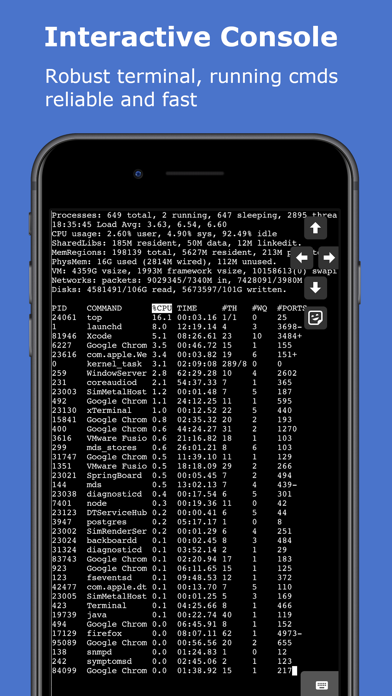
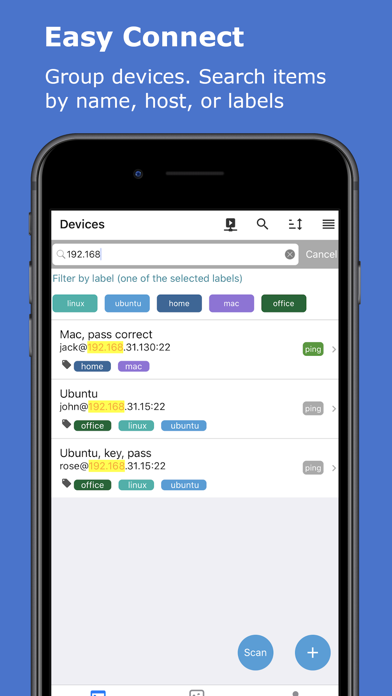
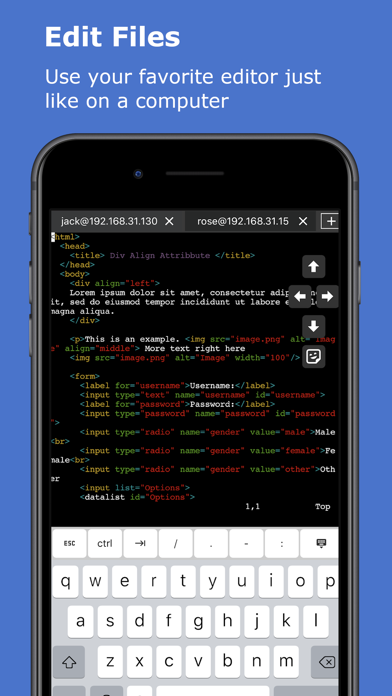
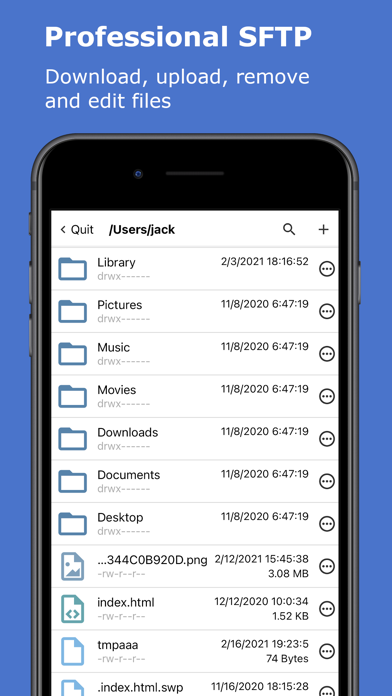
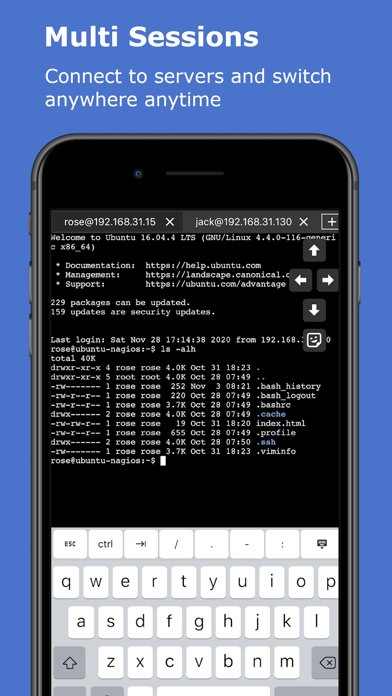
      xTerminal is a complete SSH client, securely and easily connect to your servers. * Interactive console. Robust terminal, running commands reliable and fast. Eg: running top command to monitor realtime system status. tail -f log file. * Reactive editor. Edit your documents with vi/vim just like on the computer. Support CTRL and arrow keys. * Multi sessions. Connect to multi sessions, easily add/remove/switch sessions. * Snippets. Save your favorite commonly used commands and easily run them. Group snippets by labels, search snippets by name, command or labels. * Device management. Add your SSH servers, Group devices by labels. Search routers by name, host, or labels. Connect by password or publickey authentication. * Support SSH jump host and socks5 proxy. * Support SFTP to manage files and directories. Upload, download, edit, move and delete files. * Keep awake and keep alive. * Easy to use. Pull to refresh, search highlight, sort list devices/snippets and drag to reorder. * Live ping. Monitor device live ping with ms and TTL. * Device discovery. Discover neighbor network devices and saved them. * Port knocking. Minimize a risk of hacking attempts, protect your servers with secure sequence. * Recognition. Protect your devices with TouchID/FaceID on app launch and on resume. * Sync. Backup and restore device/snippet list with iCloud. Have same settings on all your iOS mobile devices! * Copy and paste. Easily run command from clipboard or copy terminal output to clipboard. * Universal App for iPhone and iPad. * All your credentials and data will only be stored on your iPhone/iPad. * Batch Execute. Run snippets on multiple servers and get the output in one go. * Support startup snippet. An SSH client program is typically used for establishing connections to an SSH daemon accepting remote connections. Both are commonly present on most modern operating systems, including macOS, most distributions of Linux, OpenBSD, FreeBSD, NetBSD, Solaris and OpenVMS. xTerminal Pro is an optional upgrade. Pro Subscription available for USD 19.99 per year , monthly plan available for USD 3.99 per month and price may vary by location. Payment will be charged to iTunes Account at confirmation of purchase. Subscription automatically renews unless auto-renew is turned off at least 24-hours before the end of the current period. Account will be charged for renewal within 24-hours prior to the end of the current period, and identify the cost of the renewal. Subscriptions may be managed by the user and auto-renewal may be turned off by going to the user's Account Settings after purchase. Any unused portion of a free trial period, if offered, will be forfeited when the user purchases a subscription to that publication, where applicable. Terms of use https://septudio.com/terms-of-use and privacy policy https://septudio.com/privacy-policy

      xTerminal - SSH Terminal Shell Information

      Name xTerminal - SSH Terminal Shell

      Developer wanmei shao

      Version 2.6

      Update 2022-11-20

      Languages EN

      Size 63.13MB

      Compatibility Requires iOS 11.0 or later. Compatible with iPhone, iPad, and iPod touch.

      Other Original Version

      xTerminal - SSH Terminal Shell Screenshot
      xTerminal - SSH Terminal Shell
      xTerminal - SSH Terminal Shell
      xTerminal - SSH Terminal Shell
      xTerminal - SSH Terminal Shell
      xTerminal - SSH Terminal Shell
      xTerminal - SSH Terminal Shell
      xTerminal - SSH Terminal Shell

      Rating

      4.6

      735 Ratings

      Tap to Rate

      Please use Safari on iPhone/iPad to access the current page

      Because Panda Helper VIP service is based on iPhone/iPad device information (UDID), please access the current page in Safari on iPhone/iPad:
      • Scan the QR code on your iPhone/iPad
      • Copy the link below and open it in Safari on your iPhone/iPad
      * Safari only. Other browsers cannot get device information
      copy successfully!

      Follow us on social media

      panda helper top hover