Trending Searches

    History

      Clear All
      widget weather

      widget weather

      • Sizes: 74.41MB
      • Version: 2.4.6
      • Update: 2021-04-29
      Install by Apple Store

      widget weather Description

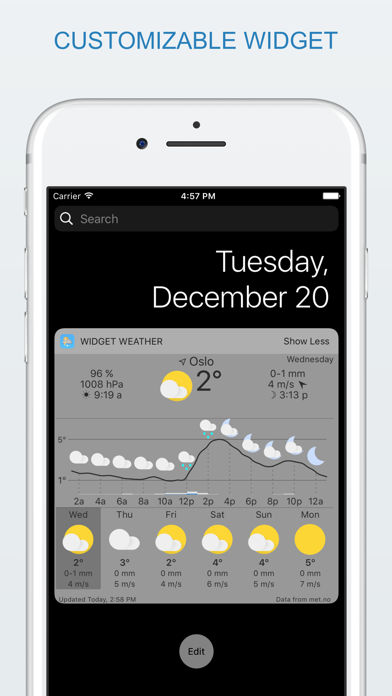
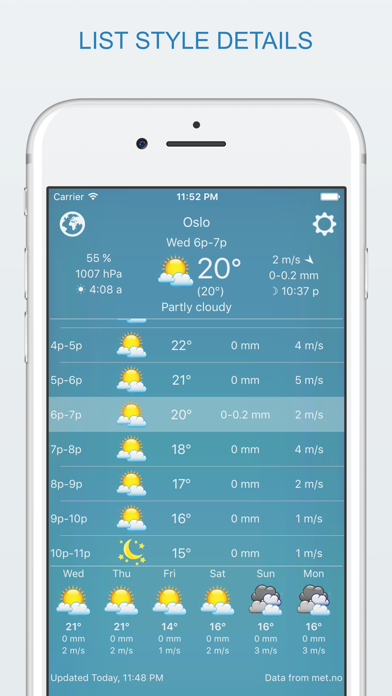
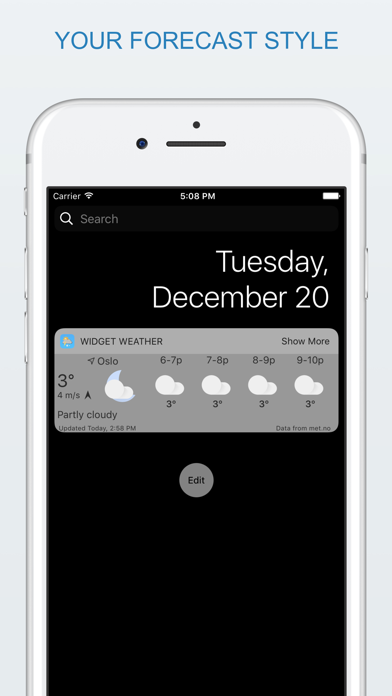
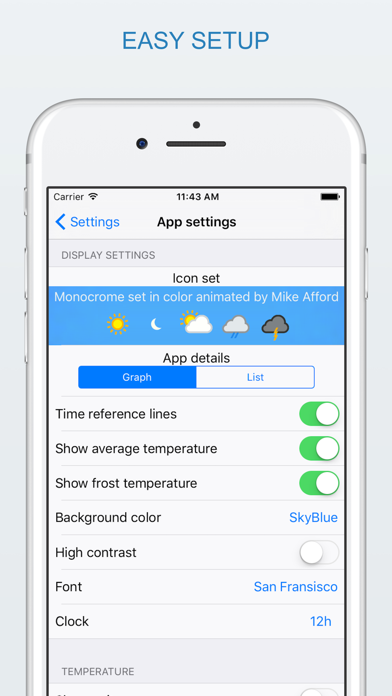
      Even bad weather can be forecasted beautifully! widget weather will make any weather look good on your iPhone/iPad/Apple Watch! widget weather is a fully customizable weather app and widget. Pick your favorite weather symbols, detail level, font and backgroud color. There's even two weather forecast services so pick the most accurate one for your location, and the weather forecast is saved locally for offline use. User reviews: -"I have tried every widget and this is by far the best. The pixelated weather animations are very cool. It has a ton of options and I like how you can double tap the widget to refresh the info." -"Maybe the best weather widget on the appstore." -"It's simple, beautiful and does what it says." -"LOVE THIS! Best weather app I've used so far!" On Apple Watch you can use the digital crown to travel through time on the current weather page. Just tap once to activate and scroll. Tap again to go back to current weather. ### There's a free version available if you'd like to try before you buy. You'll find "widget weather lite" under related apps ### Feature list: -Touch responsive meteogram -Two forecast styles: list and graph (meteogram) -Great customizable widget -Apple Watch support -Beautiful weather icon sets -Animated weather symbols -Customizable detail level (rain/wind/units etc.) -Font picker -Pick location from map or use GPS position -Two forecast services: openweathermap.org and met.no (met.no is the data provider for yr.no) -Choose how often new forecast data should be downloaded -Double tap to update manually (Great for saving data when roaming) -Tap to expand/collapse extends the visible forecast while using less space -Weather forecast in 24 languages -Universal for iPhone and iPad Usage tips: - Continued use of GPS running in the background can dramatically decrease battery life. - You can update manually by double tapping the widget. - Forecast data rarely changes more often than every 2 hours. ### To activate the widget, do the following: 1 Unlock the device 2 Pull down from the top of the screen to open the notification center. 3 Tap "Edit" at the bottom. 4 Press the green + sign next to "forecast". Done! You can change the order of things by pulling the lines up/down while pressing the icon to the right of the name (3 lines) ### Widget control options: -tap current/detail view for expand/collapse -double tap current/detail view to force update -touch and drag graph to show details -select day to see graph or list of details for upcoming days ### Weather forecast available in: English, Arabic, Bulgarian, Catalan, Chinese Simplified, Chinese Traditional, Croatian, Danish, Dutch, Finnish, French, German, Italian, Japanese, Korean, Norwegian, Polish, Portuguese, Romanian, Russian, Spanish, Swedish, Turkish and Ukrainian. App menus in English, Chinese Simplified, Danish, French, German, Italian, Japanese, Korean, Norwegian, Portuguese, Russian, Spanish and Swedish.

      widget weather Information

      Name widget weather

      Category Weather

      Developer Trond Rossvoll

      Version 2.4.6

      Update 2021-04-29

      Languages AR,BG,CA,DA,NL,EN,FI,FR,DE,IT,JA,KO,NB,PL,PT,RO,RU,ZH,ES,SV,ZH,TR,UK

      Size 74.41MB

      Compatibility Requires iOS 12.1 or later. Compatible with iPhone, iPad, and iPod touch.

      Other Original Version

      widget weather Screenshot
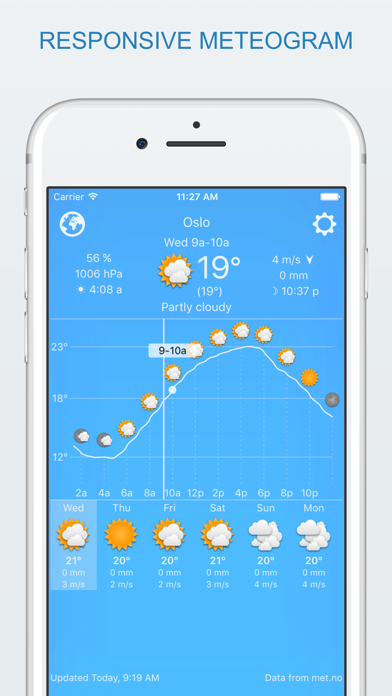
      widget weather
      widget weather
      widget weather
      widget weather
      widget weather

      Rating

      4.6

      227 Ratings

      Tap to Rate

      Please use Safari on iPhone/iPad to access the current page

      Because Panda Helper VIP service is based on iPhone/iPad device information (UDID), please access the current page in Safari on iPhone/iPad:
      • Scan the QR code on your iPhone/iPad
      • Copy the link below and open it in Safari on your iPhone/iPad
      * Safari only. Other browsers cannot get device information
      copy successfully!

      Follow us on social media

      panda helper top hover