Trending Searches

    History

      Clear All
      Tactacam Reveal

      Tactacam Reveal

      • Sizes: 105.43MB
      • Version: 2.4.0
      • Update: 2022-09-26
      Install by Apple Store

      Tactacam Reveal Description

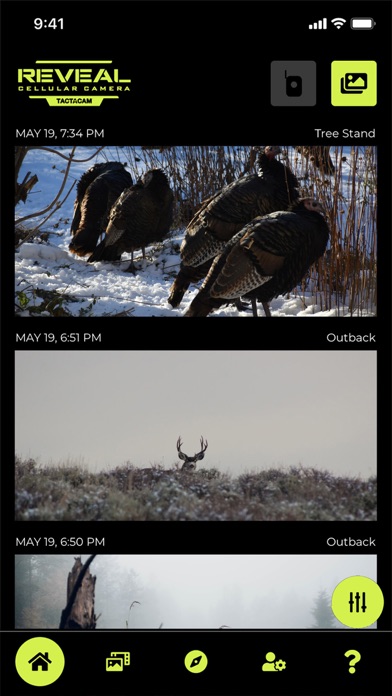
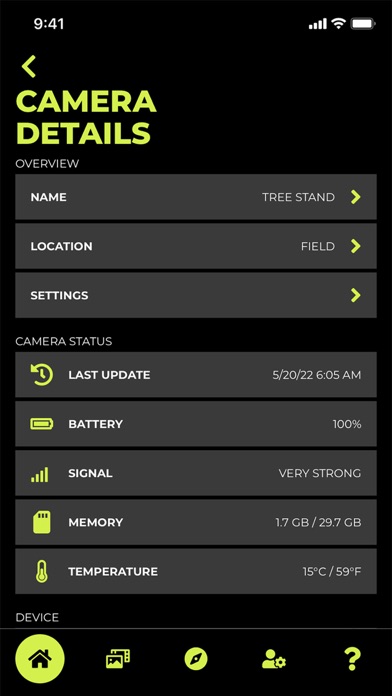
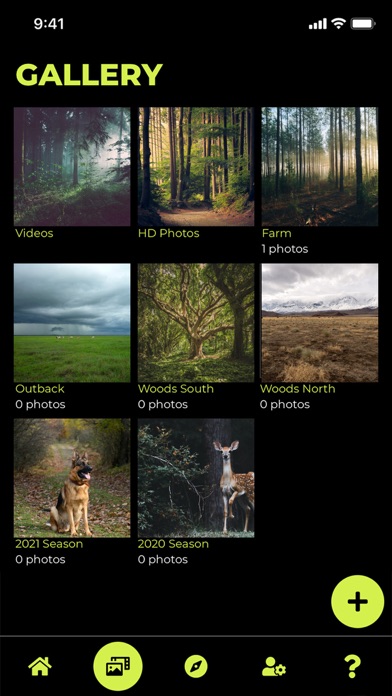
      TACTACAM REVEAL (Verizon or AT&T) cellular camera includes a pre-activated SIM card that will connect to your mobile device using the REVEAL APP. After activation and cellular connection, the REVEAL camera will deliver photos from your hunt location directly to your mobile device (you can view images from your favorite hunting spots). Manage your REVEAL cameras and share your favorite photos from the comfort of your home by using the REVEAL APP. How to Connect: 1. Download and create your account on the REVEAL APP 2. Select one of the affordable REVEAL data plans. 3. Power on and scan your REVEAL cameras QR code with your REVEAL APP to activate and connect the camera. 4. Place your REVEAL camera in your favorite location. Features: - Easy Setup with a QR code scan from the REVEAL APP - Manage multiple REVEAL cellular cameras from your mobile device - Modify data plans using the REVEAL APP from your mobile device - View and organize your images into folders on the go with the REVEAL APP - Monitor SD card and Battery level and Cellular signal strength - Share images from the REVEAL APP via text messages or email

      Tactacam Reveal Information

      Name Tactacam Reveal

      Category Photography

      Developer Tactacam LLC

      Version 2.4.0

      Update 2022-09-26

      Languages EN

      Size 105.43MB

      Compatibility Requires iOS 12.0 or later. Compatible with iPhone, iPad, and iPod touch.

      Other Original Version

      Tactacam Reveal Screenshot
      Tactacam Reveal
      Tactacam Reveal
      Tactacam Reveal
      Tactacam Reveal

      Rating

      4.6

      1758 Ratings

      Tap to Rate

      Please use Safari on iPhone/iPad to access the current page

      Because Panda Helper VIP service is based on iPhone/iPad device information (UDID), please access the current page in Safari on iPhone/iPad:
      • Scan the QR code on your iPhone/iPad
      • Copy the link below and open it in Safari on your iPhone/iPad
      * Safari only. Other browsers cannot get device information
      copy successfully!

      Follow us on social media

      panda helper top hover