Trending Searches

    History

      Clear All
      Signal GH

      Signal GH

      • Sizes: 9.32MB
      • Version: 3.0.3
      • Update: 2023-03-20
      Install by Apple Store

      Signal GH Description

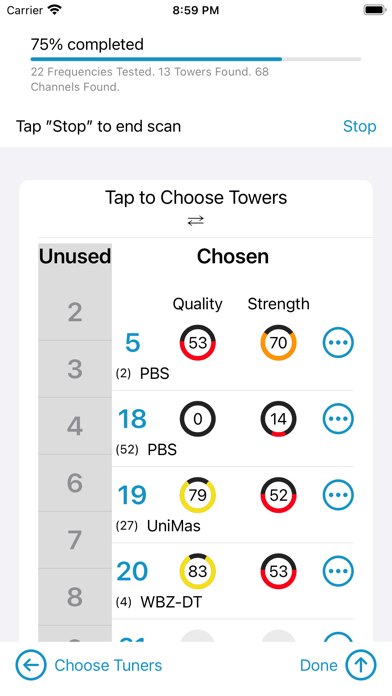
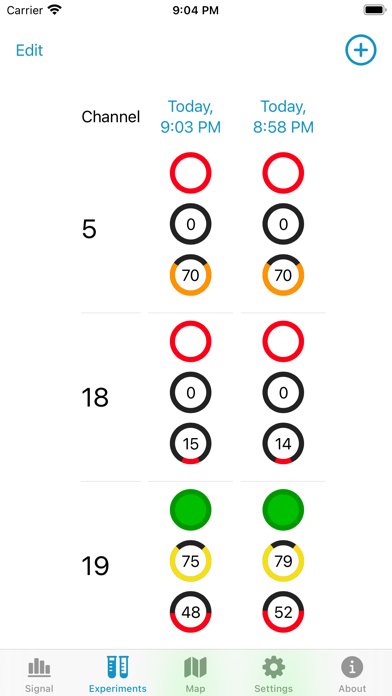
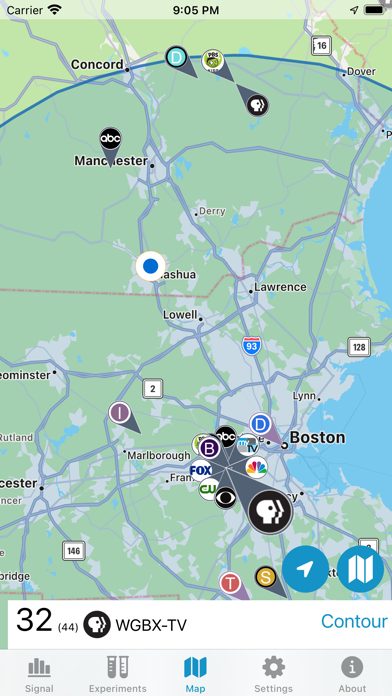
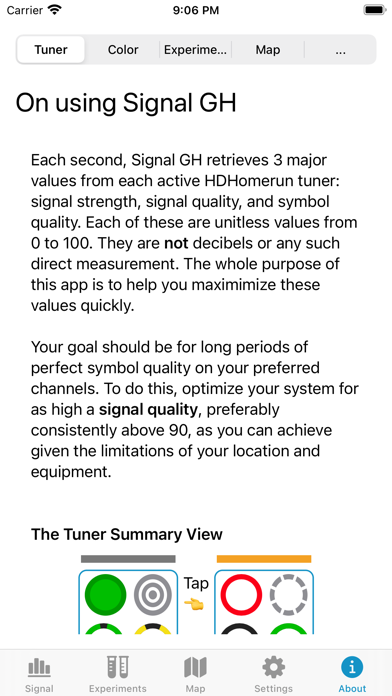
      Signal GH is a tool for users of the HDHomerun networked digital TV tuner who want to monitor and improve their Over The Air (OTA) reception quality. It graphs signal quality from multiple channels simultaneously, allowing a user to more rapidly adjust and upgrade OTA receiving hardware, i.e., cables, connections, splitters, pre-amps, and antennas. Snapshot the state of your system using the Experiments tab to keep track of what worked and what didn't work. United States users also have the benefit of a map of digital television broadcasting towers. Depends on the accuracy of your device's compass. If you don't have an HDHomerun, you don't need this product. If you do have an HDHomerun, and use it for over the air reception, you will likely find it useful. If the automatic scan does not find a station you expect, tap on the station's real digital channel in the unused channel column under Settings. Signal GH does not support QAM (digital cable) Please make sure your HDHomerun is set to use a broadcasting channel set and not a cable channel set. You cannot use this software to watch video on your iOS device. This is a diagnostic tool.

      Signal GH Information

      Name Signal GH

      Category Utilities

      Developer Generally Helpful Software

      Version 3.0.3

      Update 2023-03-20

      Languages EN

      Size 9.32MB

      Compatibility Requires iOS 15.2 or later. Compatible with iPhone, iPad, and iPod touch.

      Other Original Version

      Signal GH Screenshot
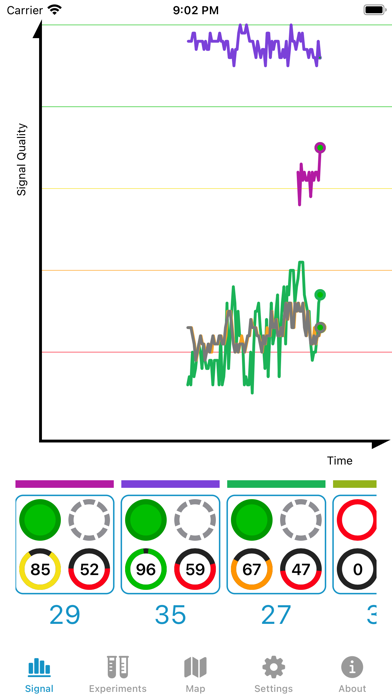
      Signal GH
      Signal GH
      Signal GH
      Signal GH
      Signal GH

      Rating

      4.7

      1581 Ratings

      Tap to Rate

      Please use Safari on iPhone/iPad to access the current page

      Because Panda Helper VIP service is based on iPhone/iPad device information (UDID), please access the current page in Safari on iPhone/iPad:
      • Scan the QR code on your iPhone/iPad
      • Copy the link below and open it in Safari on your iPhone/iPad
      * Safari only. Other browsers cannot get device information
      copy successfully!

      Follow us on social media

      panda helper top hover