Trending Searches

    History

      Clear All
      ServerCat - SSH Terminal

      ServerCat - SSH Terminal

      • Sizes: 21.08MB
      • Version: 1.5.4
      • Update: 2022-11-05
      Install by Apple Store

      ServerCat - SSH Terminal Description

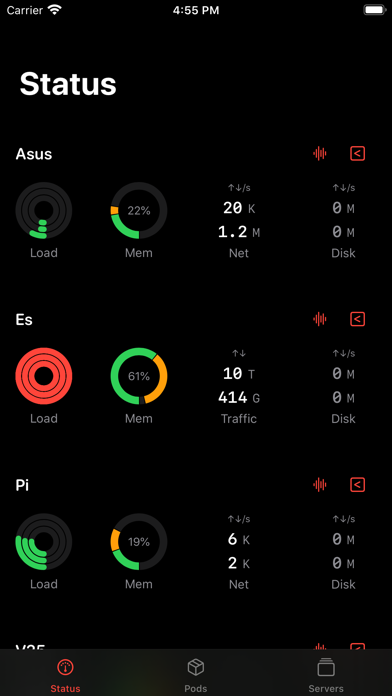
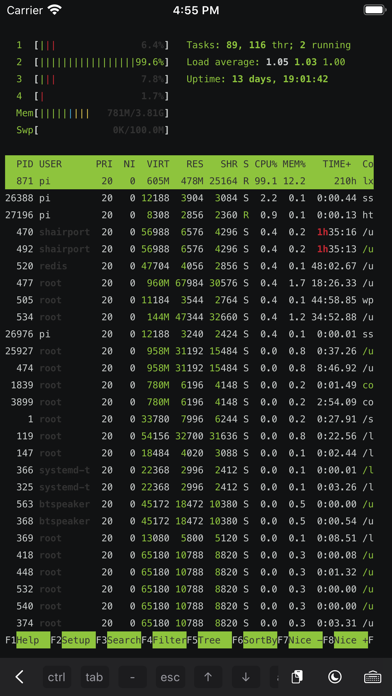
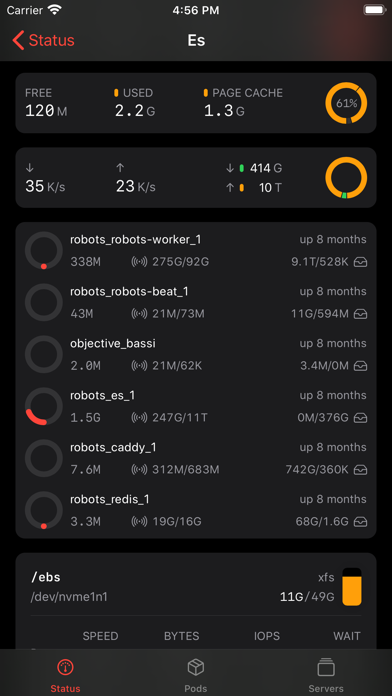
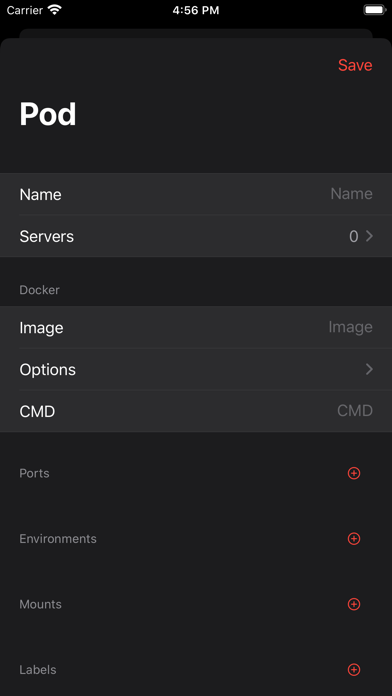
      ServerCat is a Linux monitor and Docker Management & SSH Terminal app. ServerCat makes it easy to monitor your server status on your mobile. It shows detail running status of your linux servers and docker containers. It only needs an SSH account without any other dependencies. It will not install any tools to your system. Free Features Monitor detail status of your server including: ・CPU usage per-core ・GPU usage and running process ・Memory usage ・Network traffic/speed and TCP stats ・Docker containers and stats ・Disk blocks and IO per second Premium Features ・ SSH Shell Terminal ・ Sync data across all your iOS devices ・ Create and Manage containers ・Background SSH Security: All SSH credentials are AES-encrypted and saved locally. The Cloud Sync uses iCloud to sync AES-encrypted data securely and nobody can inspect your data in the cloud. Terms of Use https://www.apple.com/legal/internet-services/itunes/dev/stdeula/ Privacy Policy https://servercat.app/privacy

      ServerCat - SSH Terminal Information

      Name ServerCat - SSH Terminal

      Developer Zhenlu Zou

      Version 1.5.4

      Update 2022-11-05

      Languages EN,JA,ZH

      Size 21.08MB

      Compatibility Requires iOS 14.0 or later. Compatible with iPhone, iPad, and iPod touch.

      Other Original Version

      ServerCat - SSH Terminal Screenshot
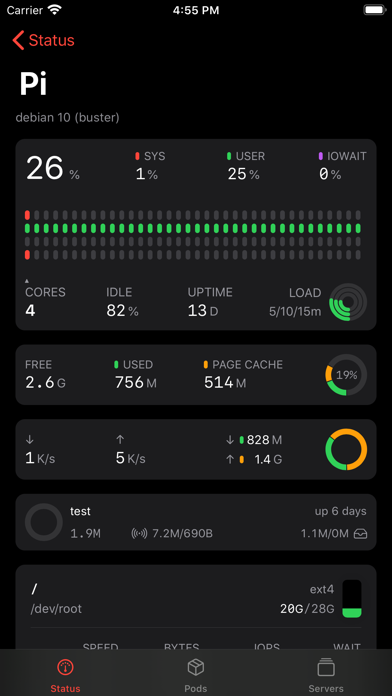
      ServerCat - SSH Terminal
      ServerCat - SSH Terminal
      ServerCat - SSH Terminal
      ServerCat - SSH Terminal
      ServerCat - SSH Terminal

      Rating

      4.6

      305 Ratings

      Tap to Rate

      Please use Safari on iPhone/iPad to access the current page

      Because Panda Helper VIP service is based on iPhone/iPad device information (UDID), please access the current page in Safari on iPhone/iPad:
      • Scan the QR code on your iPhone/iPad
      • Copy the link below and open it in Safari on your iPhone/iPad
      * Safari only. Other browsers cannot get device information
      copy successfully!

      Follow us on social media

      panda helper top hover