Trending Searches

    History

      Clear All
      Resume Builder Pro

      Resume Builder Pro

      • Sizes: 112.09MB
      • Version: 2.1
      • Update: 2020-12-28
      Install by Apple Store

      Resume Builder Pro Description

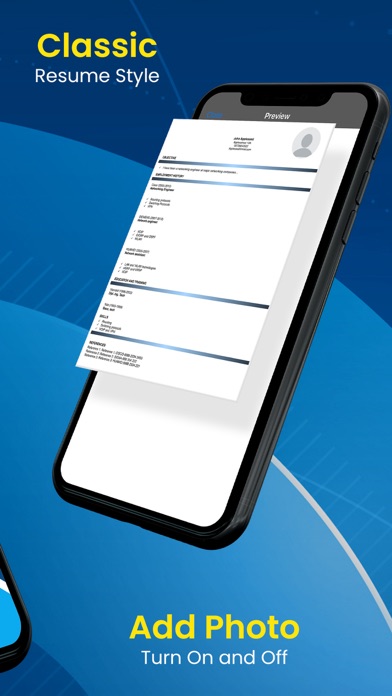
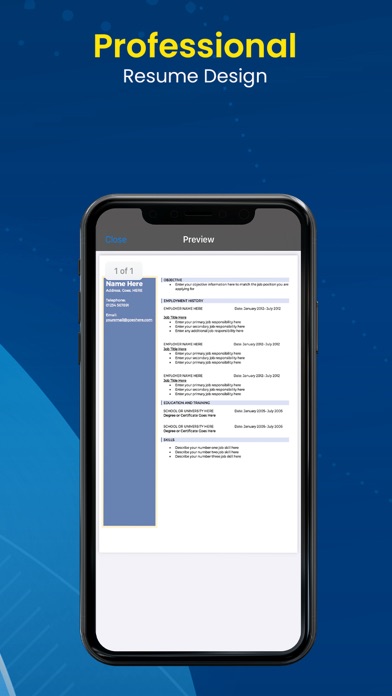
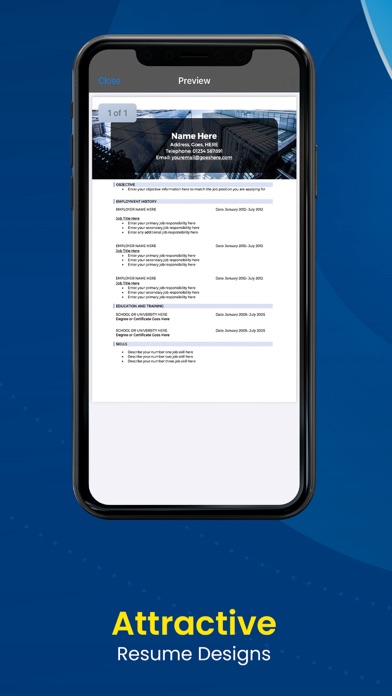
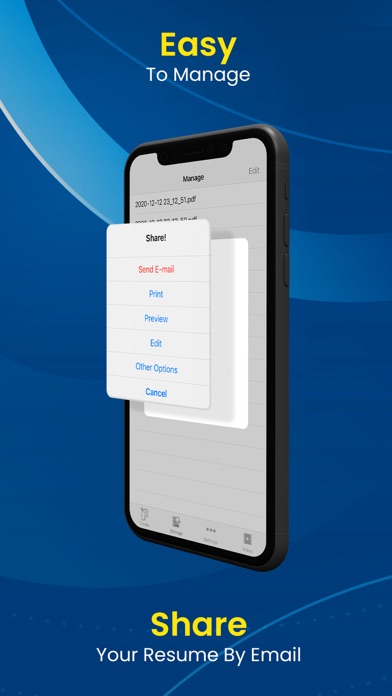
      Resume Builder Pro for iPhone, iPad and iPod Touch can create, preview, print and email a professional looking resume plus you can attach your photo, pick a theme, and share your resume via Facebook or Twitter. And now you can save to iCloud. You can add references too. This resume app will help you make and generate a nice looking resume. How much is a new job worth to you? Get Resume Builder Pro and go find out the answer. Resume sections include: *Contact Information *Objective *Employment History *Education And Training *Skills *References Features include: * Professional resume builder software * Attach your photo in resume * Save your resume to PDF * Help video * Email your resume * Print your resume * Save resume to iCloud * Share your resume via Facebook or Twitter * Save, edit, delete and preview function * Optimized for iPhone and iPad devices * New themes to design resumes * Now available on Apple Silicon Macs Manage and edit multiple resumes on the go plus attach your photo! Download Resume Builder Pro to make your resume and get on a path to a new career. Thank you so much! Resume Builder Pro is a trademark belonging to Cosey Management. All Rights Reserved.

      Resume Builder Pro Information

      Name Resume Builder Pro

      Category Bussiness

      Developer Cosey Management LLC

      Version 2.1

      Update 2020-12-28

      Languages EN

      Size 112.09MB

      Compatibility Requires iOS 12.0 or later. Compatible with iPhone, iPad, and iPod touch.

      Other Original Version

      Resume Builder Pro Screenshot
      Resume Builder Pro
      Resume Builder Pro
      Resume Builder Pro
      Resume Builder Pro
      Resume Builder Pro

      Rating

      4.7

      1850 Ratings

      Tap to Rate

      Please use Safari on iPhone/iPad to access the current page

      Because Panda Helper VIP service is based on iPhone/iPad device information (UDID), please access the current page in Safari on iPhone/iPad:
      • Scan the QR code on your iPhone/iPad
      • Copy the link below and open it in Safari on your iPhone/iPad
      * Safari only. Other browsers cannot get device information
      copy successfully!

      Follow us on social media

      panda helper top hover