Trending Searches

    History

      Clear All
      Mileage Tracker by Everlance

      Mileage Tracker by Everlance

      • Sizes: 332.30MB
      • Version: 4.1.5
      • Update: 2022-11-02
      Install by Apple Store

      Mileage Tracker by Everlance Description

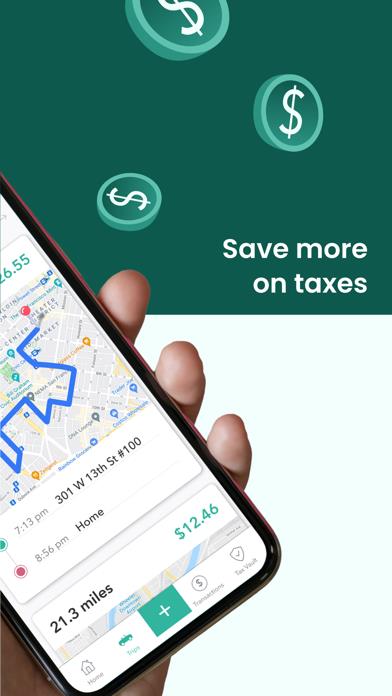
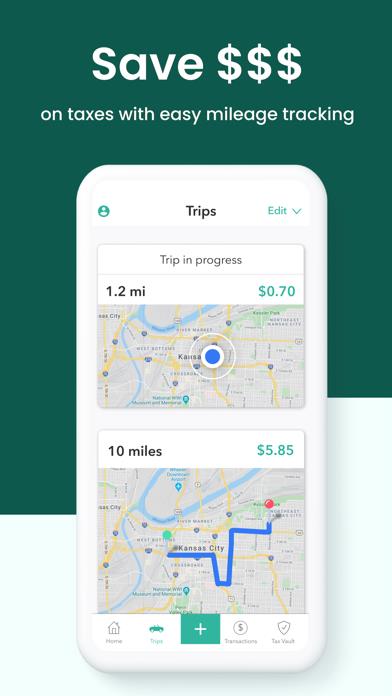
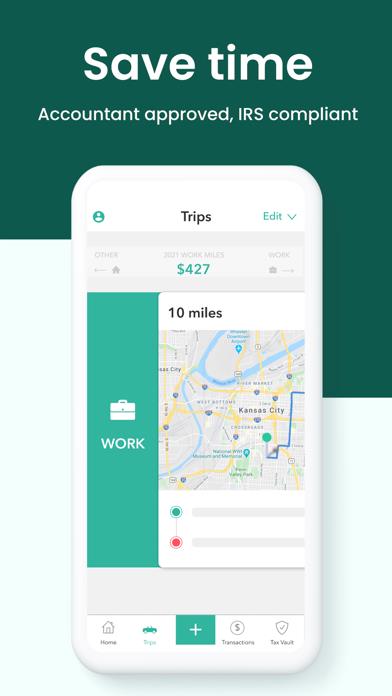
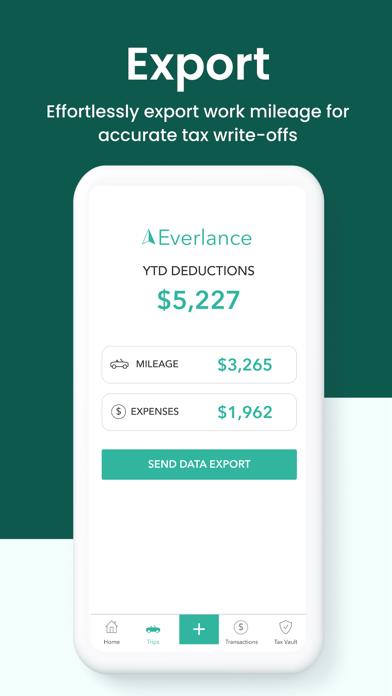
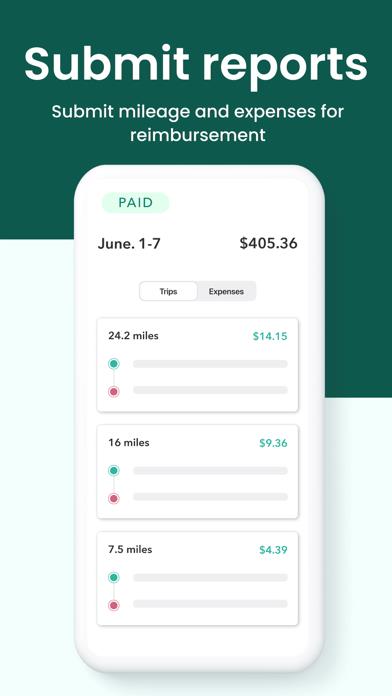
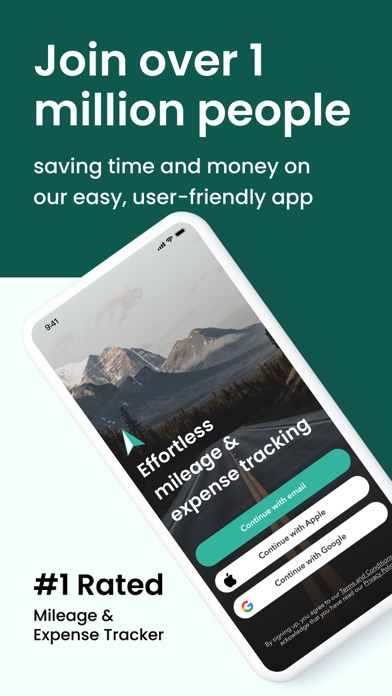
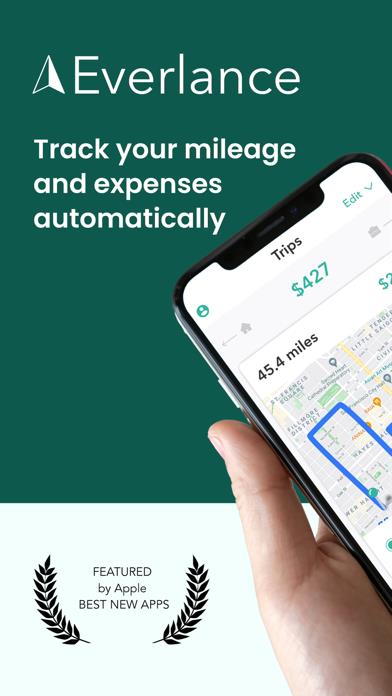
      The #1 automatic mileage and expense tracking app, trusted by over 1 million drivers. Did you know the average Everlance user saves $6,500 on taxes every year by maximizing their deductions with Everlance? Well, now you do. And you can join 1,000,000+ people trusting Everlance to track their miles and expenses automatically and start saving time and money. Say goodbye to paper mileage logs and manual expense tracking. Everlance uses GPS to create IRS-compliant mileage logs and syncs with your bank or credit card to record business expenses and receipts. Save hours of time and thousands of dollars during tax season with Everlance. Why Everlance? - Track all of your drives automatically with our auto-detect technology—don’t even worry about hitting a start and stop button after each trip! - Swipe to classify your trips as business, personal, charity, or medical - Save time and money on your taxes with our accurate mileage and expense tracking and tax preparation tools. - Find IRS-compliant mileage logs and expense reports in our Tax Center for easy tax preparation Track your mileage effortlessly. Everlance automatically and accurately logs all your miles for you while you drive. Everlance runs silently in the background, so you can forget about paper mileage logs or tax hassles. With Everlance, you never have to think about tracking your work miles again. Customize tracking to get details on miles, trip start and end time, location, trip logs, reimbursement value, and more. Save more on taxes. Every 1,000 business miles logged by our mileage tracking app is worth $585 as a business expense that you don’t have to pay taxes on. Plus, use our Instant Deduction finder to scan your transactions from the previous year in minutes and find business expenses and deductions. Manage business expenses easily. Connect your personal or business credit card or bank account and automatically track expenses directly in the app. Swipe to classify expenses as business or personal and deduct business expenses from your taxes. You can also snap, scan and store receipts right with the rest of your records, making your reports IRS-compliant and ensuring you never miss a deduction. Who should use a mileage tracker app? Our mileage tracking app is perfect for: - Gig and delivery drivers: Uber, Lyft Doordash, Postmates, Instacart, and more - Real Estate: Realtors, Brokers, Property Managers & Investors - Business: Sales Agents, Business Consultants, Construction Teams, Distribution - Community-based organizations - Creative professionals and freelancers - Caregivers and medical professionals - Home service professionals - Anyone managing a mobile workforce - Anyone who drives for work We'd love to hear from you! If you have feedback, questions or suggestions on our mileage tracker, please reach out to [email protected] Learn More: Terms of Service: https://everlance.com/terms-of-service Privacy Policy: https://everlance.com/privacy

      Mileage Tracker by Everlance Information

      Name Mileage Tracker by Everlance

      Category Finance

      Developer Everlance Inc.

      Version 4.1.5

      Update 2022-11-02

      Languages EN,FR,ES

      Size 332.30MB

      Compatibility Requires iOS 14.1 or later. Compatible with iPhone, iPad, and iPod touch.

      Other Original Version

      Mileage Tracker by Everlance Screenshot
      Mileage Tracker by Everlance
      Mileage Tracker by Everlance
      Mileage Tracker by Everlance
      Mileage Tracker by Everlance
      Mileage Tracker by Everlance
      Mileage Tracker by Everlance
      Mileage Tracker by Everlance

      Rating

      4.9

      1418 Ratings

      Tap to Rate

      Please use Safari on iPhone/iPad to access the current page

      Because Panda Helper VIP service is based on iPhone/iPad device information (UDID), please access the current page in Safari on iPhone/iPad:
      • Scan the QR code on your iPhone/iPad
      • Copy the link below and open it in Safari on your iPhone/iPad
      * Safari only. Other browsers cannot get device information
      copy successfully!

      Follow us on social media

      panda helper top hover