Trending Searches

    History

      Clear All
      iCurrency Pad

      iCurrency Pad

      • Sizes: 4.32MB
      • Version: 3.6
      • Update: 2019-10-28
      Install by Apple Store

      iCurrency Pad Description

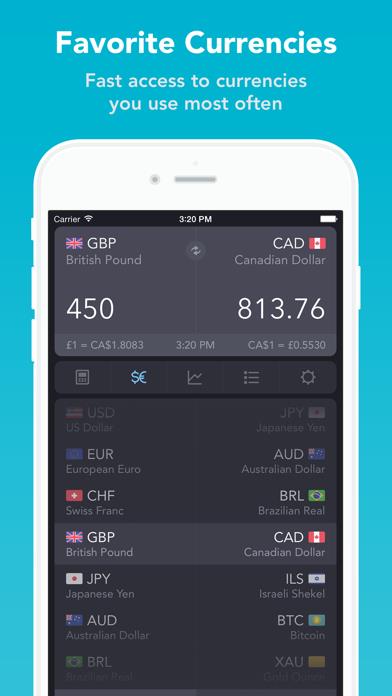
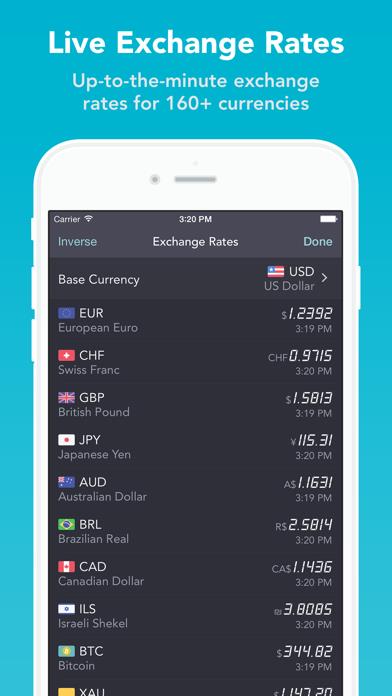
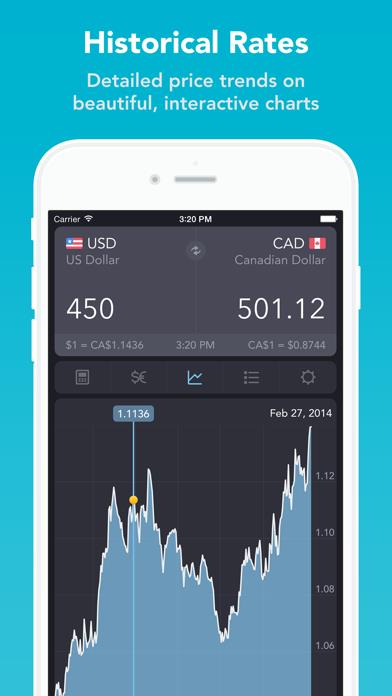
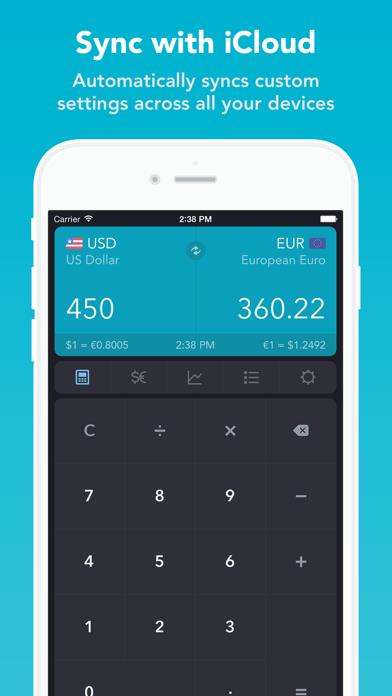
      iCurrencyPad is not just a simple and elegant currency convertor and calculator. iCurrencyPad also offers an up-to-the-minute exchange rates "electronic board", detailed charts of historical price trends, and more: √ a polished, easy-to-use interface √ 160+ currencies from around the world √ favorite currencies to reduce clutter √ charts for all exchange rates √ multiple data sources √ iPhone, iPad and iPod Touch resolutions √ HD Retina graphics optimized for iPhone 6 and 6 Plus ◆◆◆◆◆ "Excellent! Professional! Highly Recommended... finally the currency application I have been waiting for so long..." ◆◆◆◆◆ "...I tried all other similar apps, and I am proud to announce that this app is simply the best of them all.." ◆◆◆◆◆ "Smart, intuitive and flexible!... slick interface with great functionality which further impresses with its great selection of currencies and immediate updates. Good job! Highly recommend!" Features: -- Simple Interface -- iCurrencyPad was designed to be fast and easy to use. Just select the currencies to convert and tap in the amount to convert. A convenient calculator allows for basic math calculations, showing the results as the values are tapped. Swipe across the display to swap the left and right currencies, or swipe up and down to select different currencies. Tap and hold to copy/paste. -- Favorite Currencies -- While iCurrencyPad offers exchange rates for 160+ currencies from around the world, you may be interested in only a few currencies. To reduce clutter on the screen, iCurrencyPad allows you to select and sort your Favorite Currencies, so only those currencies that interest you appear on the screen, thereby making the application easier and faster to use. -- Charts -- Detailed charts show the history of exchange rates for any two currencies. Tap on the chart for the exchange rate on any particular day. Tap with two fingers to show the change in rates between any two dates. Rotate the device for a larger chart in landscape view. Charts for most currencies are available for 1-day, 5-days, 3-months, 6-months, 1-year, 2-years, 5-years and 10-years. -- Exchange Rates Listing -- The exchange rates listing shows a base currency compared to all other currencies, similar to the electronic exchange rate boards seen in "Change" shops around the world. -- Exchange Rates Updates -- iCurrencyPad updates Exchange Rates on demand, or automatically at pre-defined intervals ranging from 15 seconds to 1 day. Exchange Rates are automatically updated when the app is launched, or auto-updates can be turned off when roaming. An Internet connection is required to update rates, either via cellular network or a Wifi connection. Without a connection, rates can still be accessed and converted using the last data downloaded. -- Easy to Get Started -- A short 20-second tutorial will play when you first launch iCurrencyPad and guide you through the app's features. -- Languages -- The user interface is offered in 9 languages: English, Spanish, French, German, Italian, Russian, Chinese, Japanese and Arabic. Please visit the App Store in your language for a translated description and screenshots. -- Reviews -- "...iCurrency Pad is a great piece of software powered by a stunning design and usability. It’s beautiful, useful, powerful yet simple and straightforward..." -- MacStories (http://bit.ly/94Y9IT)

      iCurrency Pad Information

      Name iCurrency Pad

      Category Finance

      Developer Sollico Software

      Version 3.6

      Update 2019-10-28

      Languages AR,DA,EN,FR,DE,HE,IT,JA,RU,ZH,ES,ZH

      Size 4.32MB

      Compatibility Requires iOS 9.2 or later. Compatible with iPhone, iPad, and iPod touch.

      Other Original Version

      iCurrency Pad Screenshot
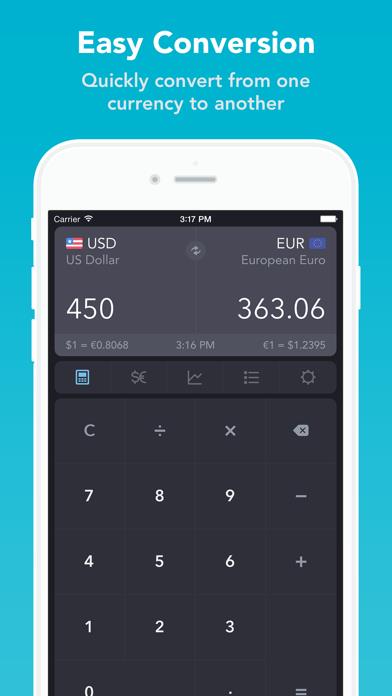
      iCurrency Pad
      iCurrency Pad
      iCurrency Pad
      iCurrency Pad
      iCurrency Pad

      Rating

      4.9

      735 Ratings

      Tap to Rate

      Please use Safari on iPhone/iPad to access the current page

      Because Panda Helper VIP service is based on iPhone/iPad device information (UDID), please access the current page in Safari on iPhone/iPad:
      • Scan the QR code on your iPhone/iPad
      • Copy the link below and open it in Safari on your iPhone/iPad
      * Safari only. Other browsers cannot get device information
      copy successfully!

      Follow us on social media

      panda helper top hover