Trending Searches

    History

      Clear All
      Happy Printer

      Happy Printer

      • Sizes: 133.05MB
      • Version: 4.0.13
      • Update: 2022-05-19
      Install by Apple Store

      Happy Printer Description

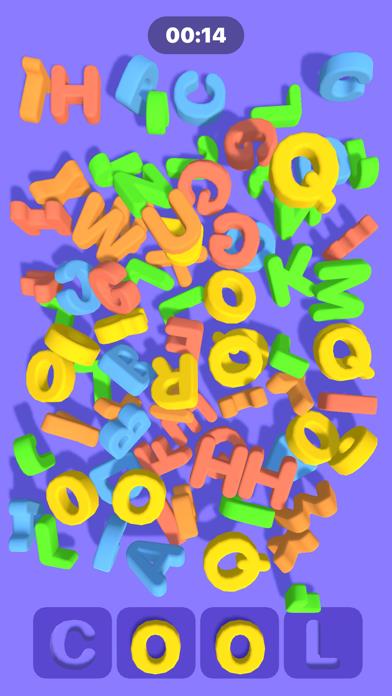
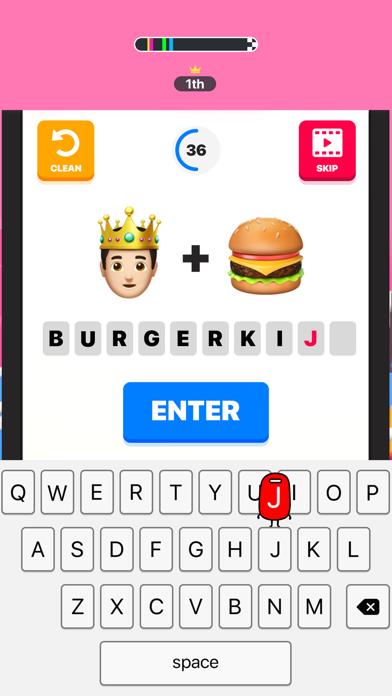
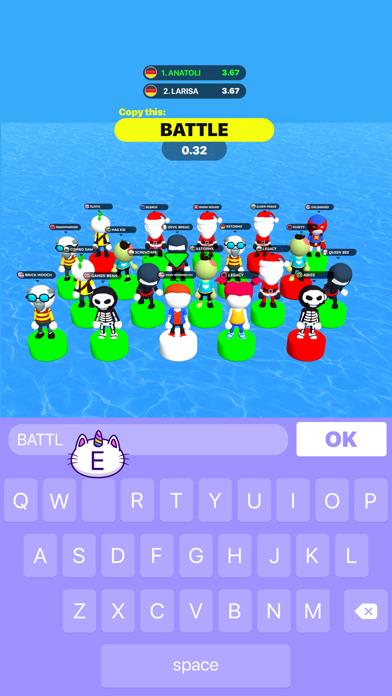
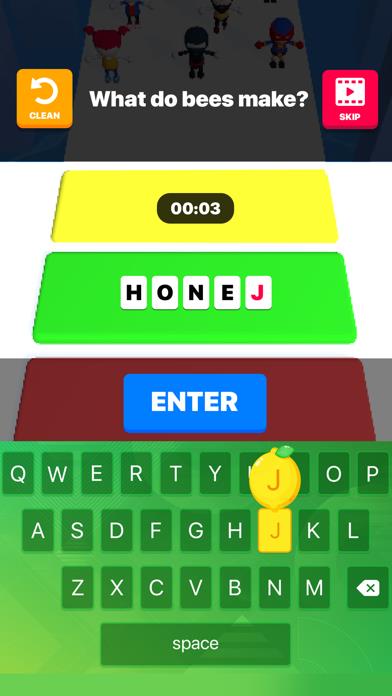
      Ready to challenge your brain and your typing speed? Join this exciting race against quick sneaky opponents, go level by level to complete various missions, and become the Champion. From simple typing games to tricky word trivia, and more — there is plenty of brain-busting! Happy Printer is packed with match-three games, word problems, hidden objects, different riddles that will test your memory, typing speed, and strategic thinking. BEST FEATURES: • 5-in-1 running games with levels, fun missions, and rewards. You’ll never get bored! • Simple and fun gameplay, easy navigation, and nice design. You'll love it! • Crowds of sneaky opponents: from easy-to-defeat losers to very smart and skillful runners. Leave them all behind! • Endless fun and brain-pushing games. Not just play, think! • Great time filler. Highly addictive! Have fun running, typing, and beating every level in this cool set of awesome games! Privacy Policy: http://tap2play.me/happyprinter/privacy/ Terms of Use: http://tap2play.me/happyprinter/terms/

      Happy Printer Information

      Name Happy Printer

      Category Games

      Developer Freeplay LLC

      Version 4.0.13

      Update 2022-05-19

      Languages BE,CA,CS,DA,NL,EN,FR,DE,IT,JA,KO,PT,RU,ZH,ES

      Size 133.05MB

      Compatibility Requires iOS 12.0 or later. Compatible with iPhone, iPad, and iPod touch.

      Other Original Version

      Happy Printer Screenshot
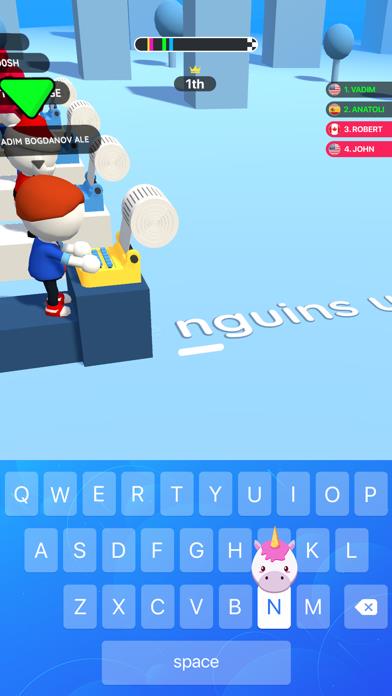
      Happy Printer
      Happy Printer
      Happy Printer
      Happy Printer
      Happy Printer
      Happy Printer
      Happy Printer

      Rating

      4.8

      335 Ratings

      Tap to Rate

      Please use Safari on iPhone/iPad to access the current page

      Because Panda Helper VIP service is based on iPhone/iPad device information (UDID), please access the current page in Safari on iPhone/iPad:
      • Scan the QR code on your iPhone/iPad
      • Copy the link below and open it in Safari on your iPhone/iPad
      * Safari only. Other browsers cannot get device information
      copy successfully!

      Follow us on social media

      panda helper top hover