Trending Searches

    History

      Clear All
      Find Lost Hearing Aids

      Find Lost Hearing Aids

      • Sizes: 21.79MB
      • Version: 1.1.0
      • Update: 2020-03-25
      Install by Apple Store

      Find Lost Hearing Aids Description

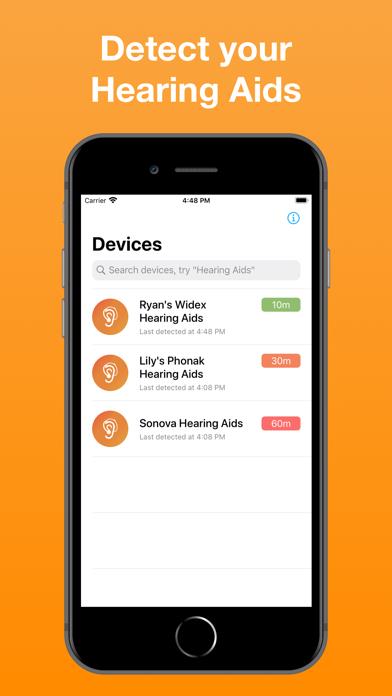
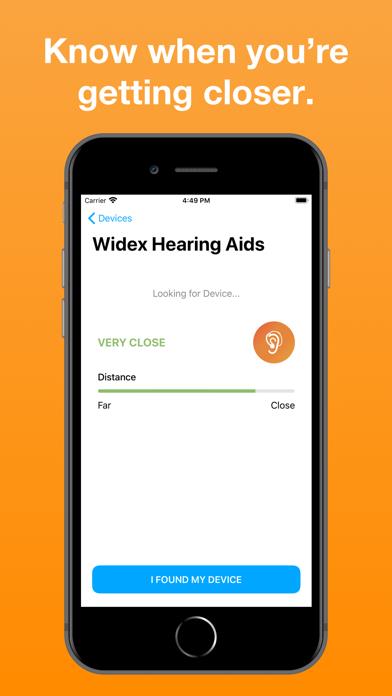
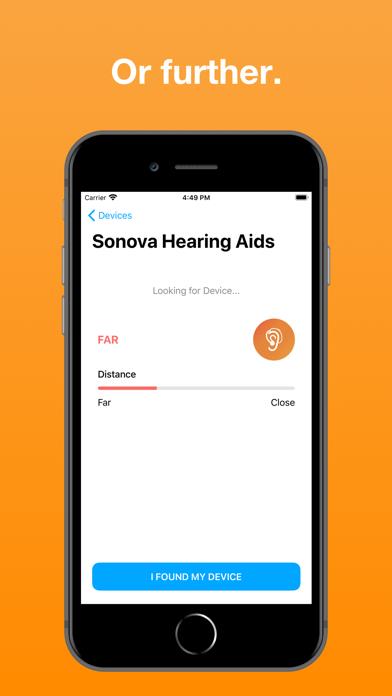
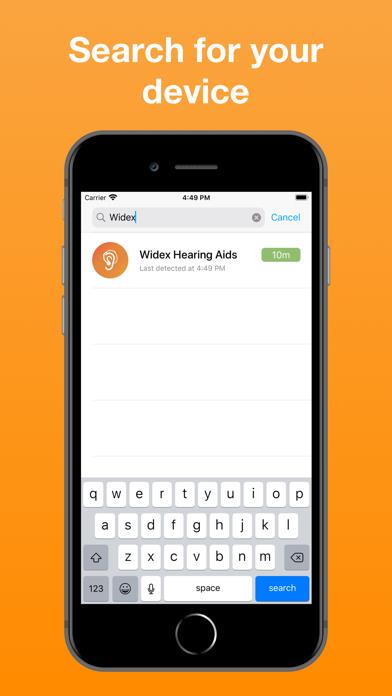
      This app allows you to locate your lost hearing aids and hearing devices, such as Phonak or Unitron, using Bluetooth. It can find one of your Hearing Aids or both. Find Lost Hearing Aids shows you how close you are to the Hearing Aid and can lead you to its location. It will detect your Hearing Aid if their Bluetooth signal is on and if you are less than 330 feet away (100 meters). Note: The Hearing Aid you are looking for needs to have Bluetooth capabilities and the battery needs to still be alive. Get the app now before the battery runs out! This app helps you find your: • Phonak Hearing Aids • Widex Hearing Aids • Oticon Hearing Aids • Hansaton Hearing Aids • Starkey Hearing Aids • Resound Hearing Aids • Bernafon Hearing Aids • many other Bluetooth Hearing Aids. **** If you have any question, do not hesitate to send an email to [email protected] We can help you navigate through the app and find your device. We answer quickly. **** If you found your device, consider leaving a 5-star rating and writing a review!

      Find Lost Hearing Aids Information

      Name Find Lost Hearing Aids

      Category Healthcare & Fitness

      Developer On Hand Apps

      Version 1.1.0

      Update 2020-03-25

      Languages AR,EN,FR,ES,ZH

      Size 21.79MB

      Compatibility Requires iOS 10.0 or later. Compatible with iPhone, iPad, and iPod touch.

      Other Original Version

      Find Lost Hearing Aids Screenshot

      Find Lost Hearing Aids
      Find Lost Hearing Aids
      Find Lost Hearing Aids
      Find Lost Hearing Aids
      Find Lost Hearing Aids

      Rating

      4.9

      553 Ratings

      Tap to Rate

      Please use Safari on iPhone/iPad to access the current page

      Because Panda Helper VIP service is based on iPhone/iPad device information (UDID), please access the current page in Safari on iPhone/iPad:
      • Scan the QR code on your iPhone/iPad
      • Copy the link below and open it in Safari on your iPhone/iPad
      * Safari only. Other browsers cannot get device information
      copy successfully!

      Follow us on social media

      panda helper top hover