Trending Searches

    History

      Clear All
      Coloring Watch

      Coloring Watch

      • Sizes: 69.33MB
      • Version: 3.7
      • Update: 2023-04-19
      Install by Apple Store

      Coloring Watch Description

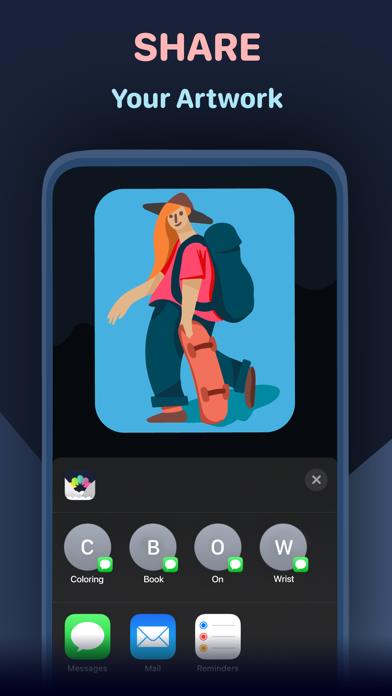
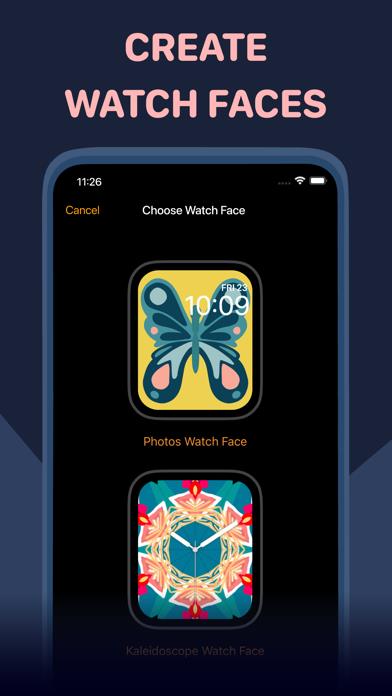
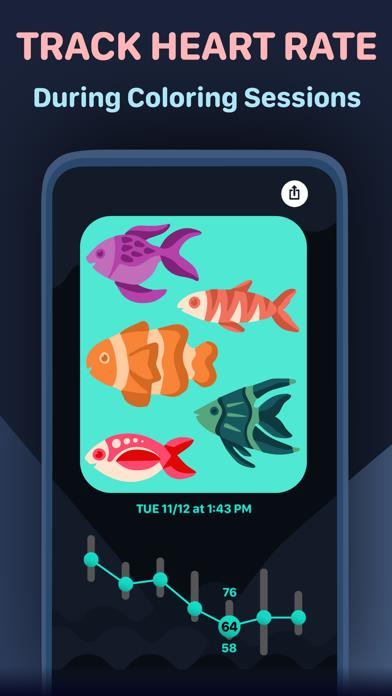
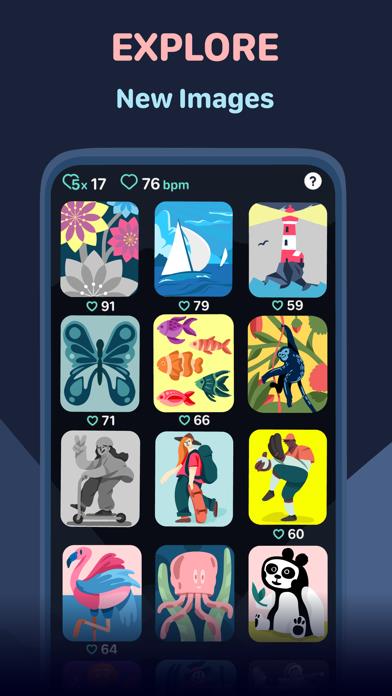
      Featured by Apple in "Must-Have Apple Watch Apps" and "Our Favorite Apple Watch Apps" collections. Coloring is a great way to calm down and relieve stress. Now for the first time you can experience the relaxing effects of coloring directly on your Apple Watch. Designed exclusively for Apple Watch, Coloring Watch gives you a full coloring experience on your Apple Watch while introducing new mindfulness aspects to coloring. Requires an Apple Watch with watchOS 6 or later. Recommended device Series 3 or later. Set Complication feature available on Series 4 devices or later. ***Color images on your Apple Watch*** -Over 130 images available on your Apple Watch. Including animated and still images -Tune colors smoothly by using the digital crown -100 colors to choose from -Your progress is automatically stored and you can continue your coloring anytime -Toggle between image parts by tapping the screen. Tap the right half of the screen to select the next part, and tap the left part of the screen to select the previous part -Browse through and select different images that are uniquely designed for Apple Watch and the Coloring Watch app (swipe to open menu) ***Create Watch Faces and Share your creations*** -After coloring images on the Apple Watch the results can be seen on the iPhone -Tap images on your iPhone to open share menu -Share menu also contains a “Create Watch Face” button that lets you use your creations as Watch Faces on your Apple Watch -Set your favorite coloring image as a complication on the following watch faces: Infograph, Infograph Modular, Meridian, California, Modular Compact and X-Large(watchOS 7 only). Please note that the supported complications are only available on Series 4 and later devices ***Mindful Minutes*** -Breathe calmly and start five minute Coloring Sessions that will track your heart rate while coloring or while just relaxing -After completing Coloring Sessions examine changes in your heart rate during the five minute sessions (use digital crown to scroll through data) -Coloring Sessions with health tracking is completely optional and can be started by opening the app menu (swipe to open the menu) -By seeing detailed heart rate data after Coloring Sessions you can get insight on how breathing and focusing in a simple relaxing task such as coloring, can affect your heart rate. -Coloring Sessions are stored as Mindful Minutes into HealthKit and contribute to your Mindful Minutes in your Health app -You can pick specific images for different situations and track image specific heart rate averages -Starting Coloring Sessions will reset the colors of the selected image to its original state -Please note that Coloring Sessions require access to your HealthKit ***Privacy*** -In order to start optional Coloring Sessions that track your heart rate, Coloring Watch needs access to your Heart Rate and Mindful Minutes data in HealthKit -Your personal data used by Coloring Watch is only stored and used locally on your devices ***What to do if Coloring Watch does not appear on your Apple Watch*** -Download Coloring Watch directly from the App Store on your Apple Watch If you have any questions we will happily help you: [email protected]

      Coloring Watch Information

      Name Coloring Watch

      Category Entertainment

      Developer Sydvesti Oy

      Version 3.7

      Update 2023-04-19

      Languages EN,DE,JA,ZH

      Size 69.33MB

      Compatibility Requires iOS 14.0 or later. Compatible with iPhone, iPad, and iPod touch.

      Other Original Version

      Coloring Watch Screenshot
      Coloring Watch
      Coloring Watch
      Coloring Watch
      Coloring Watch

      Rating

      4.5

      1746 Ratings

      Tap to Rate

      Please use Safari on iPhone/iPad to access the current page

      Because Panda Helper VIP service is based on iPhone/iPad device information (UDID), please access the current page in Safari on iPhone/iPad:
      • Scan the QR code on your iPhone/iPad
      • Copy the link below and open it in Safari on your iPhone/iPad
      * Safari only. Other browsers cannot get device information
      copy successfully!

      Follow us on social media

      panda helper top hover