Trending Searches

    History

      Clear All
      Call Recorder : Record Phone Calls

      Call Recorder : Record Phone Calls

      • Sizes: 33.52MB
      • Version: 1.0
      • Update: 2017-08-10
      Install by Apple Store

      Call Recorder : Record Phone Calls Description

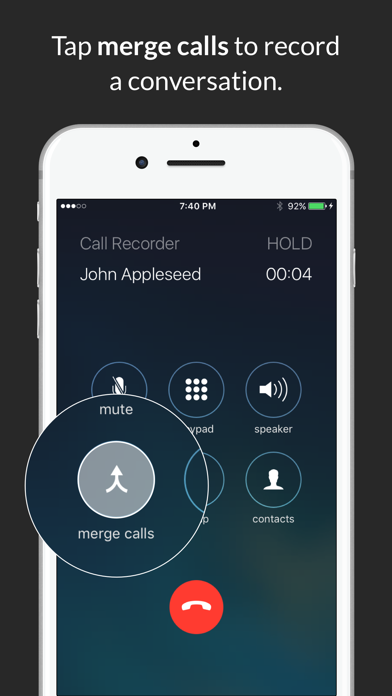
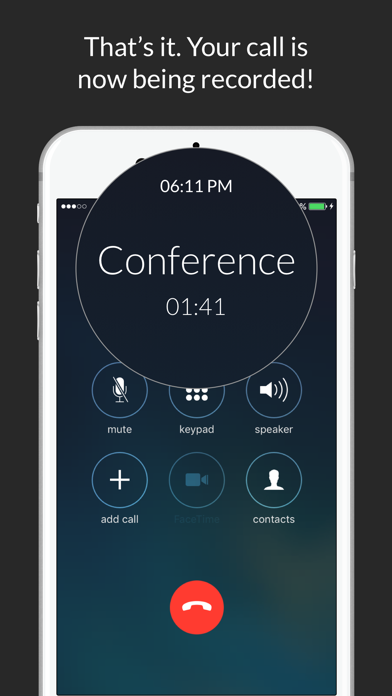
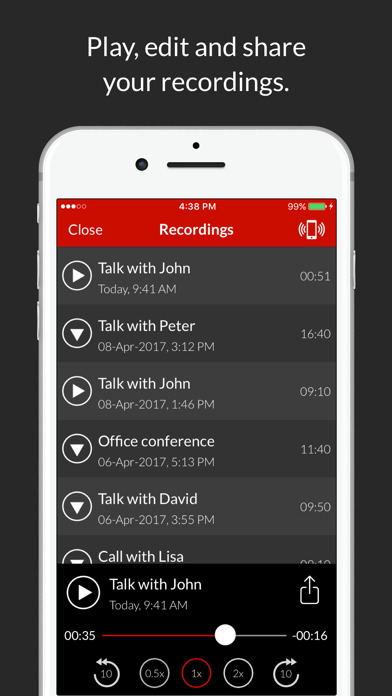
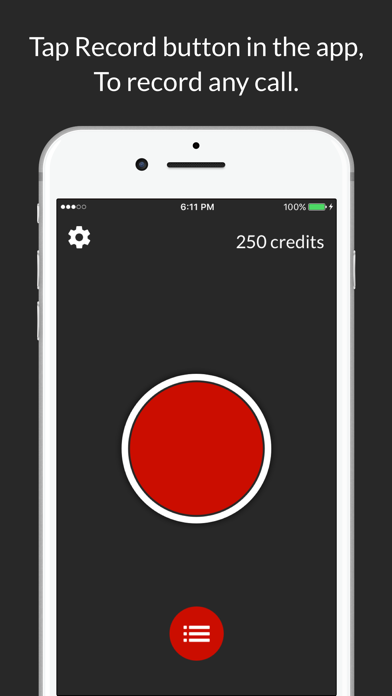
      Recording incoming and outgoing calls is so easy with Call Recorder! Record any calls in few taps and access conversations as soon as you hangup the call! Call Recorder offers everything you need to record your calls and manage recordings: - Record outgoing calls in few taps - Easy record incoming calls - Access recordings as soon as conversation is over - Easy to use interface - Share recordings with other devices and apps - Upload your recordings to clouds - Share recordings via Mail, SMS, Facebook & Twitter - Export recordings to other apps - Label your recordings for easy to identify NOTE: - Please first ensure your phone carrier supports 3-way conference calling in order to use Call Recorder. - Call Recorder uses your carrier's conference call feature to record conversations. If you cannot merge calls, please contact your carrier to find out if conference calling is available on your account.

      Call Recorder : Record Phone Calls Information

      Name Call Recorder : Record Phone Calls

      Category Bussiness

      Developer LiveBird Technologies Private Limited

      Version 1.0

      Update 2017-08-10

      Languages EN,FR,DE,IT,JA,KO,PT,RU,ZH,ES

      Size 33.52MB

      Compatibility Requires iOS 9.0 or later. Compatible with iPhone, iPad, and iPod touch.

      Other Original Version

      Call Recorder : Record Phone Calls Screenshot
      Call Recorder : Record Phone Calls
      Call Recorder : Record Phone Calls
      Call Recorder : Record Phone Calls
      Call Recorder : Record Phone Calls

      Rating

      4.9

      1819 Ratings

      Tap to Rate

      Please use Safari on iPhone/iPad to access the current page

      Because Panda Helper VIP service is based on iPhone/iPad device information (UDID), please access the current page in Safari on iPhone/iPad:
      • Scan the QR code on your iPhone/iPad
      • Copy the link below and open it in Safari on your iPhone/iPad
      * Safari only. Other browsers cannot get device information
      copy successfully!

      Follow us on social media

      panda helper top hover