Trending Searches

    History

      Clear All
      Zelle

      Zelle

      • Sizes: 79.61MB
      • Version: 7.6.0
      • Update: 2022-11-17
      Install by Apple Store

      Zelle Description

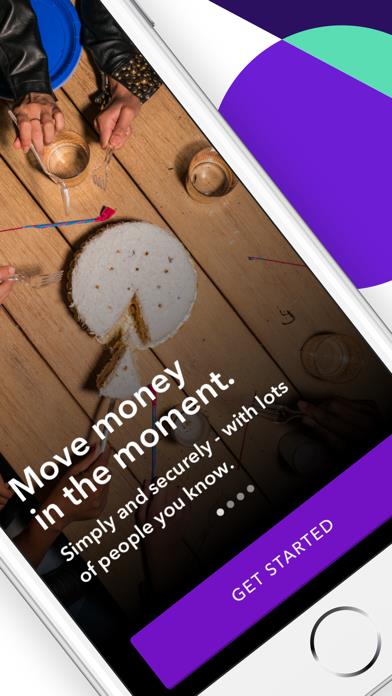
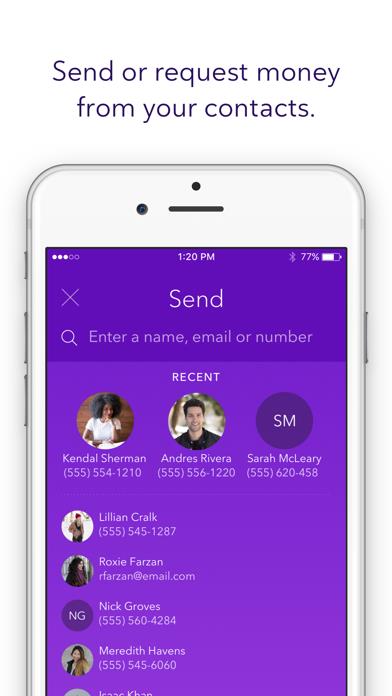
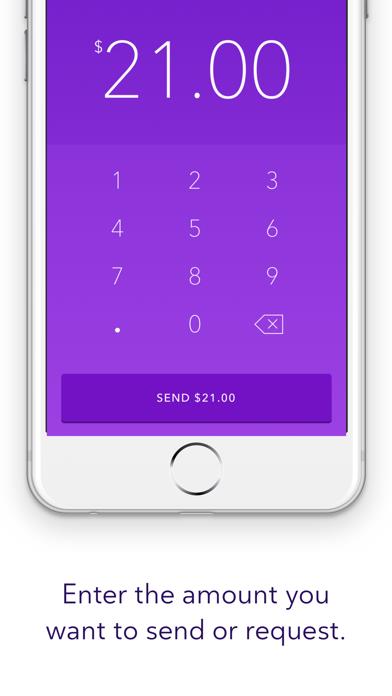
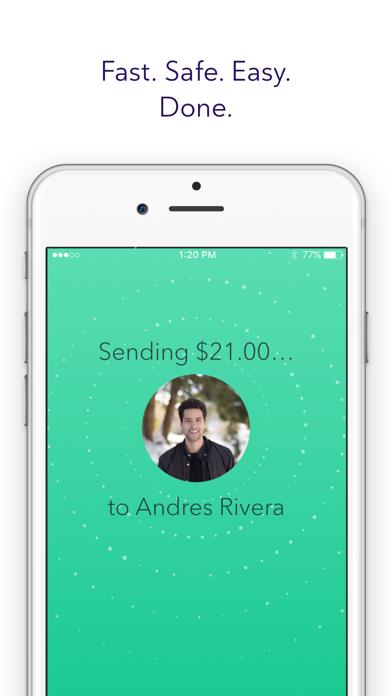
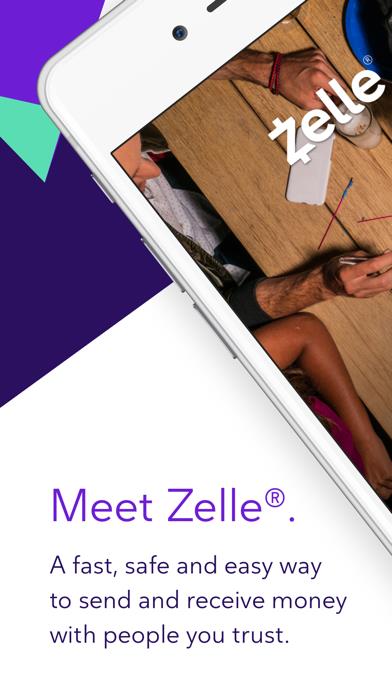
      Zelle® has partnered with leading banks and credit unions across the U.S. to bring you a fast, safe and easy way to send money to friends and family. Money moves quickly - directly from bank account to bank account. If your bank or credit union offers Zelle, you already have it in your mobile banking app or online banking – if they don’t, the Zelle app will make it easy for you to send money to enrolled Zelle users that already have access through their financial institution. Zelle. This is how money moves®. Using just your recipient’s email address or U.S. mobile number, you can settle up simply and safely with almost anyone you know and trust. Even better, Zelle does not charge any fees to use the service. (Mobile carrier or bank fees may apply). GET STARTED: 1. Download the Zelle app. 2. Enroll using a Visa® or Mastercard® debit card linked to a U.S. checking account; or 3. Enroll your U.S. checking account by using your online banking username and password, if your bank supports this feature*. 4. Choose a person to pay, or request money from, by entering their U.S. mobile number or email address. 5. Confirm the amount and hit send. If they’re already enrolled with Zelle, they’ll typically get the money in minutes. If they aren’t, they will be notified and can follow a few simple steps to complete the payment. *Some banks allow customers to enroll in the Zelle app using their online or mobile banking username and password. Zelle and the Zelle related marks and logos are property of Early Warning Services, LLC You must have a bank account in the U.S. to use Zelle.

      Zelle Information

      Name Zelle

      Category Finance

      Developer Early Warning Services, LLC

      Version 7.6.0

      Update 2022-11-17

      Languages EN

      Size 79.61MB

      Compatibility Requires iOS 13.0 or later. Compatible with iPhone, iPad, and iPod touch.

      Other Original Version

      Zelle Screenshot
      Zelle
      Zelle
      Zelle
      Zelle
      Zelle

      Rating

      4.8

      1589 Ratings

      Tap to Rate

      Please use Safari on iPhone/iPad to access the current page

      Because Panda Helper VIP service is based on iPhone/iPad device information (UDID), please access the current page in Safari on iPhone/iPad:
      • Scan the QR code on your iPhone/iPad
      • Copy the link below and open it in Safari on your iPhone/iPad
      * Safari only. Other browsers cannot get device information
      copy successfully!

      Follow us on social media

      panda helper top hover