Trending Searches

    History

      Clear All
      Wrist for GroupMe

      Wrist for GroupMe

      • Sizes: 26.02MB
      • Version: 2.8
      • Update: 2020-01-21
      Install by Apple Store

      Wrist for GroupMe Description

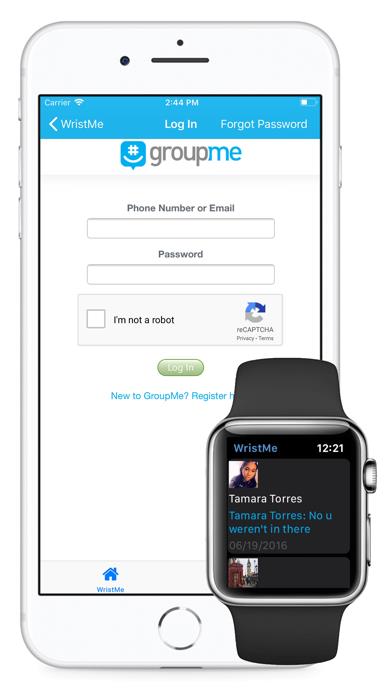
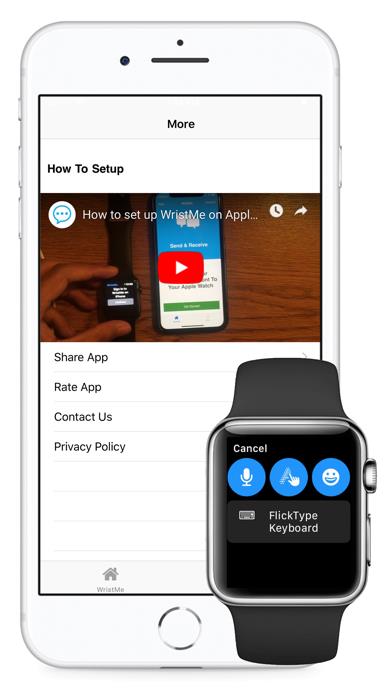
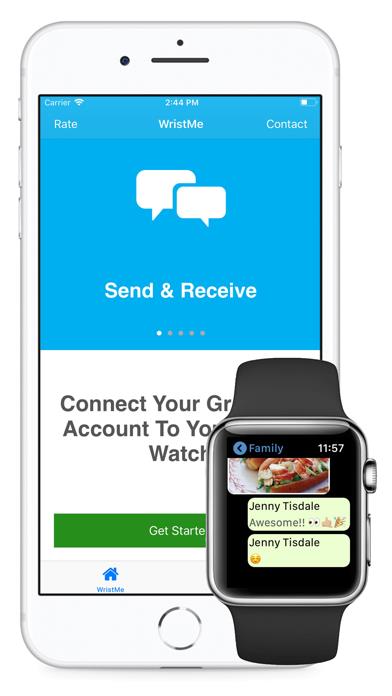
      WristMe lets you send and receive GroupMe messages from your Apple Watch ! Your watch is a sophisticated device and now you can stay connected with all your conversations. Features * Send & Receive messages * Full Emoji & Image support * Create New Groups * Secure Log In with official GroupMe Platform * View list of conversations * Dictate or Scribble reply messages * Full QWERTY keyboard support (Flicktype) * Read chats (direct messages or groups) * Complication Support * View Me section (your info) * Tap a photo to view a higher quality / bigger version of it * Like / Unlike messages * Create Quick Replies (for faster replying) * View number of users you block if any. * Sign Out with a tap * Simple and fast refresh/reload * Use the app stand alone after first setup (supports Cellular!) Stay connected with those you love right on your wrist. Please note that this application is not endorsed by GroupMe. The application is built using the official GroupMe platform and is fully compliant and secure with respective terms and privacy policies.

      Wrist for GroupMe Information

      Name Wrist for GroupMe

      Category Social Networking

      Developer Sana Siddiqui

      Version 2.8

      Update 2020-01-21

      Languages EN,IT,ES

      Size 26.02MB

      Compatibility Requires iOS 9.3 or later. Compatible with iPhone, iPad, and iPod touch.

      Other Original Version

      Wrist for GroupMe Screenshot
      Wrist for GroupMe
      Wrist for GroupMe
      Wrist for GroupMe

      Rating

      4.6

      555 Ratings

      Tap to Rate

      Please use Safari on iPhone/iPad to access the current page

      Because Panda Helper VIP service is based on iPhone/iPad device information (UDID), please access the current page in Safari on iPhone/iPad:
      • Scan the QR code on your iPhone/iPad
      • Copy the link below and open it in Safari on your iPhone/iPad
      * Safari only. Other browsers cannot get device information
      copy successfully!

      Follow us on social media

      panda helper top hover