Trending Searches

    History

      Clear All
      Waterlogue: Photo to Painting

      Waterlogue: Photo to Painting

      • Sizes: 48.41MB
      • Version: 1.5.02
      • Update: 2023-04-12
      Install by Apple Store

      Waterlogue: Photo to Painting Description

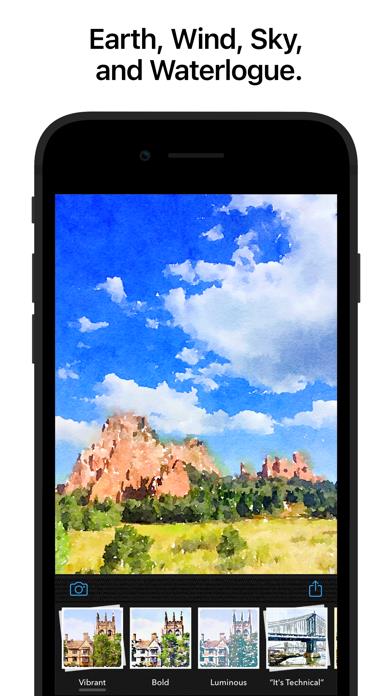
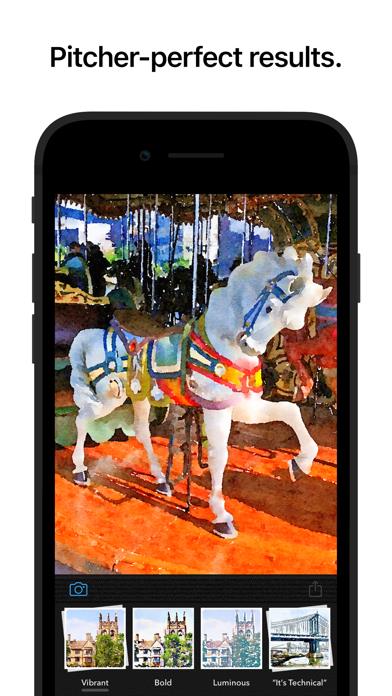
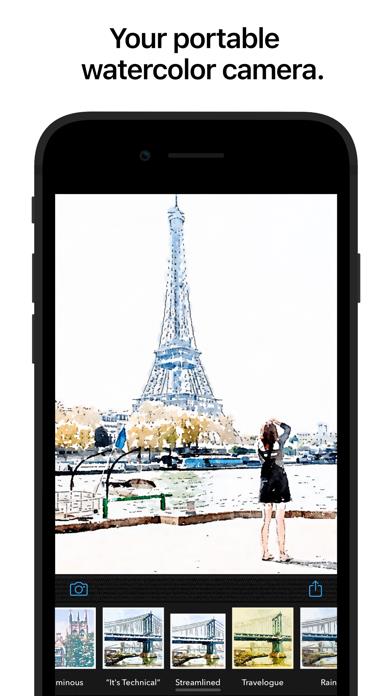
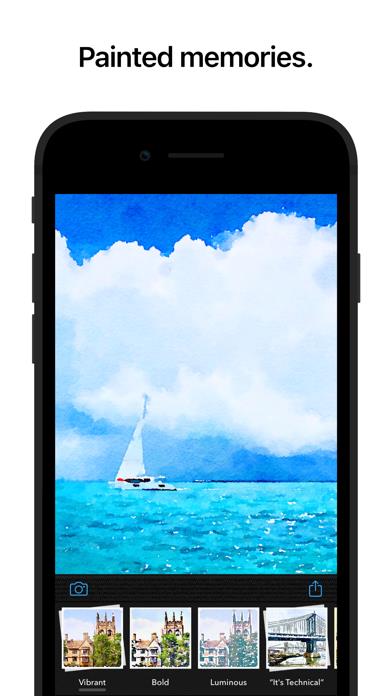
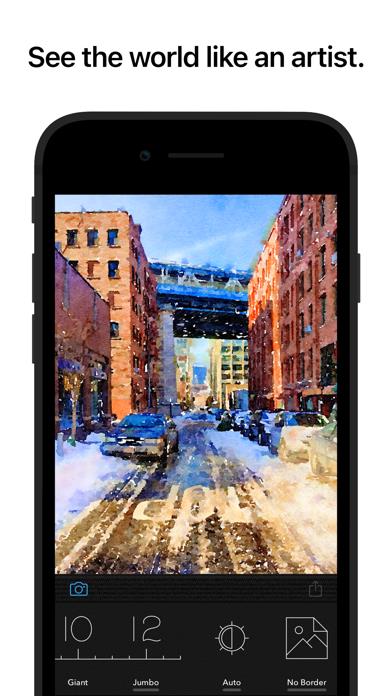
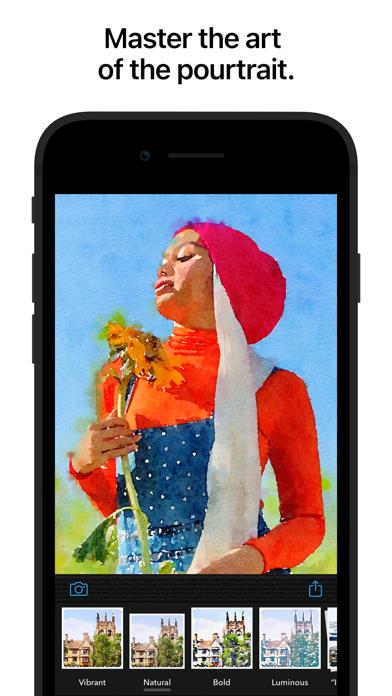
      You don’t need to paint to create beautiful watercolor images—Waterlogue captures the essence of your photos in brilliant, liquid color. See the world like an artist. FEATURES: • Waterlogue transforms your photos into luminous watercolors. • Watch Waterlogue paint as it transforms your images. • Use your watercolors to create an artist’s journal or notebook. • Save your watercolors and share them on Instagram, Twitter, Facebook, and Tumblr. • Create beautiful, high res, frameable art for your home. • 14 pre-set styles to customize your watercolors by controlling wetness, pen outlines, and color. • Image export at high resolution. • Control of borders, lightness, and detail. • Includes example images. • From Tinrocket, creator of This by Tinrocket (App Store Best of 2016), Olli (App Store Best of 2017), Percolator, and Popsicolor. SUPPORTS: iPhone and iPad devices running iOS 13.2 and up. WHAT PEOPLE ARE SAYING ABOUT WATERLOGUE: • Oprah's holiday pick! "Made with Love: DIY Gifts"—O, The Oprah Magazine • “…with Waterlogue, it’s clear that there’s a very thoughtful human touch behind the app’s painterly algorithms.” —WIRED, Mar. 2014 • “…Waterlogue is going to utterly amaze you, as it’s the first app I’ve seen that gives results that really look like a watercolor painting.” —Cult of Mac, Dec. 2013 • “Watercolor apps may not be a new idea, but Waterlogue does it in a gorgeous, intuitive way, and it’s quite a pleasure to use.” —AppAdvice.com, Dec. 2013 • “Waterlogue App (from Tinrocket) looks awesome!” —Jack Hollingsworth, Photographer, via Twitter @photojack, Dec. 12, 2013 • “It goes beyond typical Photoshop watercolor filters because it has more visual intelligence, and more of the feel of the real paint.” —James Gurney, Artist and Author of Dinotopia, gurneyjourney.blogspot.com, Dec. 2013 • “Ever since digital imagery came into its own over 20 years ago, there have been attempts to mimic traditional media. Where others have failed, Waterlogue nails it.” —PatrickSaunders.com, Dec. 2013 KEEP UP WITH TINROCKET: • Follow @Tinrocket on Instagram and Twitter for the latest! • We’re here to help: If you have a question or need assistance, you can always email us at [email protected] • If you like Waterlogue, please consider leaving an App Store review or rating. Every review counts and helps indie developers like ourselves. Waterlogue® and See the world like an artist® are registered Trademarks of Tinrocket, LLC

      Waterlogue: Photo to Painting Information

      Name Waterlogue: Photo to Painting

      Category Photography

      Developer Tinrocket, LLC

      Version 1.5.02

      Update 2023-04-12

      Languages EN,FR,DE,IT,JA,KO,ZH,ES

      Size 48.41MB

      Compatibility Requires iOS 13.2 or later. Compatible with iPhone, iPad, and iPod touch.

      Other Original Version

      Waterlogue: Photo to Painting Screenshot
      Waterlogue: Photo to Painting
      Waterlogue: Photo to Painting
      Waterlogue: Photo to Painting
      Waterlogue: Photo to Painting
      Waterlogue: Photo to Painting
      Waterlogue: Photo to Painting
      Waterlogue: Photo to Painting

      Rating

      4.7

      639 Ratings

      Tap to Rate

      Please use Safari on iPhone/iPad to access the current page

      Because Panda Helper VIP service is based on iPhone/iPad device information (UDID), please access the current page in Safari on iPhone/iPad:
      • Scan the QR code on your iPhone/iPad
      • Copy the link below and open it in Safari on your iPhone/iPad
      * Safari only. Other browsers cannot get device information
      copy successfully!

      Follow us on social media

      panda helper top hover