Trending Searches

    History

      Clear All
      Voice Dream Reader - TTS

      Voice Dream Reader - TTS

      • Sizes: 213.57MB
      • Version: 4.17.8
      • Update: 2023-05-17
      Install by Apple Store

      Voice Dream Reader - TTS Description

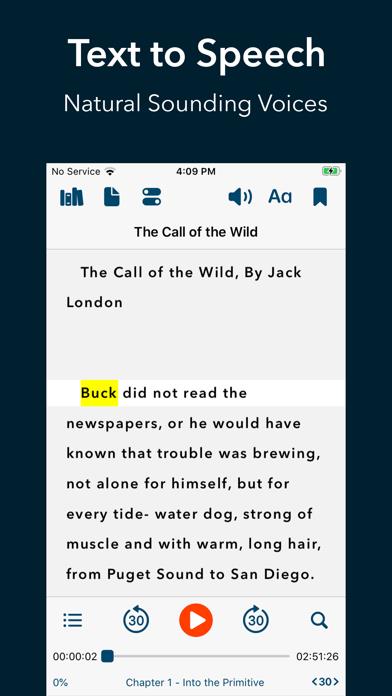
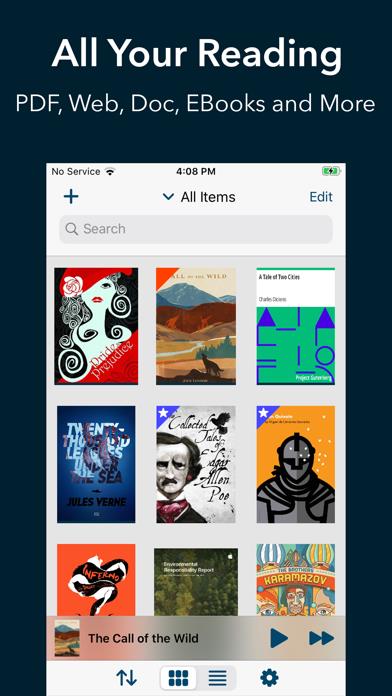
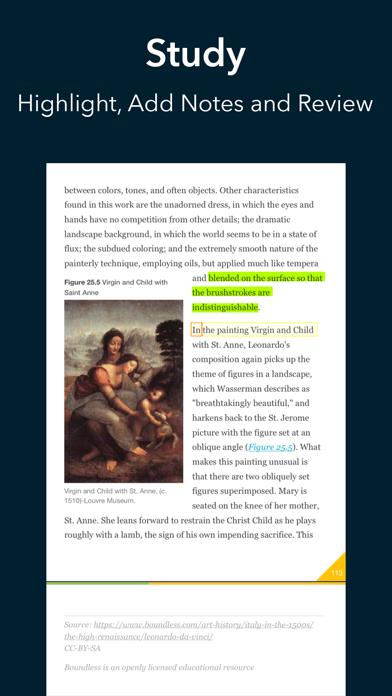
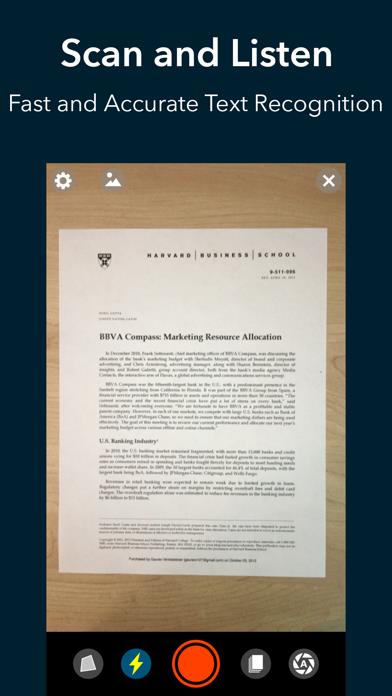
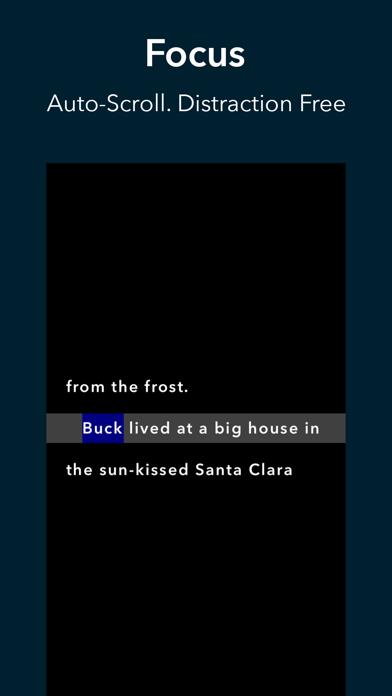
      2021 Apple Design Award Winner! Voice Dream Reader lets you listen to PDFs, Web pages, and books using text-to-speech. Featured by Apple as Best New App and App of the Day in 81 countries and part of App Store Permanent Collections in Education. “Both experts recommend Voice Dream Reader as the best app in the text-to-speech space.” - Wired “This app is one of the best educational finds of my entire career.” - Forbes “As a user myself and as a mother of a child with dyslexia, I am blown away by the features of Voice Dream.” - Quartz “Voice Dream Reader is hailed by many as the best mobile text-to-speech (TTS) app.” - Examiner Text-to-Speech - One premium Acapela voice of your choice free with the purchase of the app. - 36 built-in iOS voices in 27 languages are also available for free. - 200+ additional premium voices in 30 languages from Acapela, NeoSpeech and Ivona available through in-app purchases. - Correct pronunciation with your own pronunciation dictionary. - All voices work offline and play in the background even with the screen locked. Supported Document Formats - PDF, Plain text, MS Word, MS PowerPoint, RTF, and Google Docs. - Web articles. - Bookshare Books. - EPUB eBooks. (DRM-free books only. Kindle, iBooks and most commercial eBook platforms are not supported.) - DAISY text-based books and audiobook. - Audiobooks in MP3, MP4 or zipped MP3 format. - Rich text and image support for all documents. Built-in Scanner - Scan paper documents with the camera for text-to-speech. - State-of-the-art A.I. is fast and accurate, even in poor lighting conditions. - Works entirely on device: No need for internet and your data stays private. - Only languages using Latin alphabets are currently supported. Reading Styles - Tee-up a list of articles and play while you drive, walk or run. - Spoken word is highlighted to improve comprehension and retention. - Auto-scrolling and full screen, distraction-free mode to help reader focus. - Finger reading. For beginners to read by at running a finger under each word. - Pac-Man. Harvard and MIT developed speed-reading method for everyone to read at 2x speed with no loss of comprehension. - High contrast and large font size for low vision readers. - Optimized for VoiceOver, Braille and switch control. Tools - Recognize text for scanned PDF documents. - Bookmarking, text highlighting and annotation. Highlights and notes can be exported. - Full-text search. - Built-in dictionary. - Automatically skip text in PDF header and footer. Content Sources - Native support for Dropbox, Google Drive, iCloud Drive, Pocket, Instapaper and Evernote. - Native access to Bookshare. - Safari extension to save Web pages and Web addresses. - Support for Box and OneDrive via iOS Document Picker. Library Synchronization - Your entire library, including folders, reading locations, bookmarks and annotations are synchronized across all your devices using iCloud Drive Terms of Use: https://www.apple.com/legal/internet-services/itunes/dev/stdeula

      Voice Dream Reader - TTS Information

      Name Voice Dream Reader - TTS

      Category Education

      Developer Voice Dream LLC

      Version 4.17.8

      Update 2023-05-17

      Languages AR,BG,CA,HR,CS,DA,NL,EN,FI,FR,DE,EL,HE,HU,IT,JA,KO,NB,PL,PT,RO,RU,ZH,ES,SV,TR

      Size 213.57MB

      Compatibility Requires iOS 14.0 or later. Compatible with iPhone, iPad, and iPod touch.

      Other Original Version

      Voice Dream Reader - TTS Screenshot
      Voice Dream Reader - TTS
      Voice Dream Reader - TTS
      Voice Dream Reader - TTS
      Voice Dream Reader - TTS
      Voice Dream Reader - TTS
      Voice Dream Reader - TTS
      Voice Dream Reader - TTS

      Rating

      4.9

      325 Ratings

      Tap to Rate

      Please use Safari on iPhone/iPad to access the current page

      Because Panda Helper VIP service is based on iPhone/iPad device information (UDID), please access the current page in Safari on iPhone/iPad:
      • Scan the QR code on your iPhone/iPad
      • Copy the link below and open it in Safari on your iPhone/iPad
      * Safari only. Other browsers cannot get device information
      copy successfully!

      Follow us on social media

      panda helper top hover