Trending Searches

    History

      Clear All
      TV Cast Pro for Google Cast

      TV Cast Pro for Google Cast

      • Sizes: 40.66MB
      • Version: 3.4
      • Update: 2023-02-22
      Install by Apple Store

      TV Cast Pro for Google Cast Description

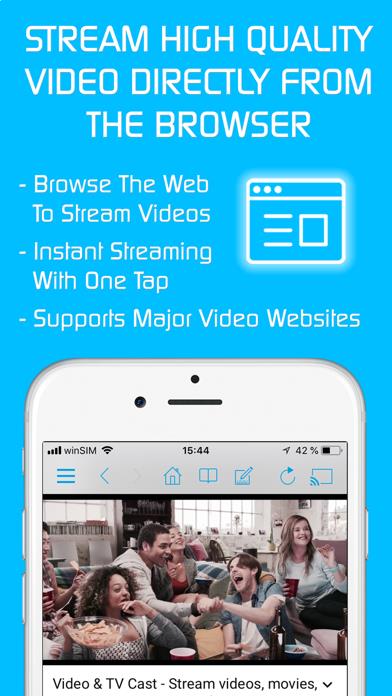
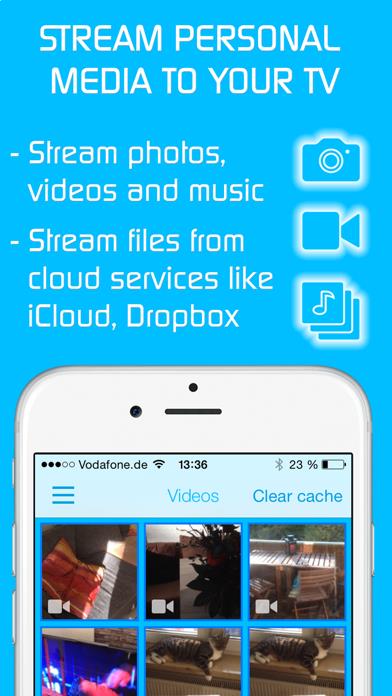
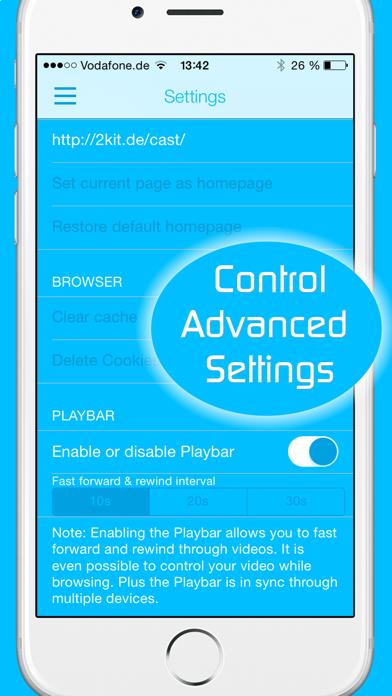
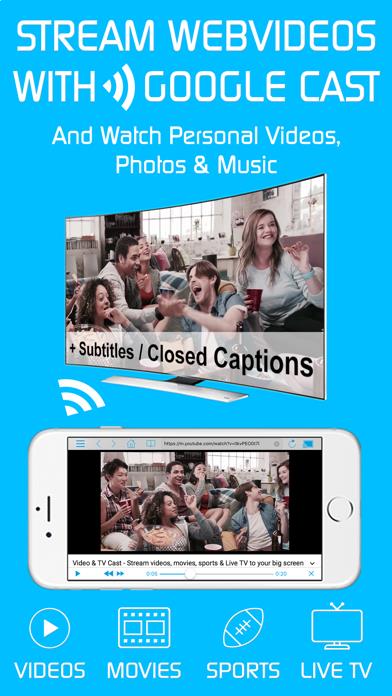
      Watch web-videos, online-movies, livestreams and live-tv shows and your personal photos, videos & music by using Google Cast on your Sony TV, Vizio SmartCast TV, Philips TV, Sharp TV, Toshiba TV, Chromecast, Nexus Player or Nvidia Shield gaming console. Enjoy the show on your big screen. With Video & TV Cast you can browse through the web and stream any online video on your Google Cast enabled device (movies, tv shows, sports, music and more). Just navigate to your favorite website and send the embedded video with a single tap to your TV or gaming console. The discovered video will be shown below the browser. A tap on the video link will send it to your Google Cast enabled device immediately. Streaming personal media from your device is also supported. * The app only works with devices with Google Cast or Chromecast built-in, like Vizio TV, Toshiba TV, Sony TV, Philips TV, Sharp TV, Chromecast 1+2+Ultra, Nexus Player, Nvidia Shield gaming console * iTunes movies, Flash video and DRM protected videos like Amazon Prime, Netflix, Hulu, Vudu, DirecTV, Xfinity, HBO now are not supported! * The app streams only the video part of a website and not the whole website content (No screen or tab mirroring!). * Sometimes it is necessary to play the video on your iPad or iPhone first before it gets discovered by the app for streaming. * If a specific video does not cast, please check our FAQ. If that does not help, please give us a chance to help you by dropping a mail to [email protected] instead of leaving a negative comment on the App Store. We will try to add support for your video as soon as possible. >>> PRO FEATURES * Remote Playbar: A remote control that allows you to fast forward or rewind videos while browsing. It syncs across all your iPads & iPhones that are connected to the same Chromecast. So your video can be controlled by different users in the same room. * Personal Media: Cast unlimited personal photos, videos and music directly from your device or from cloud services like iCloud and Dropbox. * Ad-Blocker + No Sponsoring Ads: The Pro app version has no ads and the Ad-Blocker blocks ads & popups on most websites that you visit. You can update, enable/disable ad-blocking at any time in the settings. * Bookmarks: Save unlimited website bookmarks. Synchronize and transfer them between different TV Cast apps and iOS devices by using backup and restore via iCloud. * Subtitles: Display subtitles & closed captions on TV. * Change Homepage: Set your personal homepage in the settings. >>> A MESSAGE FROM THE DEVELOPERS We want to say thank you for all your great support and kindly invite you to honestly rate our app. This helps us to keep up our app development and support for you. Please do not trust other apps that ask you for 5-star ratings in exchange for premium upgrades. This is against good developer ethics and also against Apple guidelines. If you have any feedback, feature requests or other request, please notify us at [email protected] Disclaimer: This app is not affiliated with Google, Sony, Philips, Vizio, Sharp, Asus, Nvidia or one of their products and trademarks.

      TV Cast Pro for Google Cast Information

      Name TV Cast Pro for Google Cast

      Category Photography

      Developer Kraus und Karnath GbR 2Kit Consulting

      Version 3.4

      Update 2023-02-22

      Languages EN

      Size 40.66MB

      Compatibility Requires iOS 9.0 or later. Compatible with iPhone, iPad, and iPod touch.

      Other Original Version

      TV Cast Pro for Google Cast Screenshot
      TV Cast Pro for Google Cast
      TV Cast Pro for Google Cast
      TV Cast Pro for Google Cast
      TV Cast Pro for Google Cast
      TV Cast Pro for Google Cast

      Rating

      4.8

      1652 Ratings

      Tap to Rate

      Please use Safari on iPhone/iPad to access the current page

      Because Panda Helper VIP service is based on iPhone/iPad device information (UDID), please access the current page in Safari on iPhone/iPad:
      • Scan the QR code on your iPhone/iPad
      • Copy the link below and open it in Safari on your iPhone/iPad
      * Safari only. Other browsers cannot get device information
      copy successfully!

      Follow us on social media

      panda helper top hover