Trending Searches

    History

      Clear All
      ToDue: Bills & Expense Manager

      ToDue: Bills & Expense Manager

      • Sizes: 19.68MB
      • Version: 1.2
      • Update: 2022-09-22
      Install by Apple Store

      ToDue: Bills & Expense Manager Description

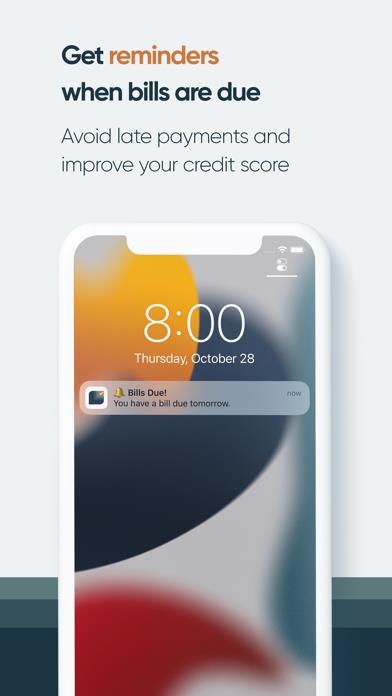
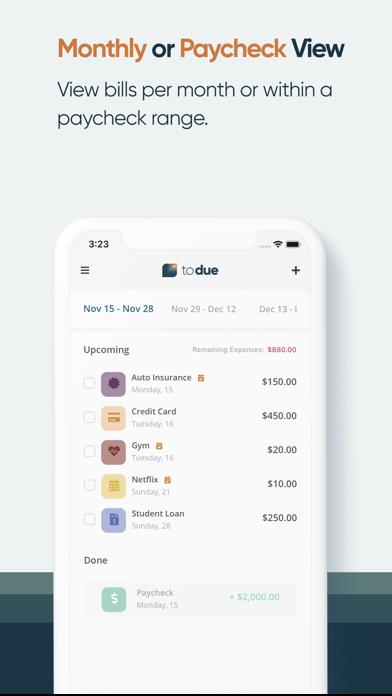
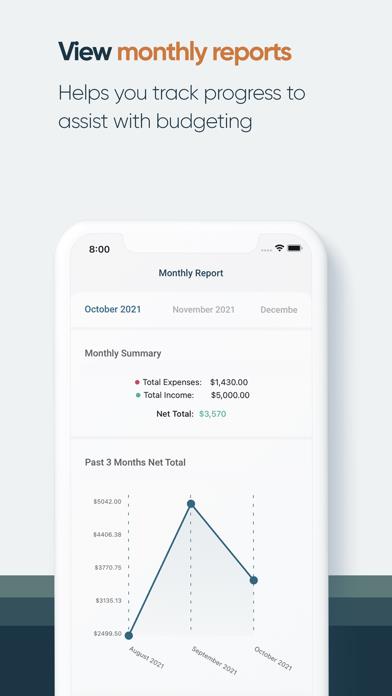
      ToDue is your "to do" list for managing monthly expenses and bills. Simply view all your expenses and income each month to assist with budgeting and to ensure you stay on track with due dates. ToDue will also notify you when upcoming bills are due to help you avoid late payments and improve your credit score. Additionally, the app is 100% private. All information is stored on your device (backup to Dropbox is optional) and no login is required. Features: ∙ Easily view bills, expenses, and income by month or within a pay period ∙ Customizable icons to assist with grouping expenses ∙ Get reminders when bills are due to avoid late payments ∙ View monthly reports to track progress and assist with budgeting ∙ 100% private: all data is stored on your phone (no internet connection needed) and no login is required. ∙ Optional: Backup and restore data from your Dropbox account

      ToDue: Bills & Expense Manager Information

      Name ToDue: Bills & Expense Manager

      Category Finance

      Developer Michael Liwanag

      Version 1.2

      Update 2022-09-22

      Languages EN

      Size 19.68MB

      Compatibility Requires iOS 12.0 or later. Compatible with iPhone, iPad, and iPod touch.

      Other Original Version

      ToDue: Bills & Expense Manager Screenshot

      ToDue: Bills & Expense Manager
      ToDue: Bills & Expense Manager
      ToDue: Bills & Expense Manager
      ToDue: Bills & Expense Manager
      ToDue: Bills & Expense Manager
      ToDue: Bills & Expense Manager

      Rating

      4.7

      989 Ratings

      Tap to Rate

      Please use Safari on iPhone/iPad to access the current page

      Because Panda Helper VIP service is based on iPhone/iPad device information (UDID), please access the current page in Safari on iPhone/iPad:
      • Scan the QR code on your iPhone/iPad
      • Copy the link below and open it in Safari on your iPhone/iPad
      * Safari only. Other browsers cannot get device information
      copy successfully!

      Follow us on social media

      panda helper top hover