Trending Searches

    History

      Clear All
      Servediter for code-server

      Servediter for code-server

      • Sizes: 5.28MB
      • Version: 2.5.1
      • Update: 2020-08-22
      Install by Apple Store

      Servediter for code-server Description

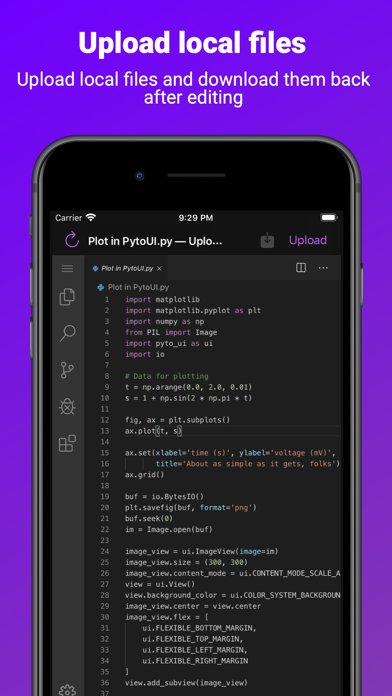
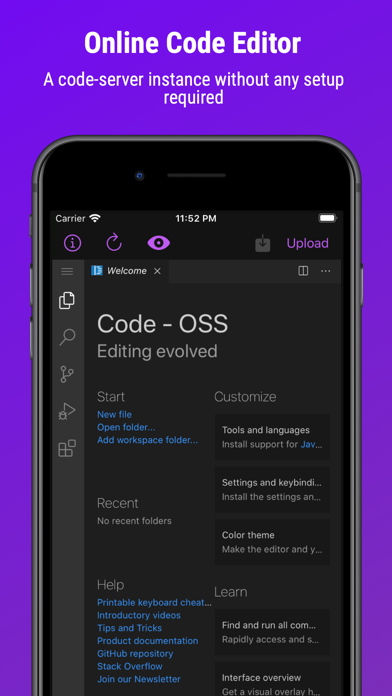
      Servediter gives you access to an instance of code-server, an online code editor without any setup required. Using a self hosted server is also possible without paying a subscription. You can upload local files and download them back after editing. As the editor is online, you can run Linux commands from the VS Code terminal. You can also personalize the editor and install extensions. Previewing HTML files in app is also possible with a subscription. ( ! ) The app requires an internet connection to work ( ! ) An external keyboard is recommended to use the app since selection with the touch cursor is not supported ( ! ) The subscription provides an instance of code-server, which works well for editing files. But this isn't a full server with root access. Running and testing full projects would be better on a self hosted server. This application is developed and maintained just by me (Adrian Labbé) and is not affiliated with or endorsed by Microsoft Corporation. Link of the Privacy Policy: https://servediter.app/privacy-policy/ Link of the License Agreement: https://servediter.app/terms-and-conditions/

      Servediter for code-server Information

      Name Servediter for code-server

      Developer Develobile S.p.A.

      Version 2.5.1

      Update 2020-08-22

      Languages EN

      Size 5.28MB

      Compatibility Requires iOS 13.0 or later. Compatible with iPhone, iPad, and iPod touch.

      Other Original Version

      Servediter for code-server Screenshot
      Servediter for code-server
      Servediter for code-server

      Rating

      4.6

      1791 Ratings

      Tap to Rate

      Please use Safari on iPhone/iPad to access the current page

      Because Panda Helper VIP service is based on iPhone/iPad device information (UDID), please access the current page in Safari on iPhone/iPad:
      • Scan the QR code on your iPhone/iPad
      • Copy the link below and open it in Safari on your iPhone/iPad
      * Safari only. Other browsers cannot get device information
      copy successfully!

      Follow us on social media

      panda helper top hover