Trending Searches

    History

      Clear All
      Pitch, Please!

      Pitch, Please!

      • Sizes: 13.04MB
      • Version: 3.2
      • Update: 2022-09-10
      Install by Apple Store

      Pitch, Please! Description

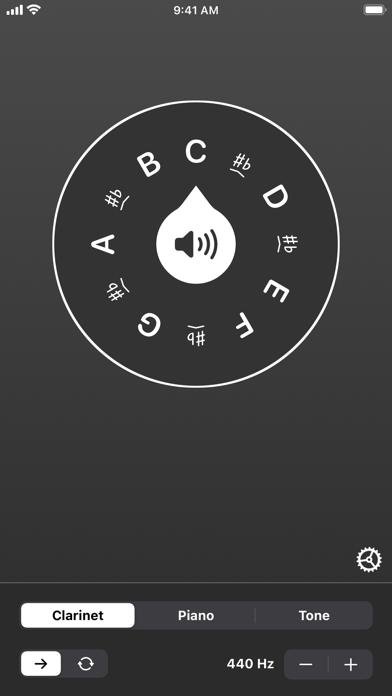
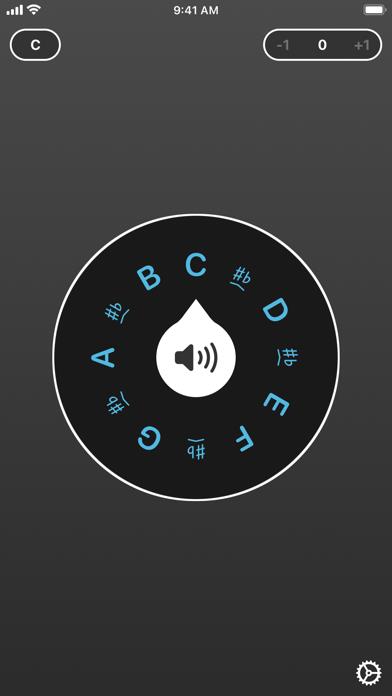
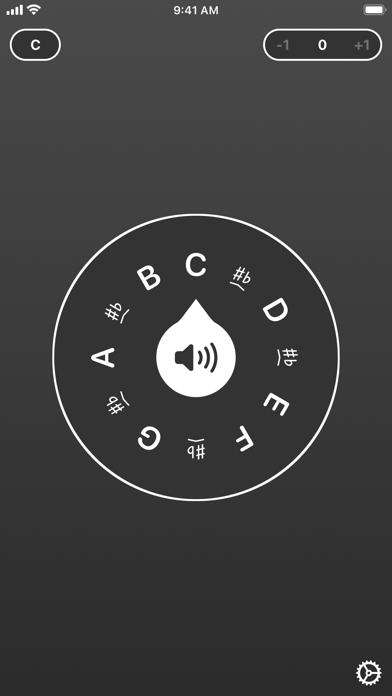
      Start off on the right note every time with Pitch, Please! This beautiful pitch pipe sports a three-octave range in C-C or F-F, with your choice of carefully crafted sounds: choose piano or clarinet to hear your note for several seconds, or switch to continuous playback mode* to loop strings or horns for as long as you like. Or, for pinpoint accuracy, use our custom sine wave generator instead and avoid those annoying loud pops that other apps can create. On iOS, all sounds can be tuned to your preferred frequency (due to technical limitations fine tuning is only available when using the Tone sound option on Apple Watch). Use the widget on your lock screen or the watch app on your wrist for instant access from just about anywhere. Pitch, Please! even works when your device is in silent mode, so you don't have to worry about embarrassing interruptions. That's our pitch, now find yours! * Continuous playback mode is currently only supported within the app and cannot be used with the Today View widget or on Apple Watch.

      Pitch, Please! Information

      Name Pitch, Please!

      Category Music

      Developer forScore, LLC

      Version 3.2

      Update 2022-09-10

      Languages AR,CS,DA,NL,EN,FI,FR,DE,HU,IT,JA,KO,PL,PT,RU,ZH,ES,SV,ZH,TR

      Size 13.04MB

      Compatibility Requires iOS 12.4 or later. Compatible with iPhone, iPad, and iPod touch.

      Other Original Version

      Pitch, Please! Screenshot
      Pitch, Please!
      Pitch, Please!
      Pitch, Please!

      Rating

      5.0

      936 Ratings

      Tap to Rate

      Please use Safari on iPhone/iPad to access the current page

      Because Panda Helper VIP service is based on iPhone/iPad device information (UDID), please access the current page in Safari on iPhone/iPad:
      • Scan the QR code on your iPhone/iPad
      • Copy the link below and open it in Safari on your iPhone/iPad
      * Safari only. Other browsers cannot get device information
      copy successfully!

      Follow us on social media

      panda helper top hover