Trending Searches

    History

      Clear All
      Pitch - Chromatic Tuner

      Pitch - Chromatic Tuner

      • Sizes: 8.24MB
      • Version: 1.4
      • Update: 2017-09-19
      Install by Apple Store

      Pitch - Chromatic Tuner Description

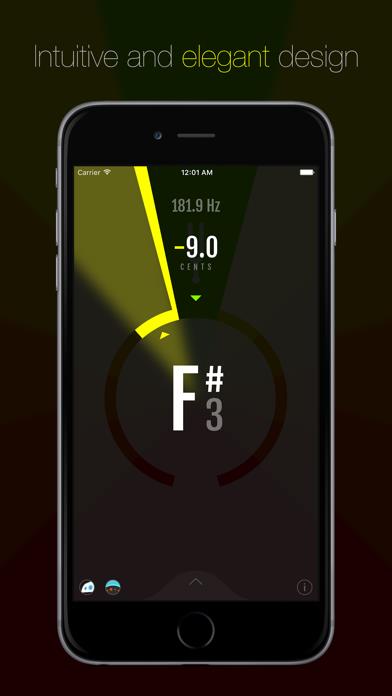
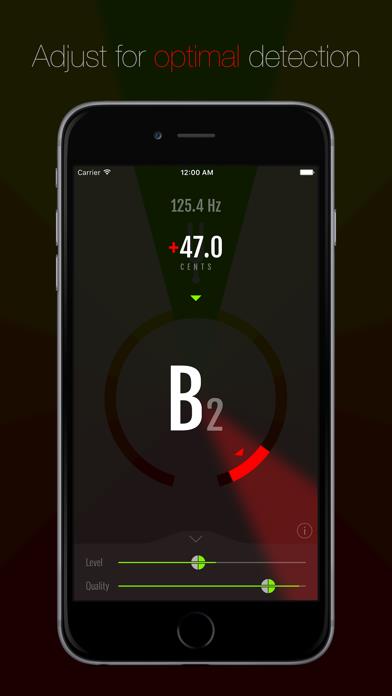
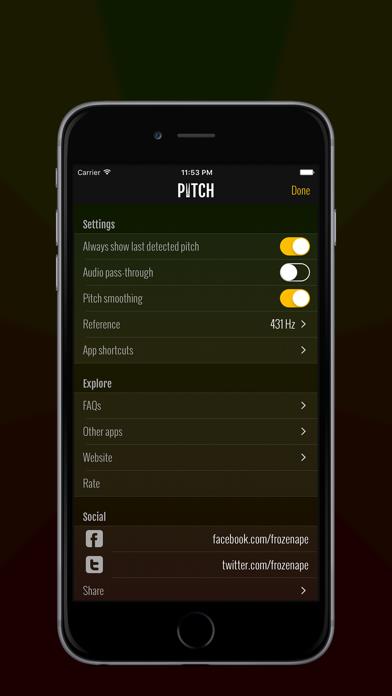
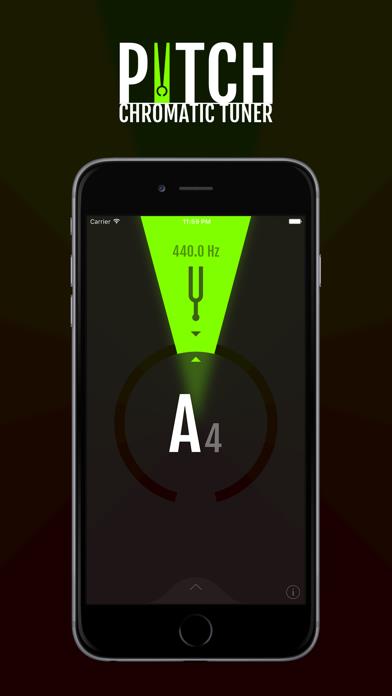
      From the makers of the famous metronome app Tempo comes the most elegantly designed tuner for iOS. Our amazingly accurate pitch detection technology is suitable for any instrument. There are tuner apps aplenty, but none other is such a perfect combination of precision and beauty. Pitch has a minimalist and modern interface that does away with unnecessary frills and focuses on the task at hand. Set thresholds on the Level and Quality meters to fine-tune for your specific environment. Among noisy bandmates, set a high Quality threshold so only strong dominant frequencies from your own instrument are reflected. Set a low Level threshold if your instrument output is low. Set both thresholds low for a crazy light show! Key Features • Unequaled tuning precision • Works with built-in microphone, external mic or direct connection to instrument • Octave detection, frequency and cents deviation read-outs • Audio pass-through - hear input via headphones or connected speaker • Adjustable pitch reference • Shortcut buttons to other Frozen Ape apps

      Pitch - Chromatic Tuner Information

      Name Pitch - Chromatic Tuner

      Category Music

      Developer Frozen Ape Pte. Ltd.

      Version 1.4

      Update 2017-09-19

      Languages EN

      Size 8.24MB

      Compatibility Requires iOS 7.0 or later. Compatible with iPhone, iPad, and iPod touch.

      Other Original Version

      Pitch - Chromatic Tuner Screenshot
      Pitch - Chromatic Tuner
      Pitch - Chromatic Tuner
      Pitch - Chromatic Tuner
      Pitch - Chromatic Tuner

      Rating

      4.9

      472 Ratings

      Tap to Rate

      Please use Safari on iPhone/iPad to access the current page

      Because Panda Helper VIP service is based on iPhone/iPad device information (UDID), please access the current page in Safari on iPhone/iPad:
      • Scan the QR code on your iPhone/iPad
      • Copy the link below and open it in Safari on your iPhone/iPad
      * Safari only. Other browsers cannot get device information
      copy successfully!

      Follow us on social media

      panda helper top hover