Trending Searches

    History

      Clear All
      Photo Editor+

      Photo Editor+

      • Sizes: 137.12MB
      • Version: 5.1
      • Update: 2020-09-11
      Install by Apple Store

      Photo Editor+ Description

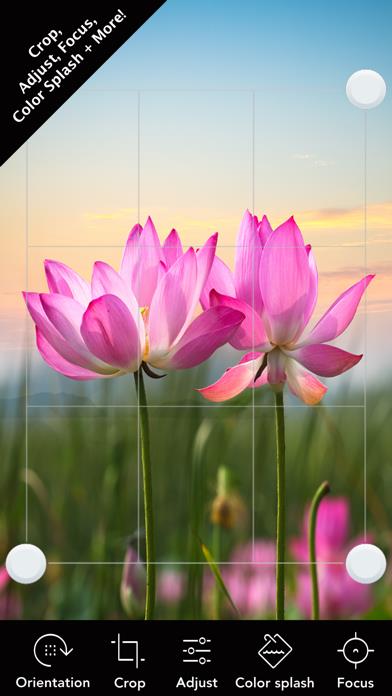
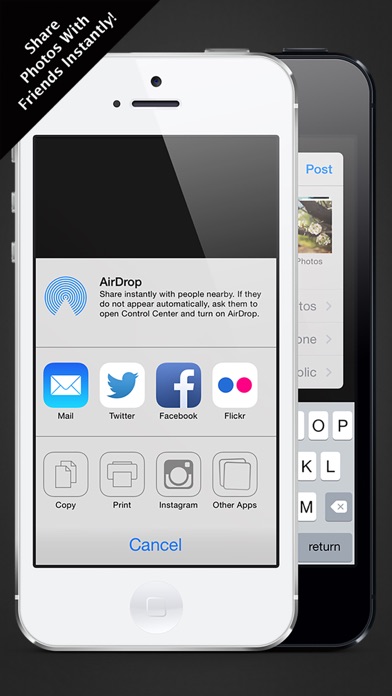
      Photo Editor+ is an amazing fully featured photo editor! With Photo Editor+ you can remove blemishes, whiten smiles, remove red eye, apply effects, add frames / collages and so much more! This is the last photo editing app you will ever need! Here are some of the amazing features: • Enhance Photos in Seconds • Apply 100s of Effects with Live Preview • Combine Photos into Collages • Add Tons of Amazing Stickers • Add Unique Frames and Overlays • Remove Blemishes (Pimples, Spots, etc.) • Remove Red Eye • Apply Teeth Whitening • Apply Color Splash • Crop, Flip, Rotate & Straighten • Adjust Brightness, Contrast, Warmth, etc. • Draw and Paint on Photos • Add Text with Multiple Fonts • Meme Tool to Add Captions • Sharpen and Blur • Amazing Tilt Shift Tool • Vignette, Color and Lighting tools • Advanced Multi-Image Editing • Full / High Resolution Editing • Built-in HD Camera tool • Multi-Image Sharing (Facebook, Twitter, etc.) • Customize with Amazing Themes • International Language Support • And Much More! Photo Editor+ works across all iOS devices and allows you to edit photos taken on any camera! This is a great app for any photography beginner or enthusiast! Check out some of the sample images.

      Photo Editor+ Information

      Name Photo Editor+

      Category Photography

      Developer Axiem Systems

      Version 5.1

      Update 2020-09-11

      Languages CA,NL,EN,FR,DE,EL,ID,IT,JA,KO,MS,PT,RU,ZH,ES,SV,TH,ZH,TR

      Size 137.12MB

      Compatibility Requires iOS 10.0 or later. Compatible with iPhone, iPad, and iPod touch.

      Other Original Version

      Photo Editor+ Screenshot
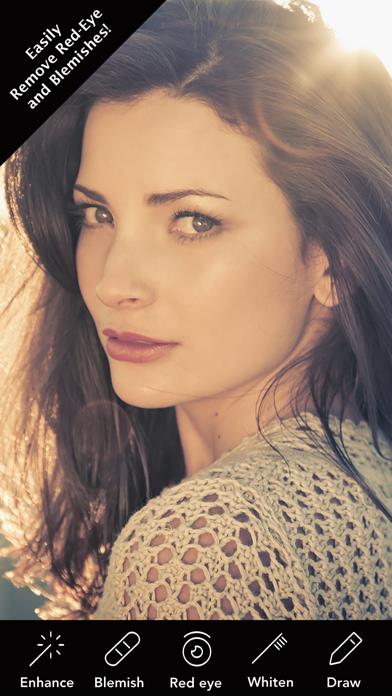
      Photo Editor+
      Photo Editor+
      Photo Editor+
      Photo Editor+
      Photo Editor+

      Rating

      4.9

      1304 Ratings

      Tap to Rate

      Please use Safari on iPhone/iPad to access the current page

      Because Panda Helper VIP service is based on iPhone/iPad device information (UDID), please access the current page in Safari on iPhone/iPad:
      • Scan the QR code on your iPhone/iPad
      • Copy the link below and open it in Safari on your iPhone/iPad
      * Safari only. Other browsers cannot get device information
      copy successfully!

      Follow us on social media

      panda helper top hover