Trending Searches

    History

      Clear All
      OneDown - Crossword Puzzles

      OneDown - Crossword Puzzles

      • Sizes: 12.97MB
      • Version: 1.3.4
      • Update: 2023-02-24
      Install by Apple Store

      OneDown - Crossword Puzzles Description

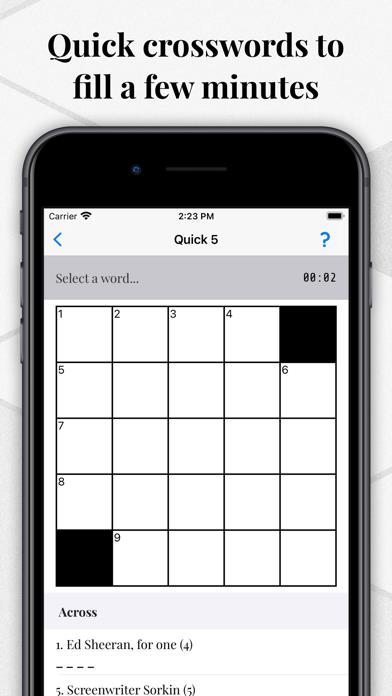
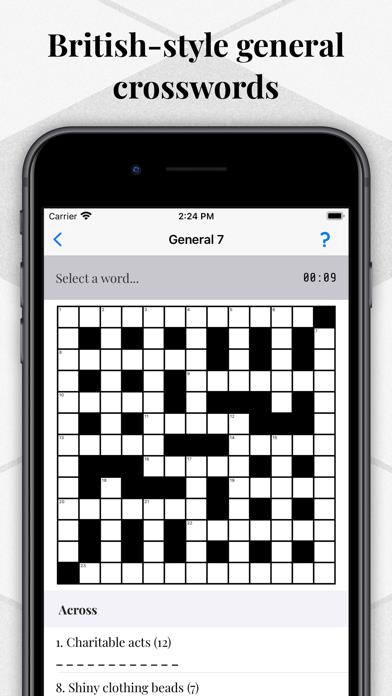
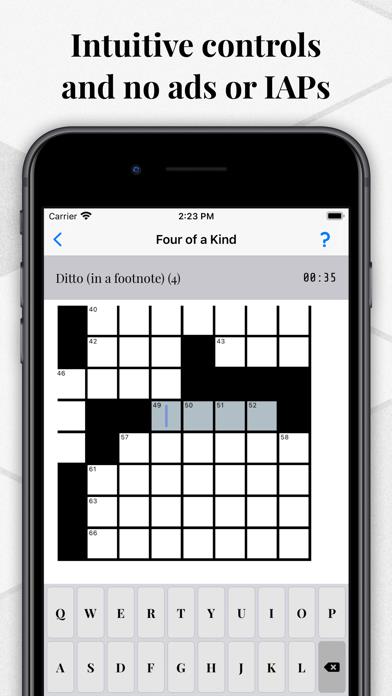
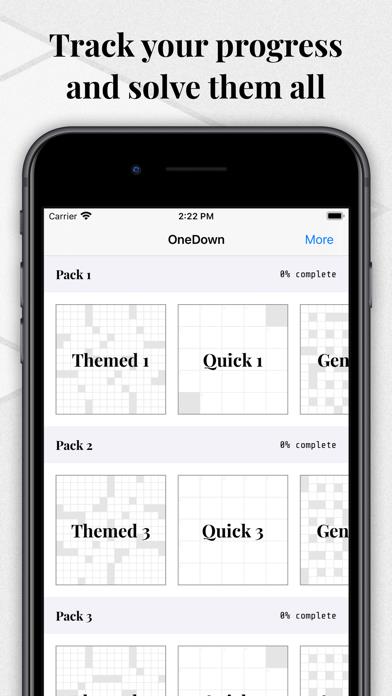
      Created from scratch to deliver an authentic, challenging crossword experience, OneDown has 42 exclusive puzzles and over 1,500 clues, covering a wide variety of topics, from art to zoology. FEATURES: * 42 exclusive puzzles and over 1,500 clues * Variety of grid types, including themed grids * Challenging clues, covering a wide variety of topics: history, science, mathematics, sport, film, music, literature, language and more * No regional spellings wherever possible * Easy-to-use interface, with the ability to zoom in/out and quickly move between words * Ability to cheat single letters or whole words * Timing functionality, to see how you do from puzzle to puzzle * No ads and no in-app purchases, now or ever Improving the app based on your feedback is a priority. Should you experience an issue, please email [email protected], and a fix will be released as soon as possible. Your download helps support independent development and further updates to OneDown.

      OneDown - Crossword Puzzles Information

      Name OneDown - Crossword Puzzles

      Category Games

      Developer Alastair Mooney

      Version 1.3.4

      Update 2023-02-24

      Languages EN

      Size 12.97MB

      Compatibility Requires iOS 12.0 or later. Compatible with iPhone, iPad, and iPod touch.

      Other Original Version

      OneDown - Crossword Puzzles Screenshot
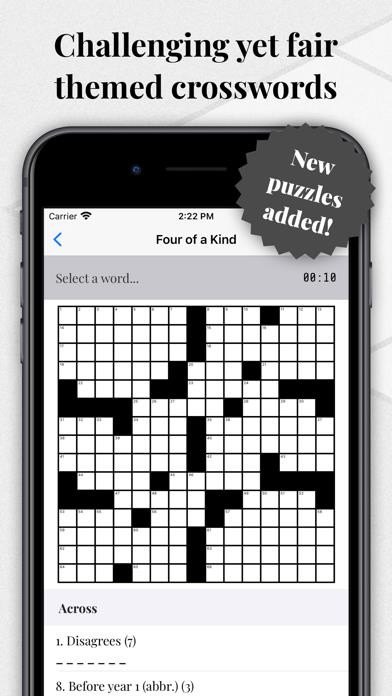
      OneDown - Crossword Puzzles
      OneDown - Crossword Puzzles
      OneDown - Crossword Puzzles
      OneDown - Crossword Puzzles
      OneDown - Crossword Puzzles

      Rating

      4.7

      354 Ratings

      Tap to Rate

      Please use Safari on iPhone/iPad to access the current page

      Because Panda Helper VIP service is based on iPhone/iPad device information (UDID), please access the current page in Safari on iPhone/iPad:
      • Scan the QR code on your iPhone/iPad
      • Copy the link below and open it in Safari on your iPhone/iPad
      * Safari only. Other browsers cannot get device information
      copy successfully!

      Follow us on social media

      panda helper top hover