Trending Searches

    History

      Clear All
      My Hurricane Tracker & Alerts

      My Hurricane Tracker & Alerts

      • Sizes: 39.55MB
      • Version: 4.4.2
      • Update: 2022-10-20
      Install by Apple Store

      My Hurricane Tracker & Alerts Description

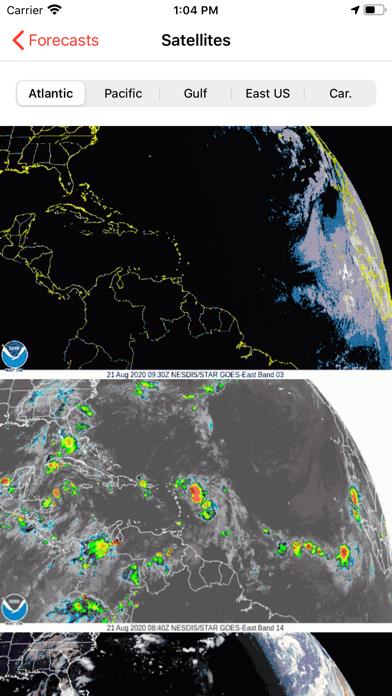
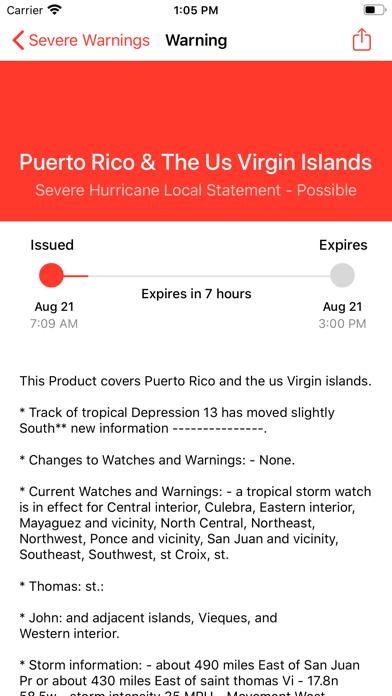
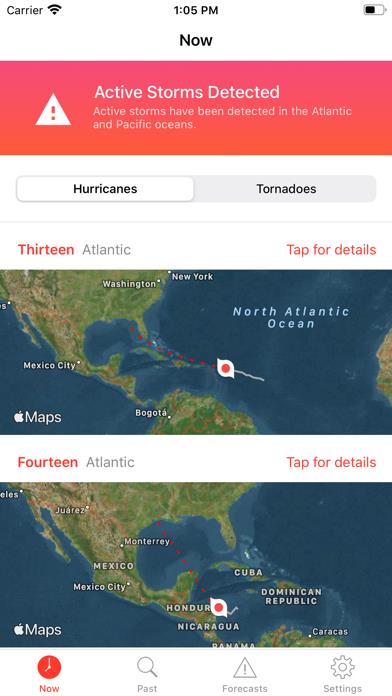
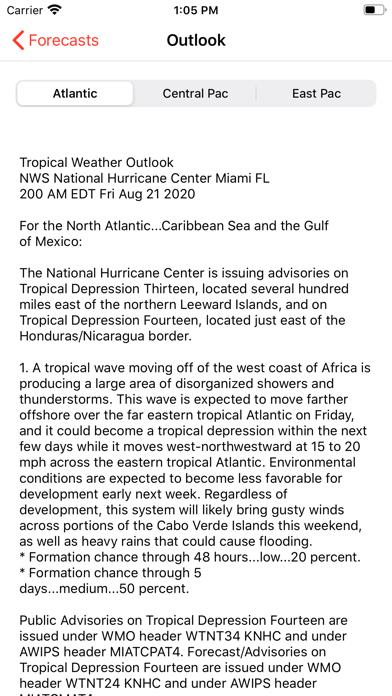
      My Hurricane Tracker gives you the most comprehensive tools for tracking tornados, cyclones, tropical storms and weather warnings available. In a beautiful interface, you won't be overwhelmed with cluttered screens like you might with other apps. We give you exactly what you need in an easy to understand way. - Interactive tracking maps for each hurricane. - NOAA forecast map & storm satellite imagery where available! - Historic search of previous storms from 1851 (or 1949 for Pacific). - Receive weather warnings from the National Weather Service. - Push notifications for weather warnings or new storm formations! - Radar, satellite and sea temperature images automatically updated in the app! - See an outlook for the next 5 days from the NOAA. - Track specific hurricanes and receive notifications every time they are updated just by pressing the "+" button! This version is ad-supported. It is similar to apps such as Hurricane Tracker, Hurricane Pro and Storm by Weather Underground.

      My Hurricane Tracker & Alerts Information

      Name My Hurricane Tracker & Alerts

      Category Weather

      Developer JRustonApps B.V.

      Version 4.4.2

      Update 2022-10-20

      Languages EN,FR,PT,ES

      Size 39.55MB

      Compatibility Requires iOS 12.0 or later. Compatible with iPhone, iPad, and iPod touch.

      Other Original Version

      My Hurricane Tracker & Alerts Screenshot
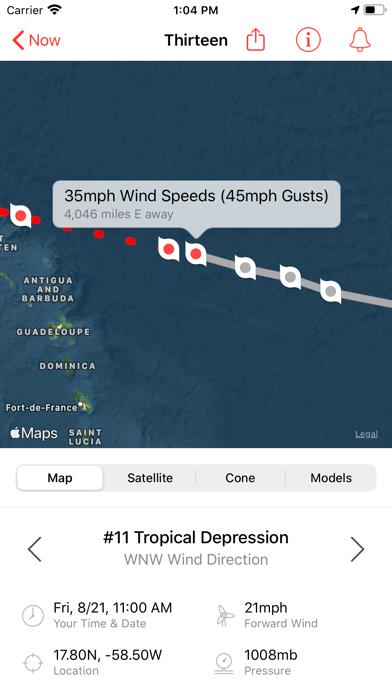
      My Hurricane Tracker & Alerts
      My Hurricane Tracker & Alerts
      My Hurricane Tracker & Alerts
      My Hurricane Tracker & Alerts
      My Hurricane Tracker & Alerts

      Rating

      4.9

      777 Ratings

      Tap to Rate

      Please use Safari on iPhone/iPad to access the current page

      Because Panda Helper VIP service is based on iPhone/iPad device information (UDID), please access the current page in Safari on iPhone/iPad:
      • Scan the QR code on your iPhone/iPad
      • Copy the link below and open it in Safari on your iPhone/iPad
      * Safari only. Other browsers cannot get device information
      copy successfully!

      Follow us on social media

      panda helper top hover