Trending Searches

    History

      Clear All
      Music Quiz: Know Your Library?

      Music Quiz: Know Your Library?

      • Sizes: 9.13MB
      • Version: 2.3.5
      • Update: 2022-01-28
      Install by Apple Store

      Music Quiz: Know Your Library? Description

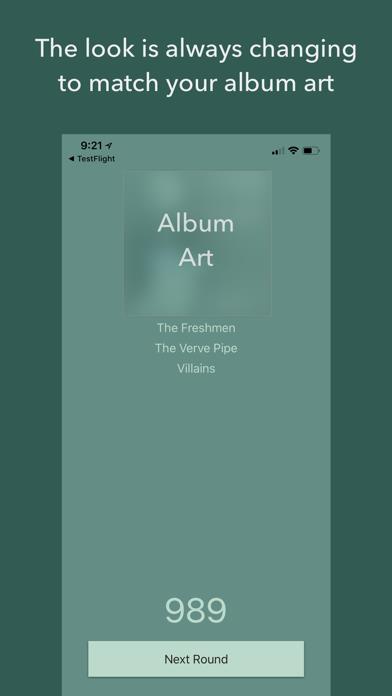
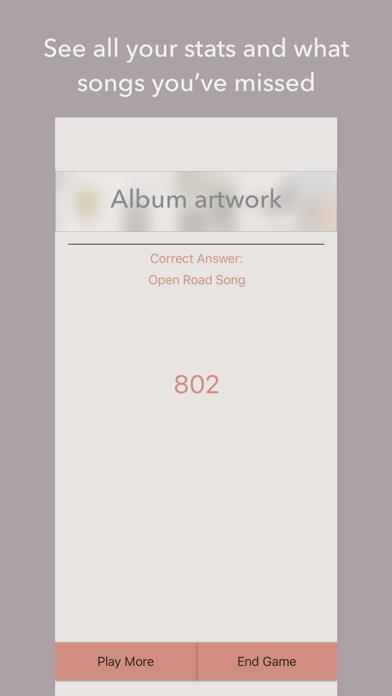
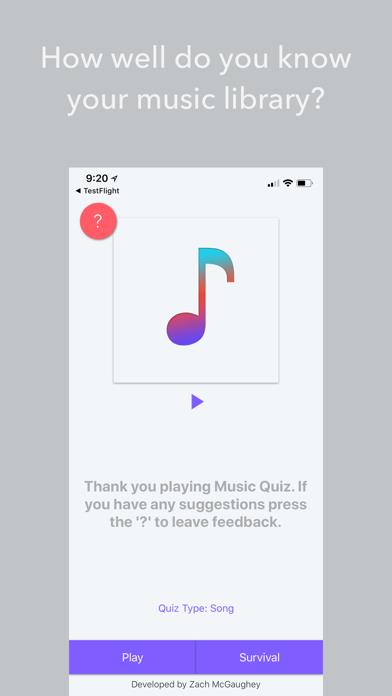
      Music Quiz is the quiz game built off of your library. Your music determines how you play and the visual style of the entire app! Just like the original iPod classic, this game challenges your music knowledge as you try and get a new high score. Unlike the old game, this one is always changing. The visual design of the app changes based on what song you have playing! Features: • Different quiz types. Choose between: Song, Artist, Album, or Shuffle. • Different modes: Play a normal round of 10, 20, or even 200, or play survival where one wrong pick ends it all. • Choose what music you play: Don't want to listen to that album your ex gave you? Filter it out! • Jump right into a game with 3D Touch actions! There is now a Lite version of the game with limited features. If your unsure if this is for you, give that one a try before buying this one. Most of my updates and new features come from requests by users like you. If there's a feature you want or something you don't like, leave some feedback and I'll take care of it. Thanks for playing!

      Music Quiz: Know Your Library? Information

      Name Music Quiz: Know Your Library?

      Category Games

      Developer Zach McGaughey

      Version 2.3.5

      Update 2022-01-28

      Languages EN

      Size 9.13MB

      Compatibility Requires iOS 13.0 or later. Compatible with iPhone, iPad, and iPod touch.

      Other Original Version

      Music Quiz: Know Your Library? Screenshot
      Music Quiz: Know Your Library?
      Music Quiz: Know Your Library?
      Music Quiz: Know Your Library?

      Rating

      4.5

      1407 Ratings

      Tap to Rate

      Please use Safari on iPhone/iPad to access the current page

      Because Panda Helper VIP service is based on iPhone/iPad device information (UDID), please access the current page in Safari on iPhone/iPad:
      • Scan the QR code on your iPhone/iPad
      • Copy the link below and open it in Safari on your iPhone/iPad
      * Safari only. Other browsers cannot get device information
      copy successfully!

      Follow us on social media

      panda helper top hover