Trending Searches

    History

      Clear All
      MPLS Parking

      MPLS Parking

      • Sizes: 121.04MB
      • Version: 10.1
      • Update: 2023-04-17
      Install by Apple Store

      MPLS Parking Description

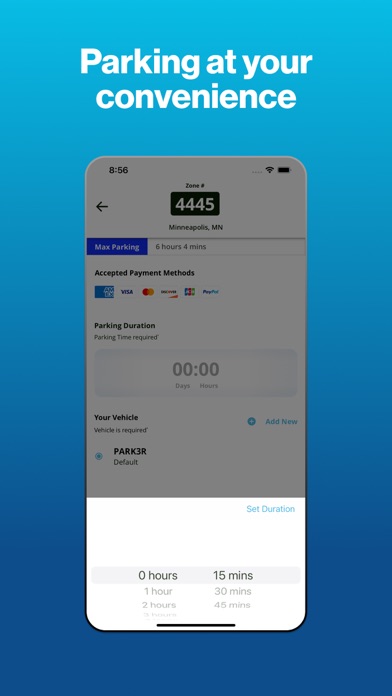
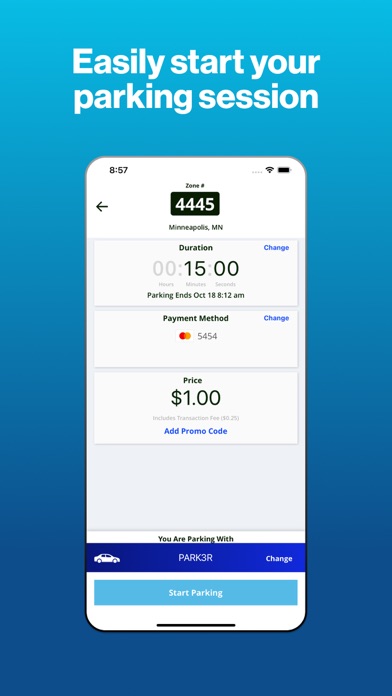
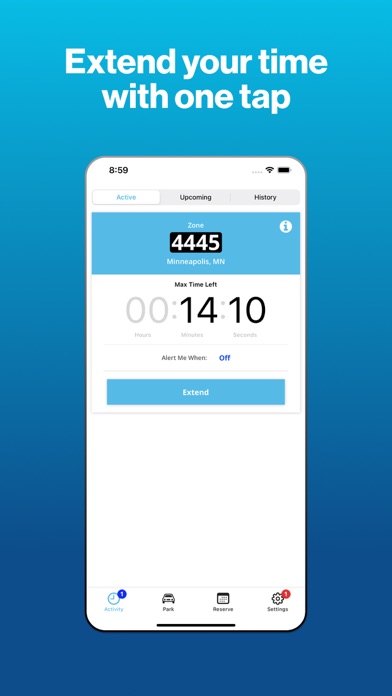
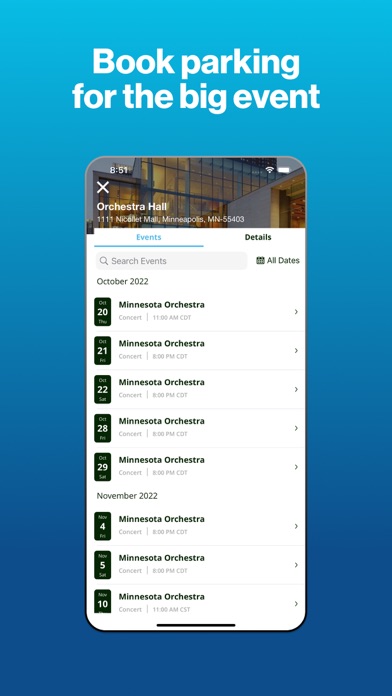
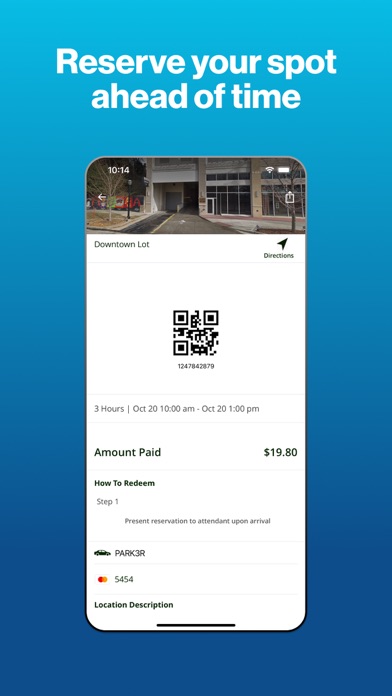
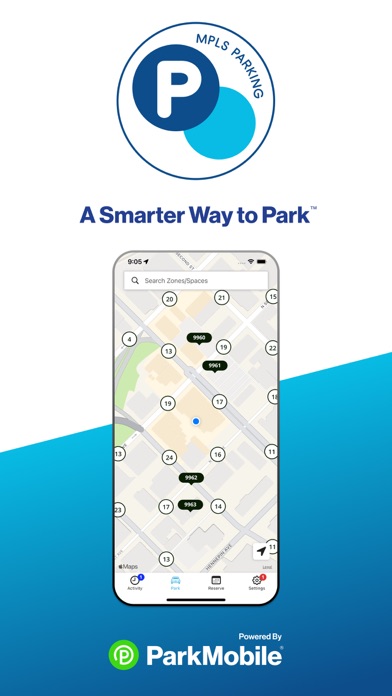
      Parking convenience is at your fingertips with the new and improved MPLS Parking app. Pay for parking on your mobile device, get notified before your time runs out, and extend your time without visiting a parking meter (note that time extension rules vary location by location). Key features of the app include: • Mobile Payments via smart phone or web • Find my car (for those of us who forget where they parked) • Face ID • Event parking Registration for MPLS Parking is free: just create your account via the app. Once you’ve created an account, you can park and pay for parking in any location parking available in Minneapolis. How to Use the App: • Create an account • Choose the vehicle license plate • Select your location on the map • Use the dial to choose how long you want to park • Confirm your payment Payment with MPLS Parking App is ultra secure. Your data is protected and our process is certified via 3rd party audit against Payment Card Industry Data Security Standards.

      MPLS Parking Information

      Name MPLS Parking

      Category Navigation

      Developer City of Minneapolis

      Version 10.1

      Update 2023-04-17

      Languages AR,BS,CA,CS,DA,NL,EN,ET,FI,FR,DE,EL,IS,IT,LT,MS,NB,PL,PT,RU,SK,ES,SV,TR,CY

      Size 121.04MB

      Compatibility Requires iOS 14.0 or later. Compatible with iPhone, iPad, and iPod touch.

      Other Original Version

      MPLS Parking Screenshot
      MPLS Parking
      MPLS Parking
      MPLS Parking
      MPLS Parking
      MPLS Parking
      MPLS Parking

      Rating

      4.7

      1133 Ratings

      Tap to Rate

      Please use Safari on iPhone/iPad to access the current page

      Because Panda Helper VIP service is based on iPhone/iPad device information (UDID), please access the current page in Safari on iPhone/iPad:
      • Scan the QR code on your iPhone/iPad
      • Copy the link below and open it in Safari on your iPhone/iPad
      * Safari only. Other browsers cannot get device information
      copy successfully!

      Follow us on social media

      panda helper top hover