Trending Searches

    History

      Clear All
      Log-Book

      Log-Book

      • Sizes: 7.05MB
      • Version: 1.97.4
      • Update: 2021-02-25
      Install by Apple Store

      Log-Book Description

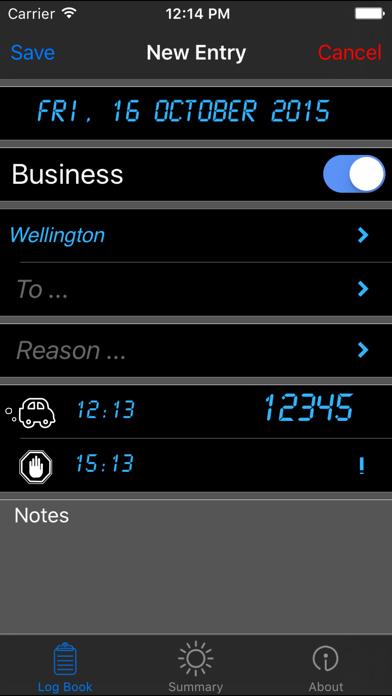
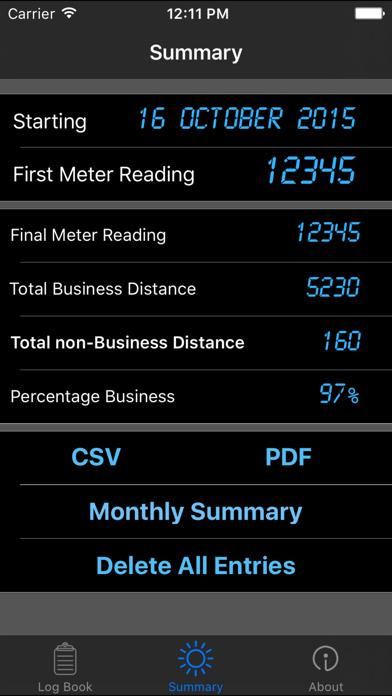
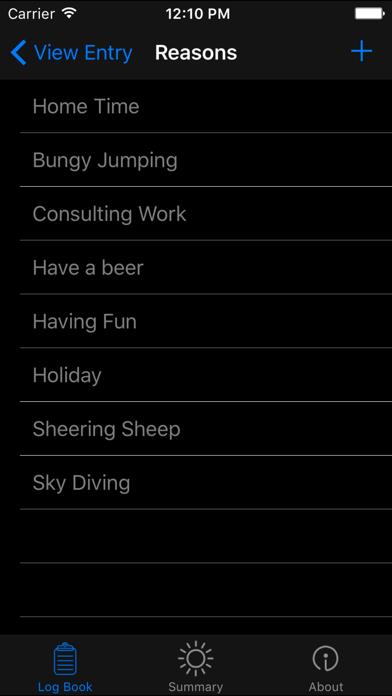
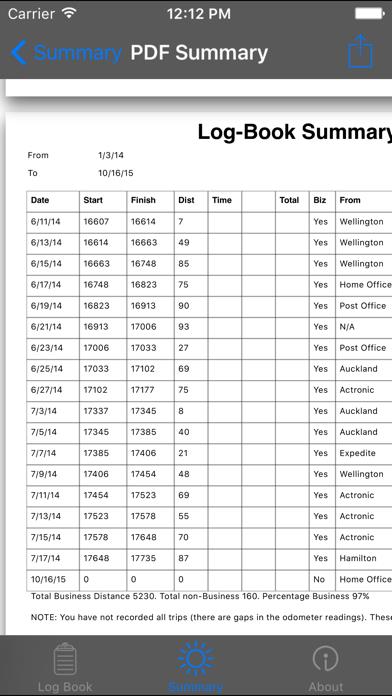
      The goal of Log-Book is to create entering car mileage as simple and quick as possible but still be compliant with the tax departments’ requirements. Once you have used Log Book a few times you will be able to enter a new trip in THREE taps (and that's including the tap to save it). We use this app and apart from trying to fix how to stop us forgetting to do it we wanted to make the process as quick as possible because lets face it, everyone wants to spend as little time as possible doing things like this, regardless of how pretty or feature rich the app is. To speed up a trip entry you can add your own common start, destination and purpose entries. The date and start odometer are entered automatically. There are no pretty graphs, fancy reports or a multitude of settings, just simple, quick entries. All entries can be exported to a CSV file for manipulation (graphs and wiz-bang formulas) in a spreadsheet. Features details: - Add entries for each trip including distance, places, reasons and general notes. - 1 to 3 taps for a new entry - Include start and end times, if required - Export to CSV - PDF by month, last month, last 3 months, last year, or all - Email CSV and PDF - Popup monthly summaries

      Log-Book Information

      Name Log-Book

      Category Bussiness

      Developer Stylah (2007) Ltd.

      Version 1.97.4

      Update 2021-02-25

      Languages EN

      Size 7.05MB

      Compatibility Requires iOS 12.4 or later. Compatible with iPhone, iPad, and iPod touch.

      Other Original Version

      Log-Book Screenshot
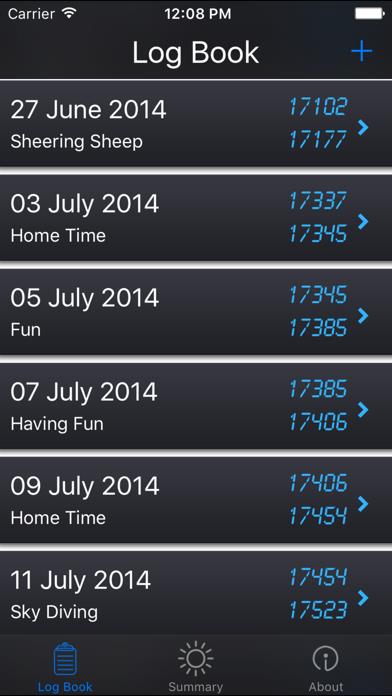
      Log-Book
      Log-Book
      Log-Book
      Log-Book
      Log-Book

      Rating

      4.6

      243 Ratings

      Tap to Rate

      Please use Safari on iPhone/iPad to access the current page

      Because Panda Helper VIP service is based on iPhone/iPad device information (UDID), please access the current page in Safari on iPhone/iPad:
      • Scan the QR code on your iPhone/iPad
      • Copy the link below and open it in Safari on your iPhone/iPad
      * Safari only. Other browsers cannot get device information
      copy successfully!

      Follow us on social media

      panda helper top hover