Trending Searches

    History

      Clear All
      LiveBarn

      LiveBarn

      • Sizes: 14.93MB
      • Version: 2.0.24
      • Update: 2022-09-28
      Install by Apple Store

      LiveBarn Description

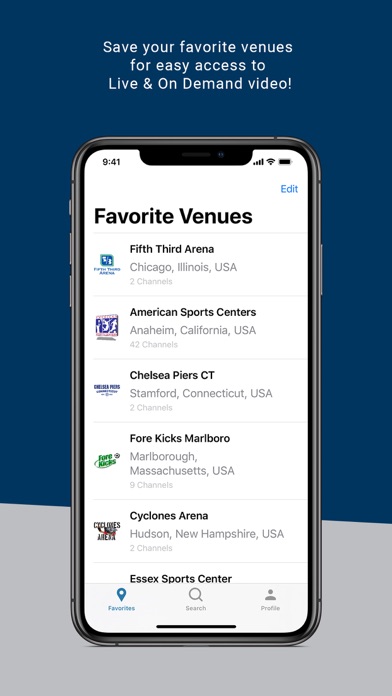
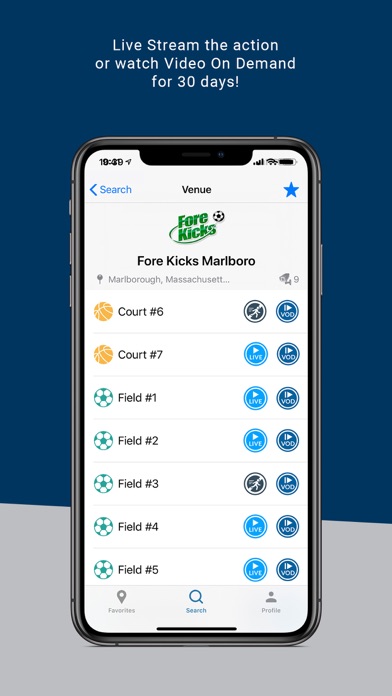
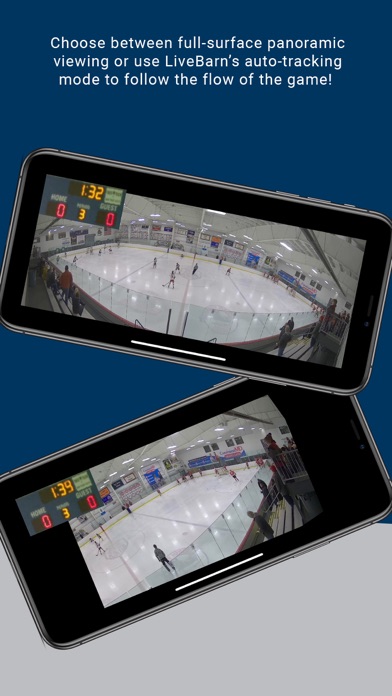
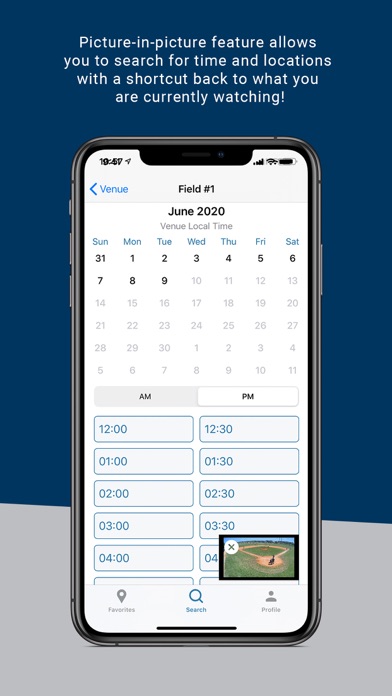
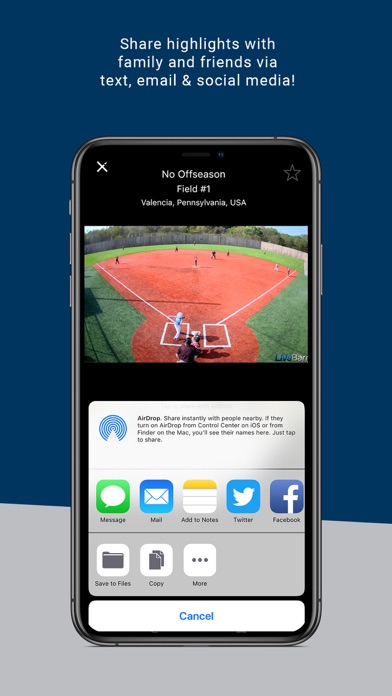
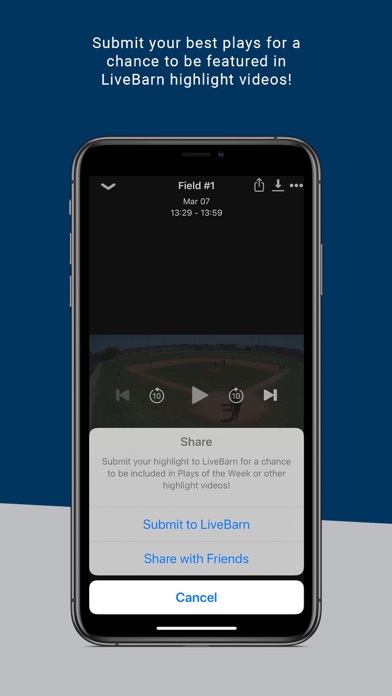
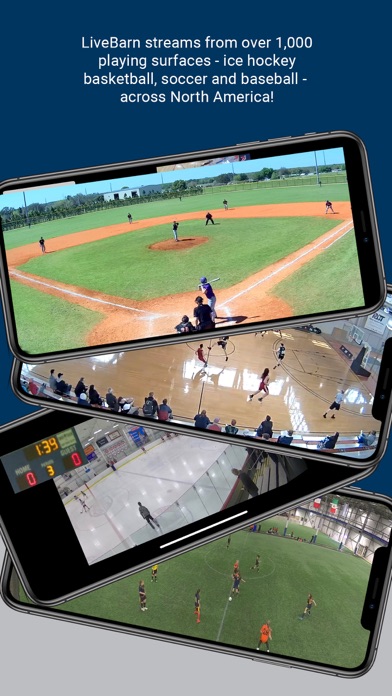
      LiveBarn provides Live and On Demand Streaming of amateur and youth sporting events. LiveBarn streams from over 3,000 playing surfaces across the US & Canada, covering ice hockey, baseball, basketball, volleyball, soccer and lacrosse. A LiveBarn monthly subscription is required to utilize the LiveBarn App. The LiveBarn App enables subscribers to watch unlimited Live & On Demand broadcasts from any installed location. The Venue Locator makes it easy to search and favorite your most frequently watched venues. Users can share, save and submit unlimited highlights via text, email or social media. LiveBarn subscribers can easily navigate between different viewing options, choosing to watch via automated tracking or controlling the screen through the panoramic view. Coaches benefit from being able to use video to improve both individual and team performance. Parents and Grandparents can watch and stay connected to the action from anywhere. All users, including athletes, can quickly share, store and create memories, capturing all of their favorite highlights forever. LiveBarn also has a dedicated customer support team ready to help users with all of their needs.

      LiveBarn Information

      Name LiveBarn

      Category Sports

      Developer LiveBarn Inc.

      Version 2.0.24

      Update 2022-09-28

      Languages EN,FR,SV

      Size 14.93MB

      Compatibility Requires iOS 13.0 or later. Compatible with iPhone, iPad, and iPod touch.

      Other Original Version

      LiveBarn Screenshot
      LiveBarn
      LiveBarn
      LiveBarn
      LiveBarn
      LiveBarn
      LiveBarn
      LiveBarn

      Rating

      4.5

      1971 Ratings

      Tap to Rate

      Please use Safari on iPhone/iPad to access the current page

      Because Panda Helper VIP service is based on iPhone/iPad device information (UDID), please access the current page in Safari on iPhone/iPad:
      • Scan the QR code on your iPhone/iPad
      • Copy the link below and open it in Safari on your iPhone/iPad
      * Safari only. Other browsers cannot get device information
      copy successfully!

      Follow us on social media

      panda helper top hover