Trending Searches

    History

      Clear All
      Image Format Batch Converter

      Image Format Batch Converter

      • Sizes: 38.86MB
      • Version: 1.2
      • Update: 2022-03-19
      Install by Apple Store

      Image Format Batch Converter Description

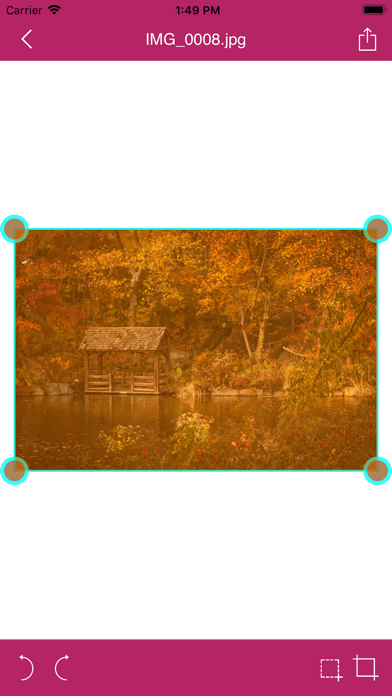
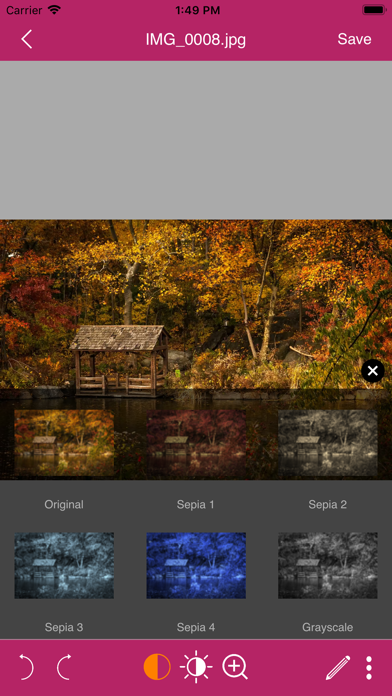
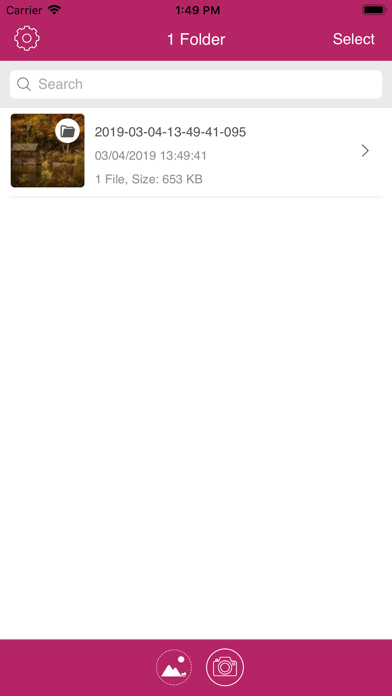
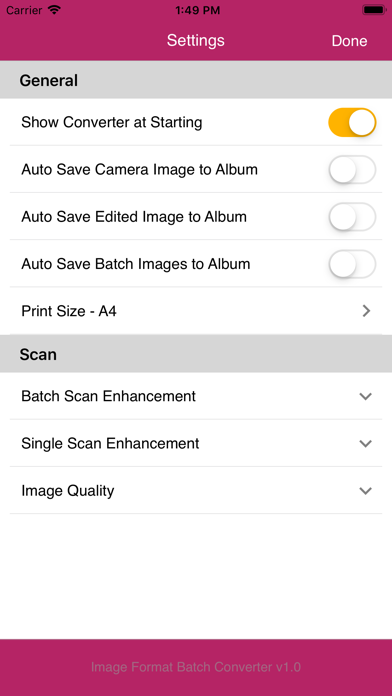
      Image Format Batch Converter is one of the best available tool available for converting and managing your images. Different image formats can be converted very quickly. How to use : Select image file format and output image size in the conversion settings screen. From next screen select the images & convert. Key Features : - Easy to use. - Upload images to Dropbox. - Save converted images in gray-scale, sepia or color. - 6 image filters. - Combine multiple images to single PDF. - Choose between low, medium, high and original quality. - Make annotations on documents using different color pen. - Search folders/images easily. - Print option. - Share to other apps. - Organize images in folders. - Re-edit converted image. - No server is used. All images are saved in the device only. - Batch import from Photo Library. - Set Page Size according to your image size. - Auto save captured or edited picture(s) to gallery. - Converted images are processed on the iPhone without internet connection. - Crop tool with magnifier. - Preserve image's metadata after conversion. - Adjust Brightness, Contrast, Rotate, Zoom and More... - If output is png maximum images for batch process is 15 and for jpg it is 50 Nos. Document Sharing : - Export/Share as PDF - Share via Email - Share to WhatsApp - Share to Other Apps - Copy images and paste in your desired app - Save converted images to Camera Roll Supported conversion modes: - HEIC/HEIF to JPG/PNG - JPG/JPEG to PNG - PNG to JPG - TIF/TIFF to JPG/PNG - GIF to JPG/PNG - BMP to JPG/PNG

      Image Format Batch Converter Information

      Name Image Format Batch Converter

      Developer George Sebastian

      Version 1.2

      Update 2022-03-19

      Languages EN

      Size 38.86MB

      Compatibility Requires iOS 10.0 or later. Compatible with iPhone, iPad, and iPod touch.

      Other Original Version

      Image Format Batch Converter Screenshot
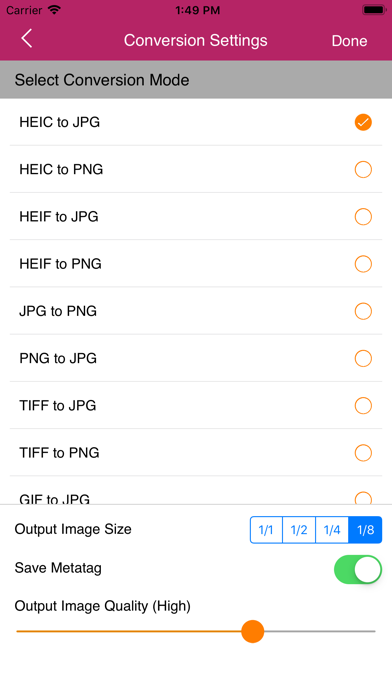
      Image Format Batch Converter
      Image Format Batch Converter
      Image Format Batch Converter
      Image Format Batch Converter
      Image Format Batch Converter

      Rating

      5.0

      528 Ratings

      Tap to Rate

      Please use Safari on iPhone/iPad to access the current page

      Because Panda Helper VIP service is based on iPhone/iPad device information (UDID), please access the current page in Safari on iPhone/iPad:
      • Scan the QR code on your iPhone/iPad
      • Copy the link below and open it in Safari on your iPhone/iPad
      * Safari only. Other browsers cannot get device information
      copy successfully!

      Follow us on social media

      panda helper top hover