Trending Searches

    History

      Clear All
      HOME OUTSIDE®

      HOME OUTSIDE®

      • Sizes: 878.49MB
      • Version: 3.2.2
      • Update: 2019-06-12
      Install by Apple Store

      HOME OUTSIDE® Description

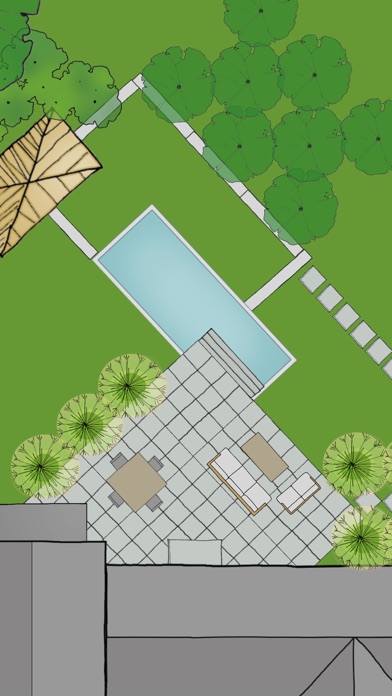
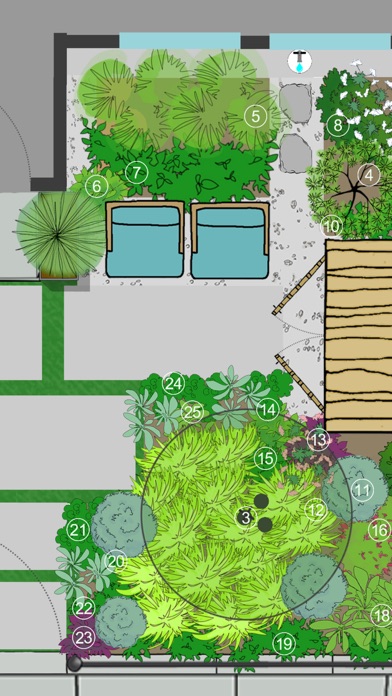
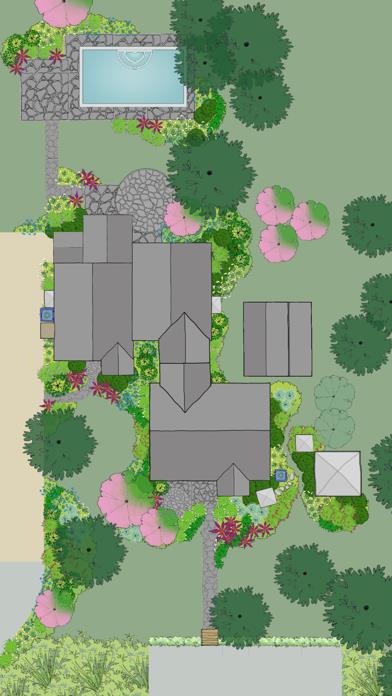
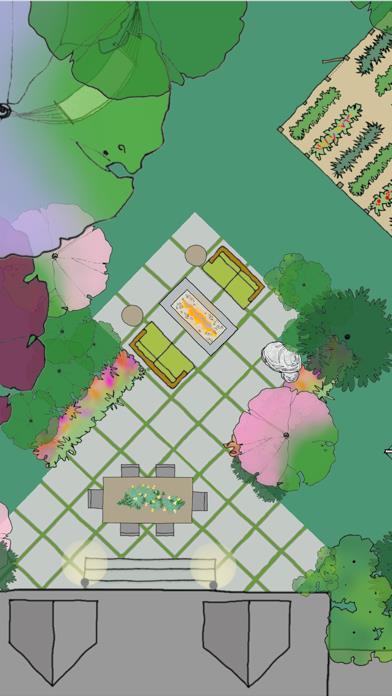
      HOME OUTSIDE®: Landscape Design for Everyone ***As featured in The New York Times, Fox News, USA Today, Gardenista, and more*** “Home Outside allows you to create intricate and varied landscapes. And when you’re finished designing your yard or indulging in a little dreamscaping, you can e-mail results to friend.” –Kate Murphy, The New York Times “I can’t imagine a designer who wouldn’t want to have this on their phone or tablet. I’ve tried this app … it’s a great tool for a ‘quickie’ design that you can show clients and then refine as you like.” –Jane Berger, Garden Design Online Home Outside® is a landscape design app with all the tools you need to mock up your property, create new designs, and share them with friends and family. Ideal for homeowners who want to try out fresh ideas for their yard. Useful for landscape professionals to share designs with clients and contractors. Also perfect for children and adults alike to exercise their imagination and creativity! Use Home Outside to select and place over 700 beautiful hand-drawn elements including trees, gardens, pools, patios, hammocks, driveways, houses and sheds, solar panels, and just about anything you might want for your property. Features include: • Sample designs to inspire or get you started • Simple tap-and-drag functionality • Twenty-nine palettes (700+ elements) to create your landscape design layout • Resize, Rotate, Undo/Redo, Duplicate, Flip, Group • Rotate elements with “Snap to 90” or turn off to rotate more precisely • Snap to grid (elements stick to a re-sizable grid of guidelines, turn on/off in Settings) • Rulers (visible at edges of design; zoom in to the single unit; user selects feet/meters; can be turned on/off) • Choose from 15 different background colors • Sketch Tool (allows users to draw garden beds and other free-form shapes with an eraser and brushes of different colors, widths and opacity) • Map Tool (This mapping tool based on Google Maps allows you to outline your property and import the map image with measurements into the app as a layer.) • North arrow (appears with Map Tool) • Site Analysis palettes to mark the locations of your site’s utilities and light and moisture conditions • Notes (allows users to tag elements in their designs with typed comments or descriptions) • Light/Dark mode (changes Note tags and North arrow from white to black for visibility against light backgrounds.) • Animated Figures (a palette of animated elements—a person, dog, cat, bird, and car—that move through your design on a looped or repeating path, adjustable speed, play and stop animation) • Import a Photo as a layer (useful for importing a digital image of your property plan) • Create different Layers of elements in your design. Add, delete, rename layers, make each layer visible/invisible, lock/unlock for editing, and reorder layer position. • In-app Design Primer by Julie Moir Messervy • Designs automatically save to the app’s Designs gallery • Email an editable design so friends can edit one another’s designs and email them back and forth

      HOME OUTSIDE® Information

      Name HOME OUTSIDE®

      Category Lifestyle

      Developer Home Outside, Inc.

      Version 3.2.2

      Update 2019-06-12

      Languages EN

      Size 878.49MB

      Compatibility Requires iOS 9.0 or later. Compatible with iPhone, iPad, and iPod touch.

      Other Original Version

      HOME OUTSIDE® Screenshot
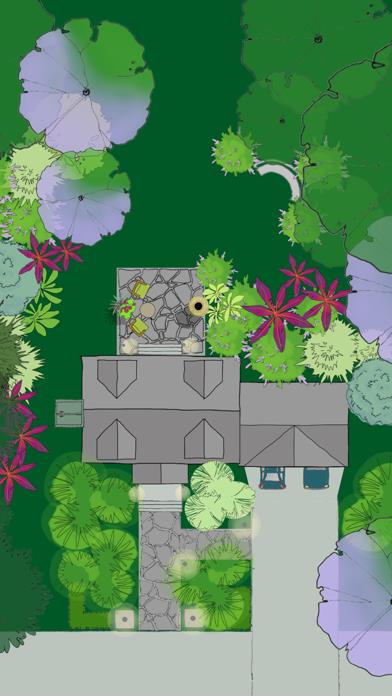
      HOME OUTSIDE®
      HOME OUTSIDE®
      HOME OUTSIDE®
      HOME OUTSIDE®
      HOME OUTSIDE®

      Rating

      4.8

      1537 Ratings

      Tap to Rate

      Please use Safari on iPhone/iPad to access the current page

      Because Panda Helper VIP service is based on iPhone/iPad device information (UDID), please access the current page in Safari on iPhone/iPad:
      • Scan the QR code on your iPhone/iPad
      • Copy the link below and open it in Safari on your iPhone/iPad
      * Safari only. Other browsers cannot get device information
      copy successfully!

      Follow us on social media

      panda helper top hover