Trending Searches

    History

      Clear All
      HF Weather Fax

      HF Weather Fax

      • Sizes: 2.22MB
      • Version: 1.6
      • Update: 2017-05-08
      Install by Apple Store

      HF Weather Fax Description

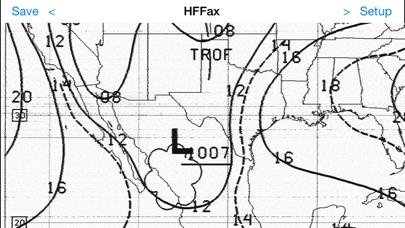
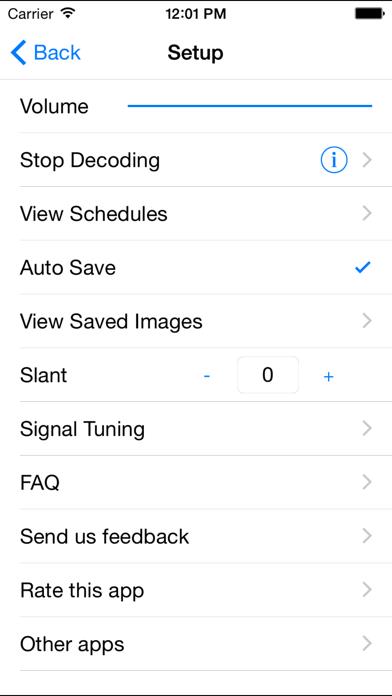
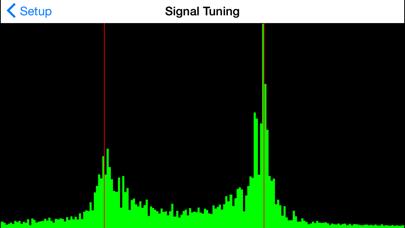
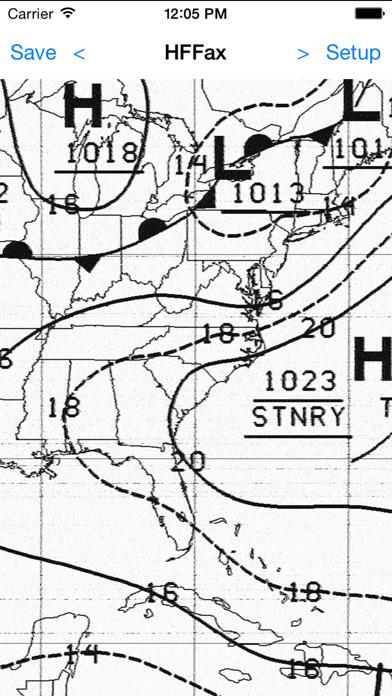
      Do you want to get your weather charts without using an internet connection or a dedicated computer? HF Weather Fax lets you receive marine weather radiofascimile transmissions, using the audio from your HF marine radio. Just set it next to the radio's speaker or headphones, tune in a weather fax frequency, and watch the images come in. The app can also receive audio from Bluetooth audio devices. HF Weather Fax is perfect for mariners who want to be able to view the latest weather reports and forecasts. Received fax images can be manually or automatically saved, and viewed later. You can also export them to your computer using iTunes. There is also a built in copy of the NOAA/NWS Radiofacsimile schedule, and an option to download the latest copy of the schedule from the NWS website. Visit the support page for step by step instructions showing how to use the app: http://www.blackcatsystems.com/ipad/iPad_HF_FAX_Weather_Fax_App_FAQ.html Buy your copy right now, and start decoding and displaying weather fax transmissions in minutes.

      HF Weather Fax Information

      Name HF Weather Fax

      Category Weather

      Developer Black Cat Systems

      Version 1.6

      Update 2017-05-08

      Languages EN

      Size 2.22MB

      Compatibility Requires iOS 6.0 or later. Compatible with iPhone, iPad, and iPod touch.

      Other Original Version

      HF Weather Fax Screenshot
      HF Weather Fax
      HF Weather Fax
      HF Weather Fax
      HF Weather Fax

      Rating

      4.9

      1813 Ratings

      Tap to Rate

      Please use Safari on iPhone/iPad to access the current page

      Because Panda Helper VIP service is based on iPhone/iPad device information (UDID), please access the current page in Safari on iPhone/iPad:
      • Scan the QR code on your iPhone/iPad
      • Copy the link below and open it in Safari on your iPhone/iPad
      * Safari only. Other browsers cannot get device information
      copy successfully!

      Follow us on social media

      panda helper top hover