Trending Searches

    History

      Clear All
      gotBottle: Wine Notes

      gotBottle: Wine Notes

      • Sizes: 18.48MB
      • Version: 3.3.1
      • Update: 2022-07-29
      Install by Apple Store

      gotBottle: Wine Notes Description

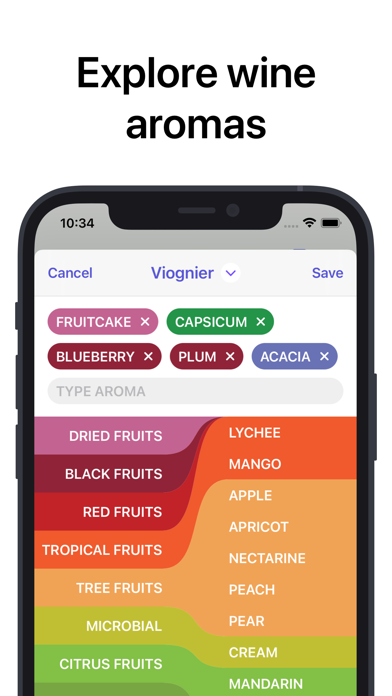
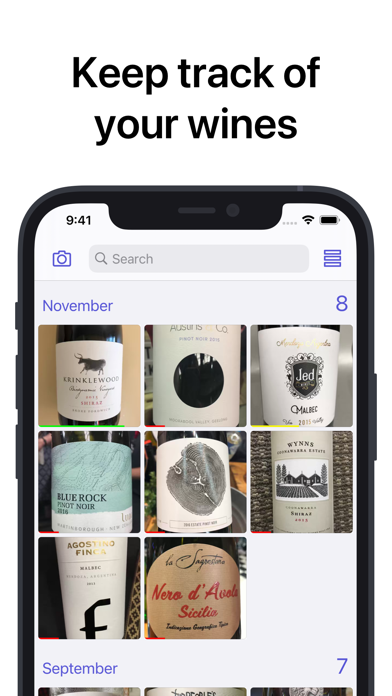
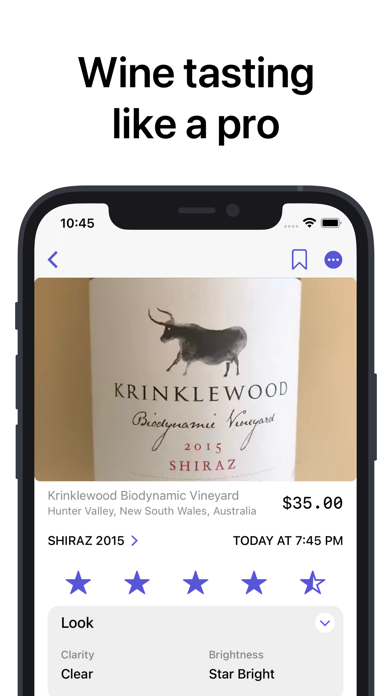
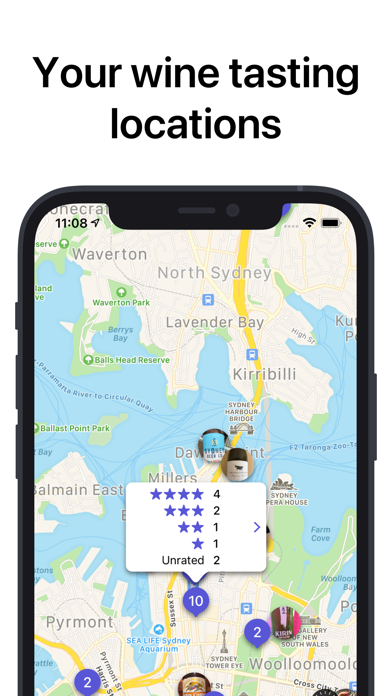
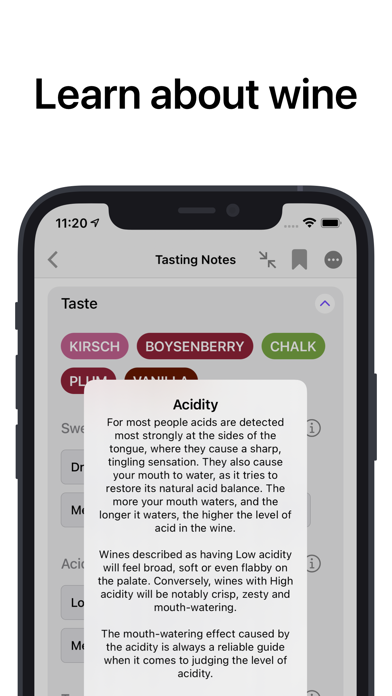
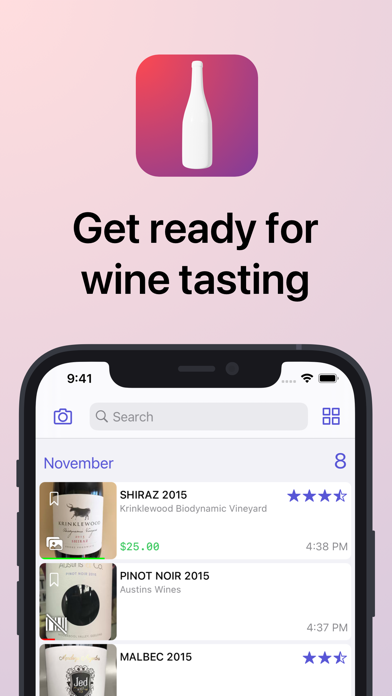
      gotBottle elevates your wine tasting experience! It helps you explore aromas and flavours, learn about wine, and track wines like a wine snob. Having a party or a blind tasting? Use gotBottle to keep track of aromas, flavours and tasting notes of each wine. Have I tried this wine before? Scan the barcode or use search to check if the wine in your collection already. HOW TO USE GOTBOTTLE Scan a barcode or take a photo of a wine label to build your virtual cellar. Use the aroma picker to explore and discover wine characteristics and view your wine by location, rating or tasting date. WHAT PEOPLE ARE SAYING “I like the app a lot, it’s easy to use in the field while tasting wines.” “This app has increased my knowledge of wine, and what a tasting experience” “Tracking my wine tastings on the map is a killer feature” — gotBottle doesn’t have user ratings of wines - this is your personal collection, and we don’t sell wine! Got questions or comments? Get in touch [email protected]

      gotBottle: Wine Notes Information

      Name gotBottle: Wine Notes

      Category Food

      Developer Sergey Nikolsky

      Version 3.3.1

      Update 2022-07-29

      Languages EN,RU

      Size 18.48MB

      Compatibility Requires iOS 14.1 or later. Compatible with iPhone, iPad, and iPod touch.

      Other Original Version

      gotBottle: Wine Notes Screenshot
      gotBottle: Wine Notes
      gotBottle: Wine Notes
      gotBottle: Wine Notes
      gotBottle: Wine Notes
      gotBottle: Wine Notes
      gotBottle: Wine Notes
      gotBottle: Wine Notes

      Rating

      4.8

      950 Ratings

      Tap to Rate

      Please use Safari on iPhone/iPad to access the current page

      Because Panda Helper VIP service is based on iPhone/iPad device information (UDID), please access the current page in Safari on iPhone/iPad:
      • Scan the QR code on your iPhone/iPad
      • Copy the link below and open it in Safari on your iPhone/iPad
      * Safari only. Other browsers cannot get device information
      copy successfully!

      Follow us on social media

      panda helper top hover