Trending Searches

    History

      Clear All
      Goal Horn Hub

      Goal Horn Hub

      • Sizes: 291.03MB
      • Version: 22.2.0
      • Update: 2023-03-01
      Install by Apple Store

      Goal Horn Hub Description

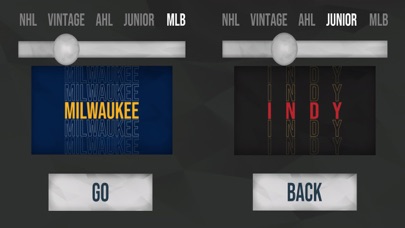
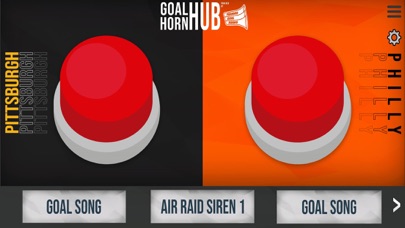
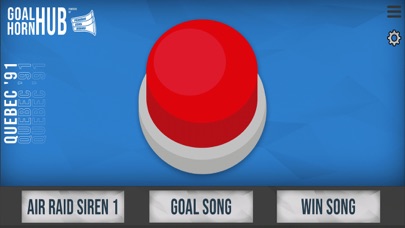
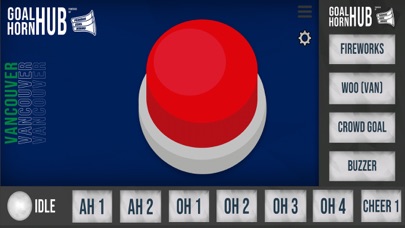
      Ever wanted to press the goal horn button at a NHL™ hockey game? Ever wanted to be a DJ and play the goal song and sound effects after the goal horn button has been pressed? Introducing Goal Horn Hub powered by FamousGoalHorns. Goal Horn Hub includes authentic goal horn sounds of all the 32 NHL™ teams, vintage goal horns, and other leagues, while having the ability to control the blasts of the goal horn by holding down the goal horn button. You also have the ability to control TWO goal horns at once. NEW: Follow the action when there's too much to follow! Goal Horn Hub displays live scores all on one page so you can keep track of every game in progress, and plays a horn when a goal is scored! Need to get more info on the game? Game stats are available in the Full Game Log! Just select the game you wish to view! With 20 different types of crowd noises and 23 different sound effects as well as 5 different types of buzzers, Goal Horn Hub allows you to make it feel like you are in the arena itself, especially after a goal has been scored. Channel your inner Goal Horn Operator and download Goal Horn Hub today!

      Goal Horn Hub Information

      Name Goal Horn Hub

      Category Sports

      Developer Carson Lougheed

      Version 22.2.0

      Update 2023-03-01

      Languages EN

      Size 291.03MB

      Compatibility Requires iOS 11.0 or later. Compatible with iPhone, iPad, and iPod touch.

      Other Original Version

      Goal Horn Hub Screenshot

      Goal Horn Hub
      Goal Horn Hub
      Goal Horn Hub
      Goal Horn Hub
      Goal Horn Hub
      Goal Horn Hub
      Goal Horn Hub

      Rating

      4.9

      419 Ratings

      Tap to Rate

      Please use Safari on iPhone/iPad to access the current page

      Because Panda Helper VIP service is based on iPhone/iPad device information (UDID), please access the current page in Safari on iPhone/iPad:
      • Scan the QR code on your iPhone/iPad
      • Copy the link below and open it in Safari on your iPhone/iPad
      * Safari only. Other browsers cannot get device information
      copy successfully!

      Follow us on social media

      panda helper top hover