Trending Searches

    History

      Clear All
      Export Messages - Save Print Backup Recover Text SMS iMessages

      Export Messages - Save Print Backup Recover Text SMS iMessages

      • Sizes: 8.59MB
      • Version: 1.1
      • Update: 2015-04-16
      Install by Apple Store

      Export Messages - Save Print Backup Recover Text SMS iMessages Description

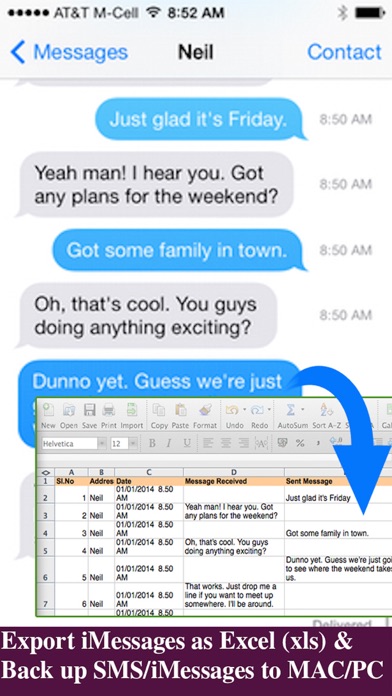
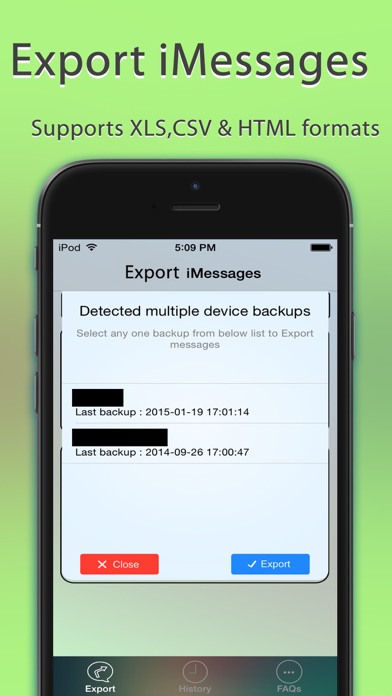
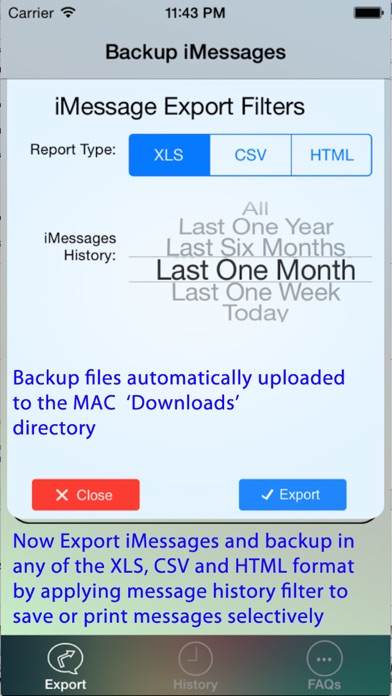
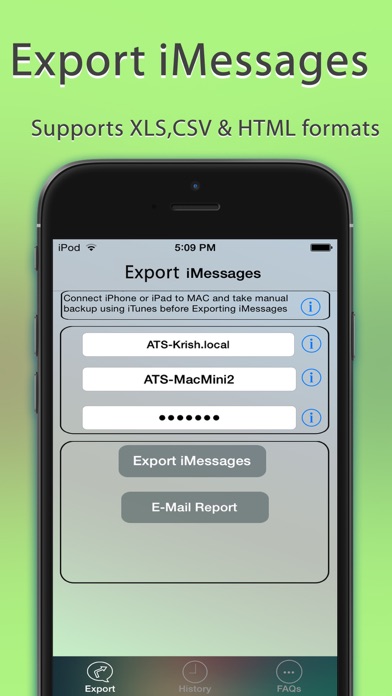
      Export Messages App allows you to Save/Export all Text Messages,Audio messages, Images/Pictures,videos and other attachments to your MAC/PC from Messages App.If you need to print text messages for legal purpose, this is right app for you to take a print of any Text conversation. [IMPORTANT] You need to Download latest Desktop app from http://backupsms.weebly.com for iOS 10.0 or latest iOS support WIndows PC users & Mac users must follow the instructions given in "FaQ" tab with in the Application. Make use of Export Messages App and take a copy all the Text Messages in Messages App to your Computer and keep it safely before Upgrading to a new iPhone Please refer FAQ tab with in the App for instructions on how to Export Messages using the App. Detailed user guides provided in App support website http://backupsms.weebly.com/ + Never worry about losing SMS/iMessages/Text Messages, you can now take backup of all text messages including pictures, videos and other attachments in your messages app to your MAC/PC. + You can free up memory by saving all the the messages permanently to MAC/PC in PDF/HTML/Excel format + You can print save or email SMS, iMessages & Text Messages, MMS, attachments, audio, video messages. + You can filter messages by contact and date range + All attachments saved in a separate folder + This is the Only App in App Store supports iOS10.2 encrypted backups, so export/save messages without compromising on security. Don't waste your time, contact support if you are having any kind of difficulty in using the app. + No in App purchases, you can do unlimited exports for the device on which App is installed. Minimum Requirements: + Mac or Windows PC + Latest iTunes installed on your computer + iTunes backup encryption password required only for Encrypted backup users. Note: Companion PC/MAC applications are having advanced features, you download and use it for free from http://backupsms.weebly.com/

      Export Messages - Save Print Backup Recover Text SMS iMessages Information

      Name Export Messages - Save Print Backup Recover Text SMS iMessages

      Category Entertainment

      Developer SOWJANYA ALLA

      Version 1.1

      Update 2015-04-16

      Languages EN

      Size 8.59MB

      Compatibility Requires iOS 7.0 or later. Compatible with iPhone, iPad, and iPod touch.

      Other Original Version

      Export Messages - Save Print Backup Recover Text SMS iMessages Screenshot
      Export Messages - Save Print Backup Recover Text SMS iMessages
      Export Messages - Save Print Backup Recover Text SMS iMessages
      Export Messages - Save Print Backup Recover Text SMS iMessages
      Export Messages - Save Print Backup Recover Text SMS iMessages

      Rating

      4.7

      882 Ratings

      Tap to Rate

      Please use Safari on iPhone/iPad to access the current page

      Because Panda Helper VIP service is based on iPhone/iPad device information (UDID), please access the current page in Safari on iPhone/iPad:
      • Scan the QR code on your iPhone/iPad
      • Copy the link below and open it in Safari on your iPhone/iPad
      * Safari only. Other browsers cannot get device information
      copy successfully!

      Follow us on social media

      panda helper top hover