Trending Searches

    History

      Clear All
      Export Contacts to Excel

      Export Contacts to Excel

      • Sizes: 16.33MB
      • Version: 1.7
      • Update: 2020-06-24
      Install by Apple Store

      Export Contacts to Excel Description

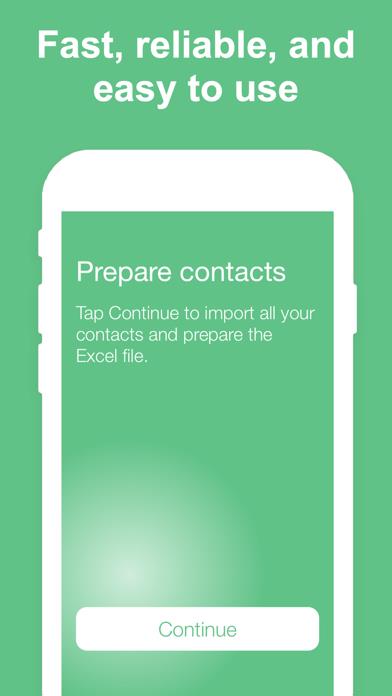
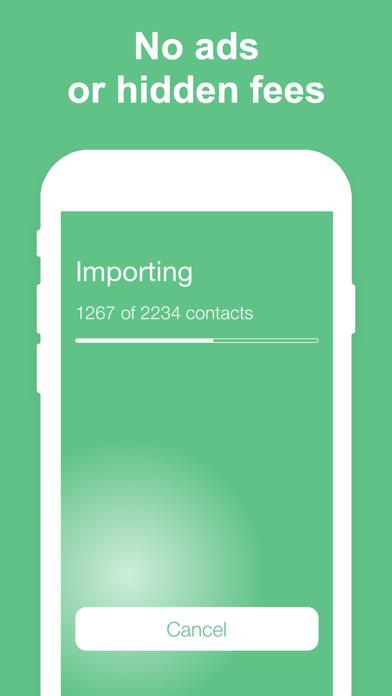
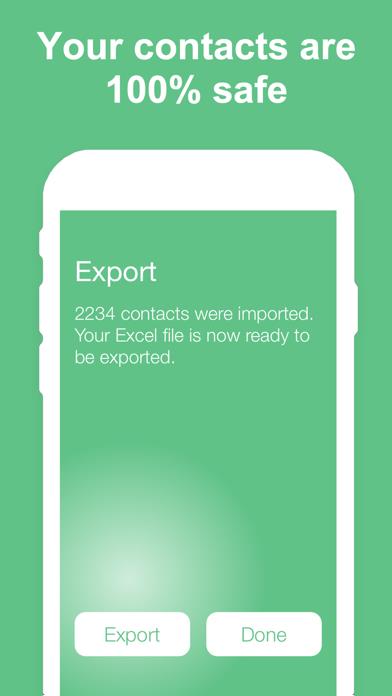
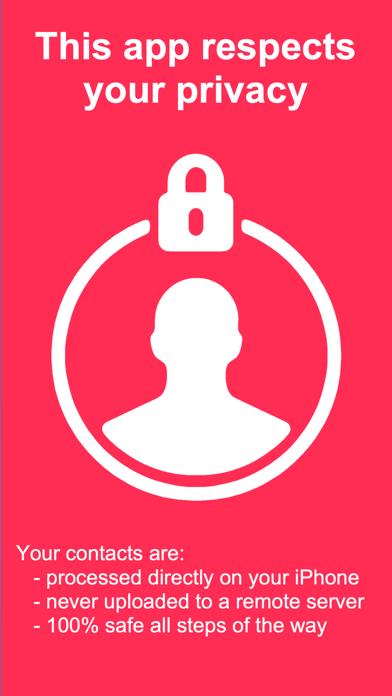
      6 REASONS TO USE THIS APP - Easy to use - Choose how to export your contacts - Perfect for transferring contacts to a computer - Designed with your privacy in mind - No ads or hidden fees - Highly rated with an average of 4.5 stars Download it now, or read on to learn more... EASY TO USE Have your iPhone or iPad contacts saved as an Excel file in just 3 taps. Have a look at the screenshots and you will see how simple it is. Open the app, tap Continue, tap Export, select your export method, and you’re done! MULTIPLE EXPORT METHODS You can export the Excel file containing your contacts using email, SMS, iMessage, Dropbox, iCloud Drive, Slack, Evernote, and more. And of course, you can open the file directly in Excel if you have it installed on your iPhone or iPad. UNLIMITED USE You can back up and export your contacts as many times as you want. SAFE AND PRIVATE This app is 100% safe for your contacts. The backup and Excel export is done locally on your device. Unlike other apps, this one does not analyze or store your contacts on a remote server. NO ADS OR HIDDEN FEES Unlike similar applications, this app doesn’t display any ads or tries to charge you extra for services you don’t need. WE LOVE FEEDBACK If you like this app, please consider taking a minute to rate it in the App Store. If you don’t like the app, please contact us and let us know how we can make it better.

      Export Contacts to Excel Information

      Name Export Contacts to Excel

      Category Utilities

      Developer New Marketing Lab, Inc

      Version 1.7

      Update 2020-06-24

      Languages EN

      Size 16.33MB

      Compatibility Requires iOS 10.3 or later. Compatible with iPhone, iPad, and iPod touch.

      Other Original Version

      Export Contacts to Excel Screenshot
      Export Contacts to Excel
      Export Contacts to Excel
      Export Contacts to Excel
      Export Contacts to Excel
      Export Contacts to Excel
      Export Contacts to Excel

      Rating

      4.9

      467 Ratings

      Tap to Rate

      Please use Safari on iPhone/iPad to access the current page

      Because Panda Helper VIP service is based on iPhone/iPad device information (UDID), please access the current page in Safari on iPhone/iPad:
      • Scan the QR code on your iPhone/iPad
      • Copy the link below and open it in Safari on your iPhone/iPad
      * Safari only. Other browsers cannot get device information
      copy successfully!

      Follow us on social media

      panda helper top hover