Trending Searches

    History

      Clear All
      DailyPay On-Demand Pay

      DailyPay On-Demand Pay

      • Sizes: 53.53MB
      • Version: 10.4.0
      • Update: 2023-05-10
      Install by Apple Store

      DailyPay On-Demand Pay Description

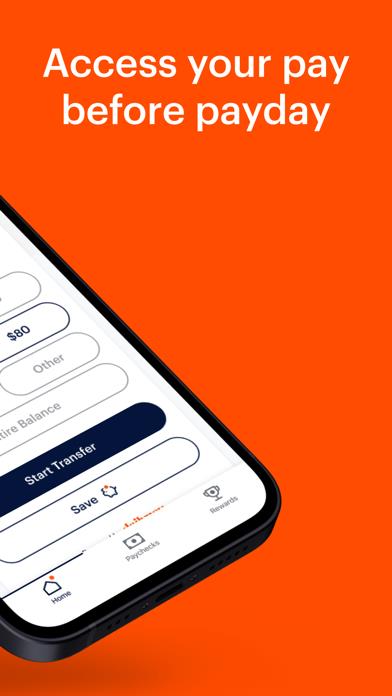
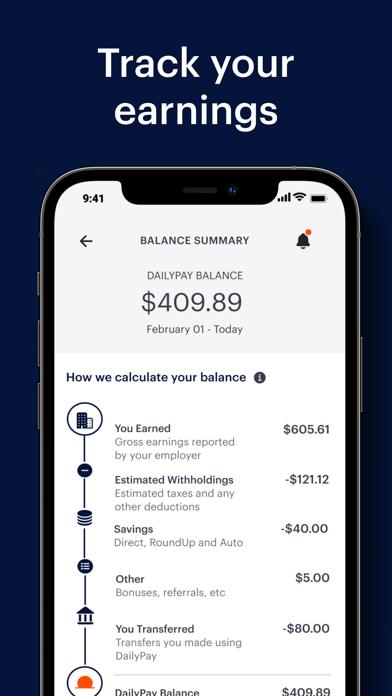
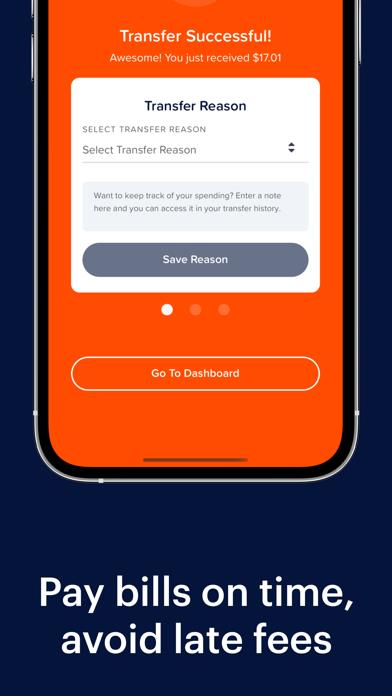
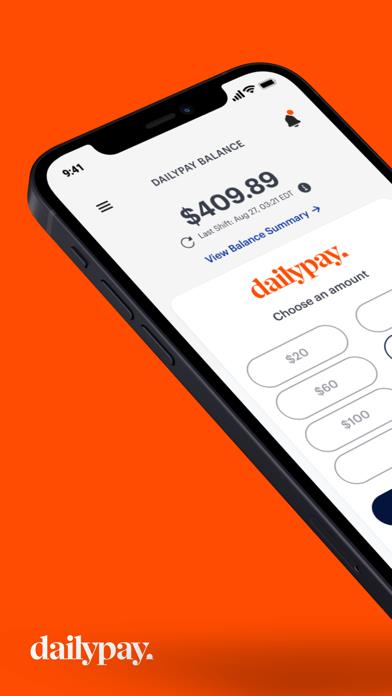
      DailyPay is the easiest, most secure way to access your earned wages before payday. Get your money when you need it to pay bills on time, avoid late fees and meet your financial goals. How the DailyPay App Works - As you work throughout the week, you build up a Pay Balance - Withdraw money from your Pay Balance at any time, with the press of a button - You will receive your funds instantly (including weekends and holidays, 24/7/365) or on the next business day, depending on the choice you make - Receive your remaining pay on payday, as usual! Benefits & Features - Your money where you want it - transfer your Pay Balance to a bank account, debit card, prepaid card or pay card - Timely insight into your daily Pay Balance as you work - Opt in to instant notifications of changes to your Pay Balance Safe & Secure - DailyPay uses 256-bit level encryption - Our payment network and customer support channels are PCI-compliant and SOC II audited Note: DailyPay is an employer-provided benefit - ask your employer about the DailyPay benefit!

      DailyPay On-Demand Pay Information

      Name DailyPay On-Demand Pay

      Category Finance

      Developer Daily Pay Inc.

      Version 10.4.0

      Update 2023-05-10

      Languages EN,ES

      Size 53.53MB

      Compatibility Requires iOS 12.4 or later. Compatible with iPhone, iPad, and iPod touch.

      Other Original Version

      DailyPay On-Demand Pay Screenshot
      DailyPay On-Demand Pay
      DailyPay On-Demand Pay
      DailyPay On-Demand Pay
      DailyPay On-Demand Pay
      DailyPay On-Demand Pay

      Rating

      4.7

      1559 Ratings

      Tap to Rate

      Please use Safari on iPhone/iPad to access the current page

      Because Panda Helper VIP service is based on iPhone/iPad device information (UDID), please access the current page in Safari on iPhone/iPad:
      • Scan the QR code on your iPhone/iPad
      • Copy the link below and open it in Safari on your iPhone/iPad
      * Safari only. Other browsers cannot get device information
      copy successfully!

      Follow us on social media

      panda helper top hover