Trending Searches

    History

      Clear All
      Conversions - Bake & Cook

      Conversions - Bake & Cook

      • Sizes: 18.03MB
      • Version: 4.7
      • Update: 2018-11-11
      Install by Apple Store

      Conversions - Bake & Cook Description

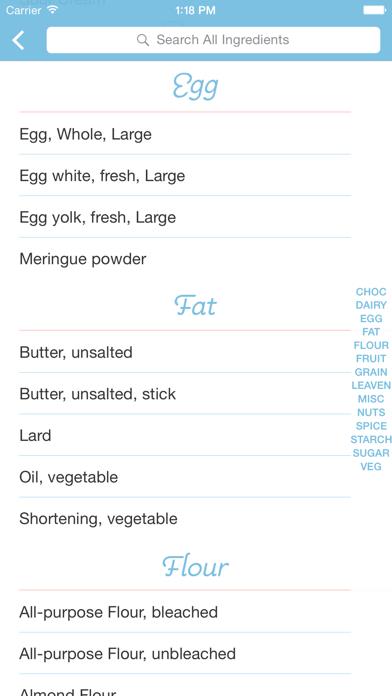
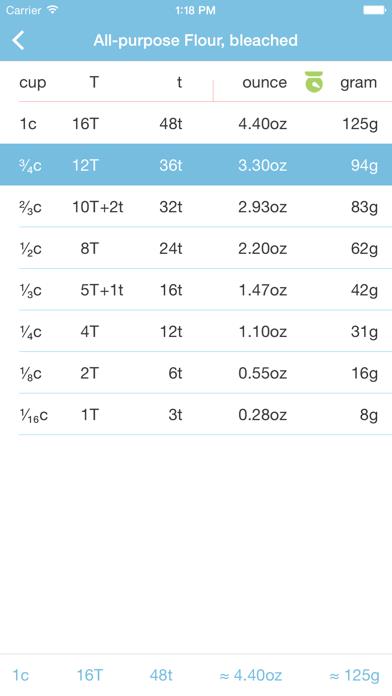
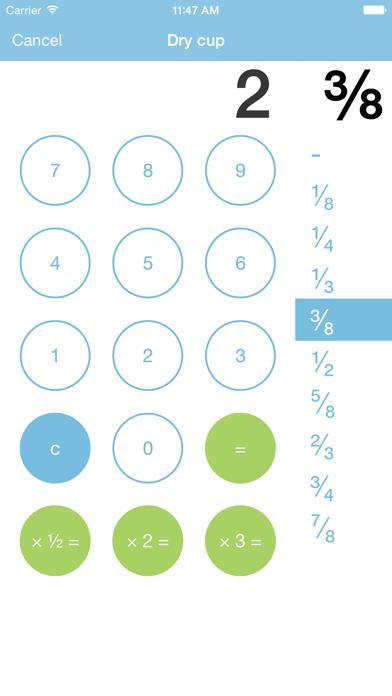
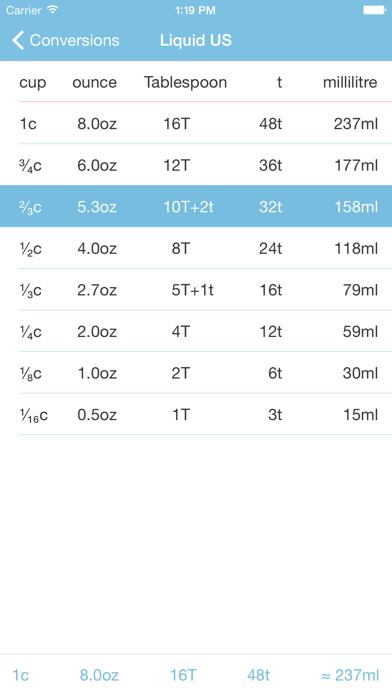
      Equivalents tables. Bake & Cook. iOS 11. iOS 12. 300+ Baking Ingredients. US. Metric. Cup. Tablespoon. Teaspoon. Ounce (Weight). Gram. Altitude. Chocolate. Dairy. Egg. Fat. Flour. Fruit. Grain. Leavener. Legumes. Nuts. Seeds. Spice. Starch. Sugar. Vegetable. High Altitude. Baking Powder. Baking Soda. Flour. Liquid. Sugar. Old Fashioned. US. Metric. Coffeecup. Dash. Desertspoon. Drachm. Dram. Drop. Gill. Grain. Hogshead. Jigger. Kitchenspoon. Pennyweight. Pinch. Saltspoon. Saucer. Shot. Spoonful. Teacup. Tincup. Tumblerful. Wineglass. Dry. US. Cup. Tablespoon. Teaspoon. Pint. Quart. Peck. Bushel. Cubic Foot. Liquid. US. Metric. Cup. Ounce. Tablespoon. Teaspoon. Millilitre. Litre. Pint. Quart. Gallon. Linear. US. Metric. Inch. Centimeter. Volume. Imperial. Metric. Tablespoon. Teaspoon. Ounce. Millilitre. Litre. Pint. Quart. Gallon. Oven Temperature. Fahrenheit. Celsius. Gas. Weight. Ounce. Gram. Pound. Input. Calculate. Internet or Wi-Fi connection not required. Twitter: @Gormaya

      Conversions - Bake & Cook Information

      Name Conversions - Bake & Cook

      Category Food

      Developer Gormaya

      Version 4.7

      Update 2018-11-11

      Languages EN

      Size 18.03MB

      Compatibility Requires iOS 8.0 or later. Compatible with iPhone, iPad, and iPod touch.

      Other Original Version

      Conversions - Bake & Cook Screenshot
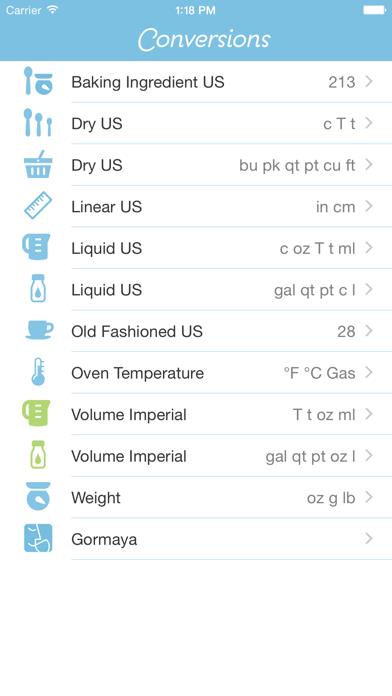
      Conversions - Bake & Cook
      Conversions - Bake & Cook
      Conversions - Bake & Cook
      Conversions - Bake & Cook
      Conversions - Bake & Cook

      Rating

      4.7

      1709 Ratings

      Tap to Rate

      Please use Safari on iPhone/iPad to access the current page

      Because Panda Helper VIP service is based on iPhone/iPad device information (UDID), please access the current page in Safari on iPhone/iPad:
      • Scan the QR code on your iPhone/iPad
      • Copy the link below and open it in Safari on your iPhone/iPad
      * Safari only. Other browsers cannot get device information
      copy successfully!

      Follow us on social media

      panda helper top hover