Trending Searches

    History

      Clear All
      Beek: Audiobooks and Podcasts

      Beek: Audiobooks and Podcasts

      • Sizes: 39.59MB
      • Version: 7.1.4
      • Update: 2023-05-10
      Install by Apple Store

      Beek: Audiobooks and Podcasts Description

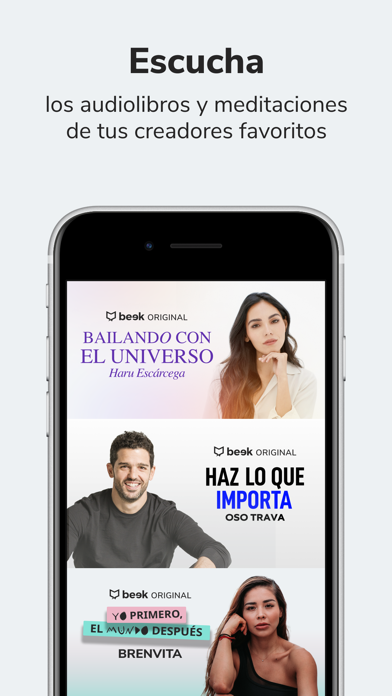
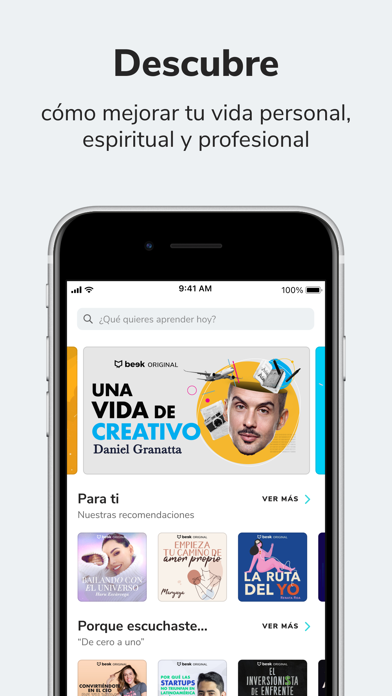
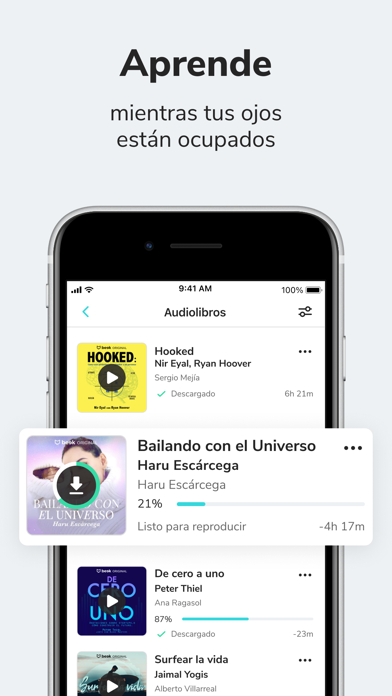
      Listen and download the best audiobooks. Discover your next favorite audiobook in our catalog. Price and payment conditions about subscriptions: Beek Monthly Subscription - This subscription allows you to listen to all the audiobooks available in our catalog for a fixed price per month. Get 7 days free trial, after the trial period ends your subscription will be renewed automatically and your iTunes account will be charged a fixed price monthly unless the subscription is canceled from the iTunes account settings on your device no later than 24 hours before your subscription period runs out. If you already receive a free trial with your Apple ID you will not receive another trial and you will be charged immediately upon completing your purchase. By purchasing a subscription you agree to our Terms and Conditions and Privacy Policy. You can find our terms and conditions in the following link: https://www.beek.io/terms.pdf And our privacy policy here: https://www.beek.io/aviso_privacidad.pdf

      Beek: Audiobooks and Podcasts Information

      Name Beek: Audiobooks and Podcasts

      Category Books

      Developer Beek Technologies

      Version 7.1.4

      Update 2023-05-10

      Languages ES

      Size 39.59MB

      Compatibility Requires iOS 13.0 or later. Compatible with iPhone, iPad, and iPod touch.

      Other Original Version

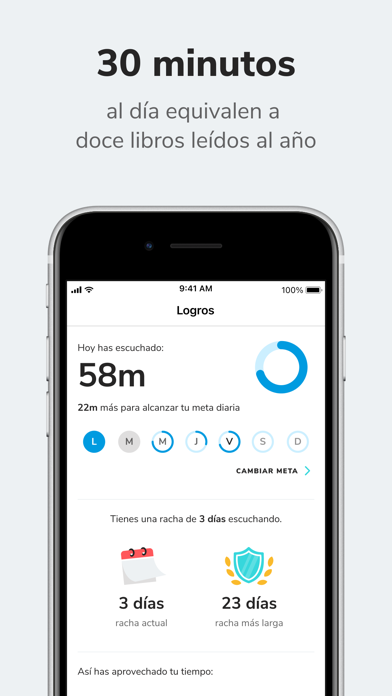
      Beek: Audiobooks and Podcasts Screenshot
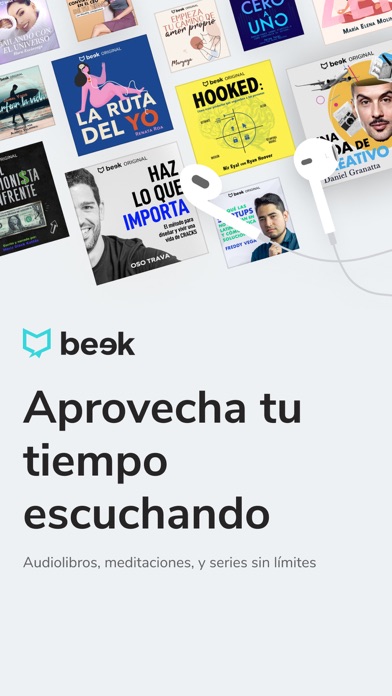
      Beek: Audiobooks and Podcasts
      Beek: Audiobooks and Podcasts
      Beek: Audiobooks and Podcasts
      Beek: Audiobooks and Podcasts
      Beek: Audiobooks and Podcasts

      Rating

      4.8

      1102 Ratings

      Tap to Rate

      Please use Safari on iPhone/iPad to access the current page

      Because Panda Helper VIP service is based on iPhone/iPad device information (UDID), please access the current page in Safari on iPhone/iPad:
      • Scan the QR code on your iPhone/iPad
      • Copy the link below and open it in Safari on your iPhone/iPad
      * Safari only. Other browsers cannot get device information
      copy successfully!

      Follow us on social media

      panda helper top hover