Trending Searches

    History

      Clear All
      a-Shell

      a-Shell

      • Sizes: 1166.50MB
      • Version: 1.9.9
      • Update: 2022-10-07
      Install by Apple Store

      a-Shell Description

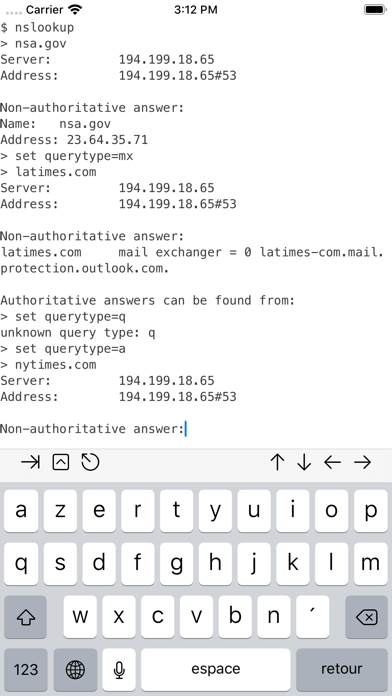
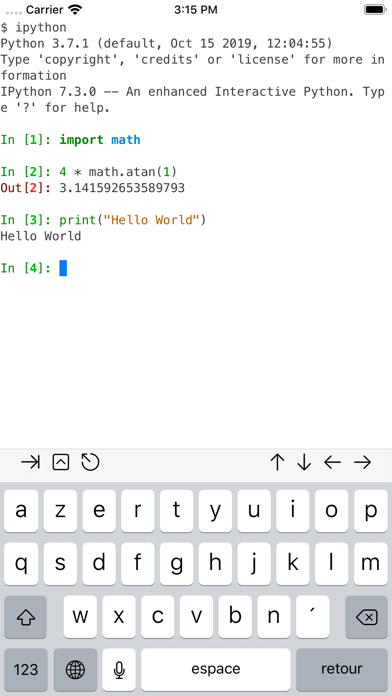
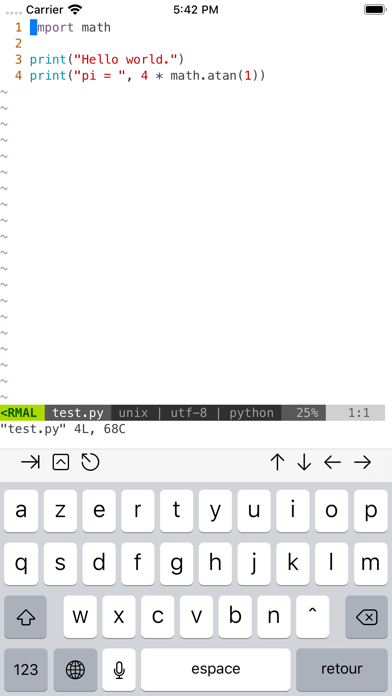
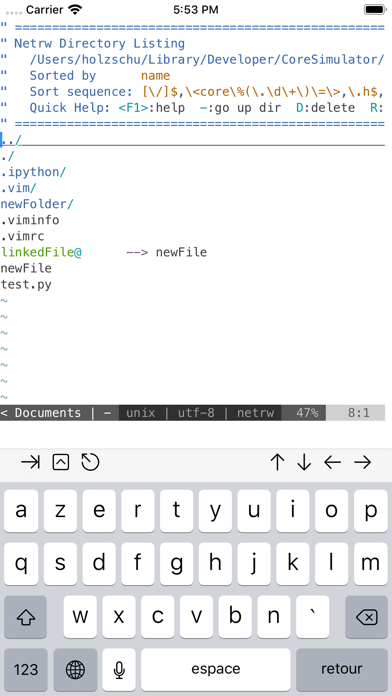
      a-Shell is a complete local terminal emulator, allowing to run most Unix commands on you iOS device. You can transfer files using scp and curl, edit them with vim and ed, process them using grep, awk and sed. You can work with git repositories using lg2. a-Shell includes Python, Lua, Perl, JavaScript, C, C++ for programming and TeX (texlive 2022, with Tikz and LuaTeX) for text processing. There are also multiple network utilities: nslookup, ping, whois, ifconfig... Type help for help, help -l to get the full list of commands. a-Shell can be controlled from Shortcuts: run commands in order, process files in a-Shell, get the results as text or files, transfer files to other apps... a-shell uses iOS 13+ “multiple windows” ability, so you can run multiple shells at the same time, with different commands, in different directories. You can edit a file in one window with vim and process it in the other with python. Compile your C or C++ programs to webAssembly using clang or clang++, and execute the resulting binary. A complete webAssembly SDK is included (WASI-libc). a-Shell is the complete version. If you need a smaller app, and you don't need a C compiler, a TeX engine, or numpy and matplotlib, there is a-Shell mini.

      a-Shell Information

      Name a-Shell

      Developer Nicolas Holzschuch

      Version 1.9.9

      Update 2022-10-07

      Languages EN,FR,DE,JA,KO,ES

      Size 1166.50MB

      Compatibility Requires iOS 14.0 or later. Compatible with iPhone, iPad, and iPod touch.

      Other Original Version

      a-Shell Screenshot
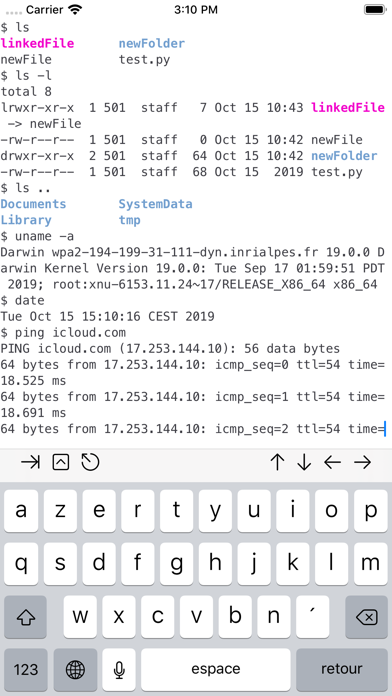
      a-Shell
      a-Shell
      a-Shell
      a-Shell
      a-Shell

      Rating

      4.7

      257 Ratings

      Tap to Rate

      Please use Safari on iPhone/iPad to access the current page

      Because Panda Helper VIP service is based on iPhone/iPad device information (UDID), please access the current page in Safari on iPhone/iPad:
      • Scan the QR code on your iPhone/iPad
      • Copy the link below and open it in Safari on your iPhone/iPad
      * Safari only. Other browsers cannot get device information
      copy successfully!

      Follow us on social media

      panda helper top hover