Trending Searches

    History

      Clear All
      717 Parking

      717 Parking

      • Sizes: 37.51MB
      • Version: 9.17.3
      • Update: 2021-11-29
      Install by Apple Store

      717 Parking Description

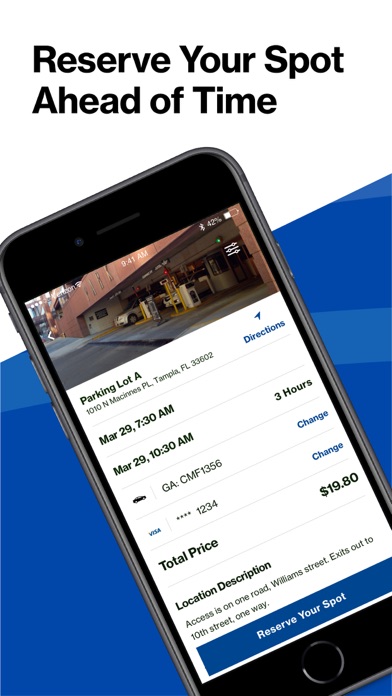
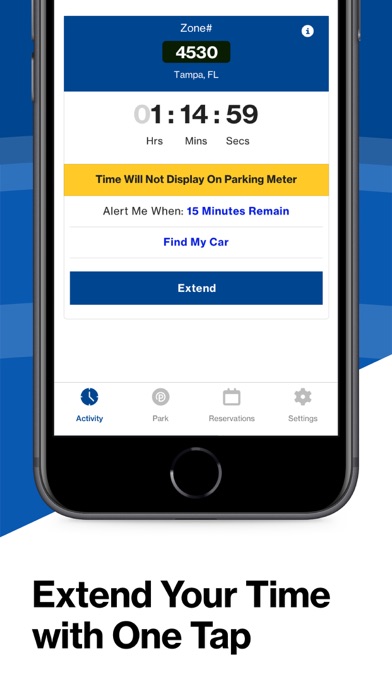
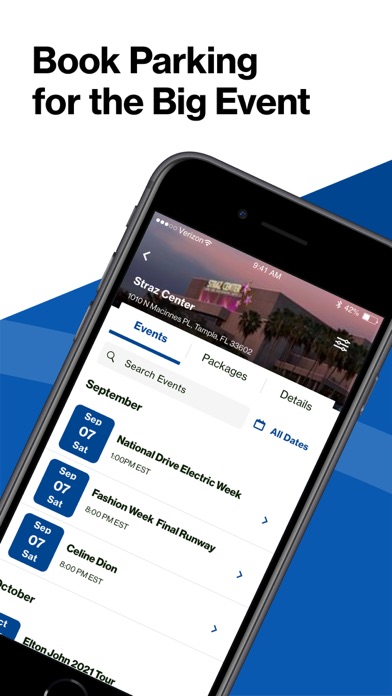
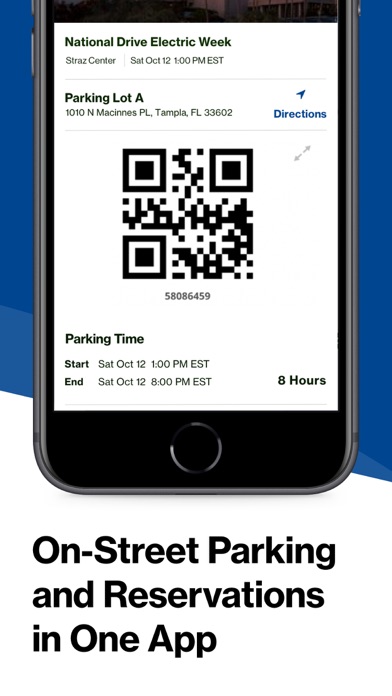
      717 Parking – Find Parking in Tampa Bay A Smarter Way to Park Parkmobile USA, Inc. The 717 Parking app, powered by ParkMobile, gives you a smarter way to park in Tampa Bay. Easily pay for on-street and off-street parking right from your mobile device. You can also reserve parking ahead of time in lots, garages, venues, airports, and universities across the country. Why Use 717 Parking? • Skip the meter and easily pay for parking from your mobile device • Extend your parking duration remotely from the app • Get alerts so you know when your parking session is going to expire • Reserve parking spots ahead of time to save time and money • Use ParkMobile in over 3000 locations coast-to-coast including venues, airports, and universities How to Set Up Your Account • Download the 717 Parking app and create an account with your email address and password • Enter your license plate number and the state where your vehicle is registered • Add your method of payment and start using the 717 Parking app How It Works On-Street and Off-Street Parking: • Enter the zone number on the posted signs around the meter • Select the amount of time you want to park and confirm your information • Touch the “Start Parking” button to begin your parking session • Extend time in the app if you are running late • Touch the “Stop” button to end your active parking session Parking Reservations: • Search for the area where you want to park and select the specific parking location • Choose the date/time and complete your reservation • Follow the instructions in your confirmation to redeem at the parking facility App Features • Customizable notifications delivered via email, text, and/or app • Save your favorite parking locations for next time • Store up to five cars in your account • “Find your car” feature directs you back to the location where you parked • Turn-by-turn directions to the parking garage where you reserved your spot • Multiple payment methods available including PayPal, Visa Checkout, ApplePay, MasterPass, ChasePay, and most major credit cards About ParkMobile Parkmobile, LLC is the leading provider ParkMobile, LLC is the leading provider of parking payment solutions in the United States, helping over 13 million people easily find, reserve, and pay for parking from their mobile devices. Looking for Help? At ParkMobile, we’re serious about customer service. We process over 200,000 parking transactions every day and we know that every now and then, something might go wrong. If you have an issue, we will do everything we can to make it right. Our customer service is 24/7/365. If you need help, here’s how to get in touch with us: Web: https://parkmobile.io/ Email: [email protected] Online Help Center: https://parkmobile.zendesk.com/hc/en-us Video Tutorials: https://www.youtube.com/playlist?list=PLkFsfUAHrnUc5jOm9XtjOmmJQt4YTTCyA Twitter: https://twitter.com/ParkMobile Facebook: https://www.facebook.com/ParkMobile/

      717 Parking Information

      Name 717 Parking

      Category Navigation

      Developer Parkmobile USA, Inc.

      Version 9.17.3

      Update 2021-11-29

      Languages EN,ES

      Size 37.51MB

      Compatibility Requires iOS 13.0 or later. Compatible with iPhone, iPad, and iPod touch.

      Other Original Version

      717 Parking Screenshot
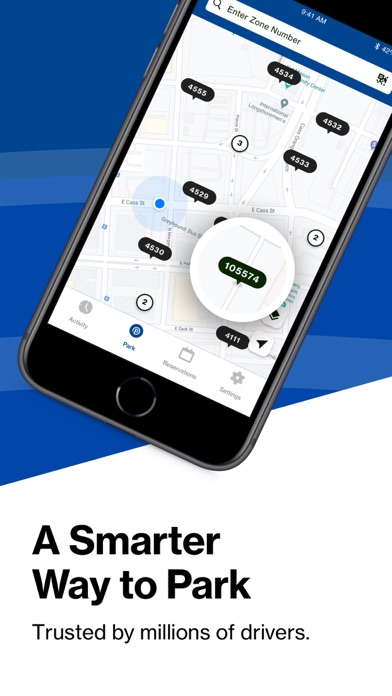
      717 Parking
      717 Parking
      717 Parking
      717 Parking
      717 Parking

      Rating

      4.6

      257 Ratings

      Tap to Rate

      Please use Safari on iPhone/iPad to access the current page

      Because Panda Helper VIP service is based on iPhone/iPad device information (UDID), please access the current page in Safari on iPhone/iPad:
      • Scan the QR code on your iPhone/iPad
      • Copy the link below and open it in Safari on your iPhone/iPad
      * Safari only. Other browsers cannot get device information
      copy successfully!

      Follow us on social media

      panda helper top hover