Trending Searches

    History

      Clear All
      yrNews Usenet Reader

      yrNews Usenet Reader

      • Sizes: 2.40MB
      • Version: 2.0.2
      • Update: 2019-10-19
      Install by Apple Store

      yrNews Usenet Reader Description

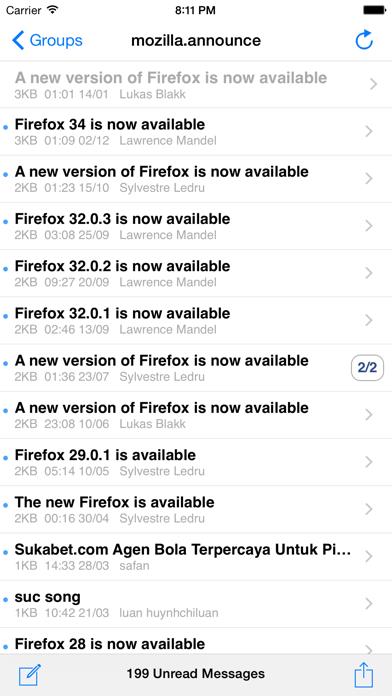
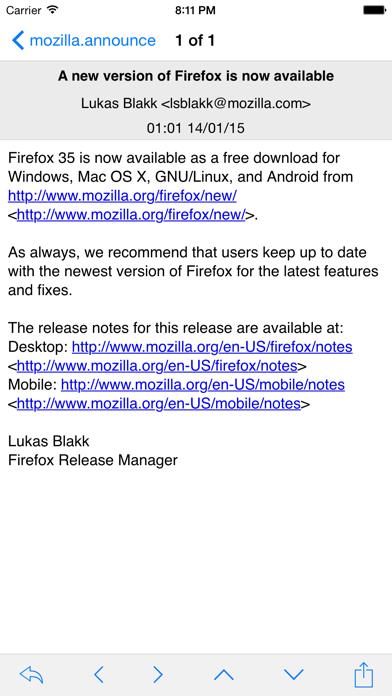
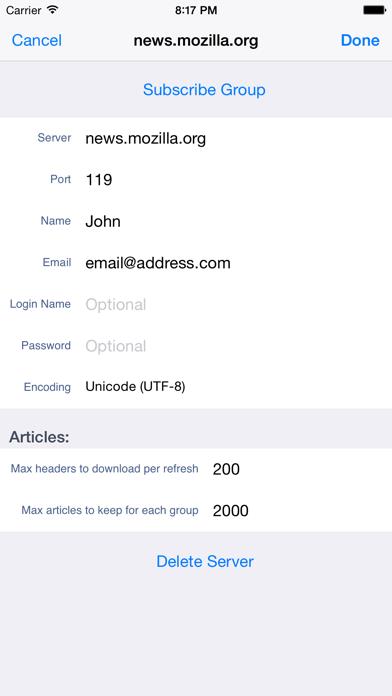
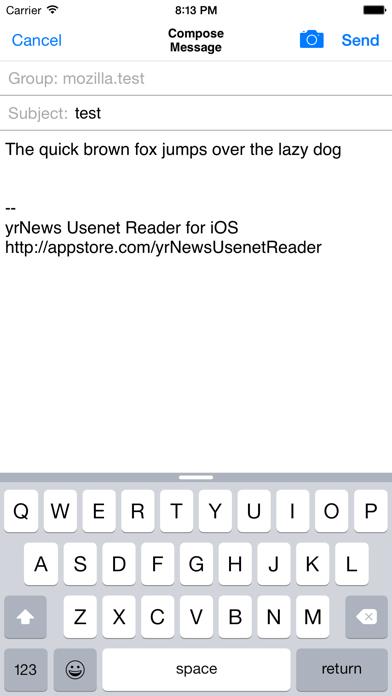
      ================================== Top 5 paid app in Hong Kong on Release! Top 1 news app in Hong Kong on Release! Thanks for support! ================================== yrNews is a simple yet powerful usenet reader for accessing text based newsgroups on the iPhone and iPod Touch. Features highlight: - Read, reply and compose new message - Subscribe to multiple servers and groups - Auto sort posts to threads - Swipe to expand/collapse thread - Display attachment pictures inline and HTML messages - Attach a picture when composing - Quick buttons to navigate through messages and threads - Swipe message header to read next/previous message - Quote colours for easy reading - Support server login with username/password - Support multiple character encodings - Buttons for Mark thread/group read - Pull to refresh group - Mark favourite messages - Show unread or favourite messages only - In group searching with subject or sender name

      yrNews Usenet Reader Information

      Name yrNews Usenet Reader

      Category News

      Developer Yrtxc

      Version 2.0.2

      Update 2019-10-19

      Languages AR,DA,NL,EN,FI,FR,DE,HE,HI,HU,ID,IT,JA,KO,PT,RU,ZH,ES,SV,ZH

      Size 2.40MB

      Compatibility Requires iOS 11.0 or later. Compatible with iPhone, iPad, and iPod touch.

      Other Original Version

      yrNews Usenet Reader Screenshot
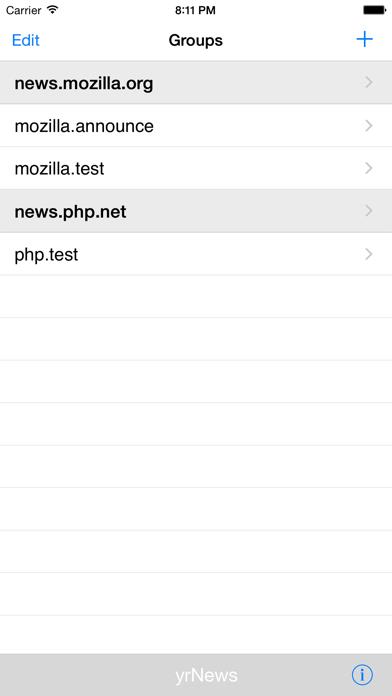
      yrNews Usenet Reader
      yrNews Usenet Reader
      yrNews Usenet Reader
      yrNews Usenet Reader
      yrNews Usenet Reader

      Rating

      4.8

      327 Ratings

      Tap to Rate

      Please use Safari on iPhone/iPad to access the current page

      Because Panda Helper VIP service is based on iPhone/iPad device information (UDID), please access the current page in Safari on iPhone/iPad:
      • Scan the QR code on your iPhone/iPad
      • Copy the link below and open it in Safari on your iPhone/iPad
      * Safari only. Other browsers cannot get device information
      copy successfully!

      Follow us on social media

      panda helper top hover