Trending Searches

    History

      Clear All
      WorkOutDoors

      WorkOutDoors

      • Sizes: 39.98MB
      • Version: 4.9
      • Update: 2022-12-23
      Install by Apple Store

      WorkOutDoors Description

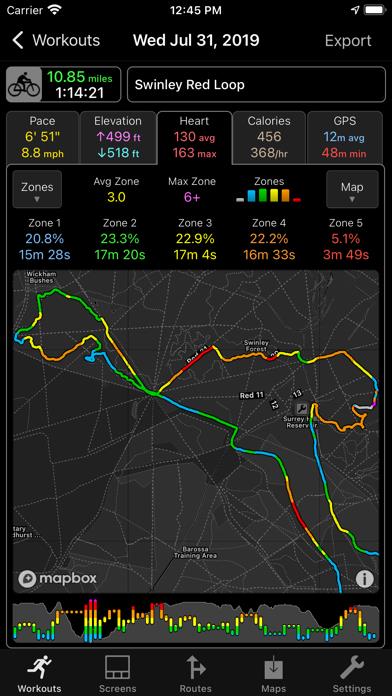
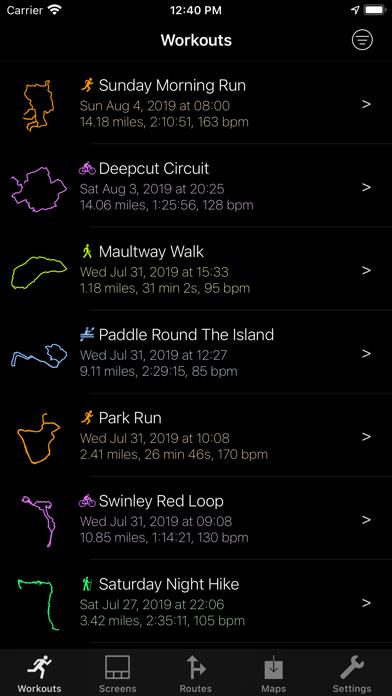
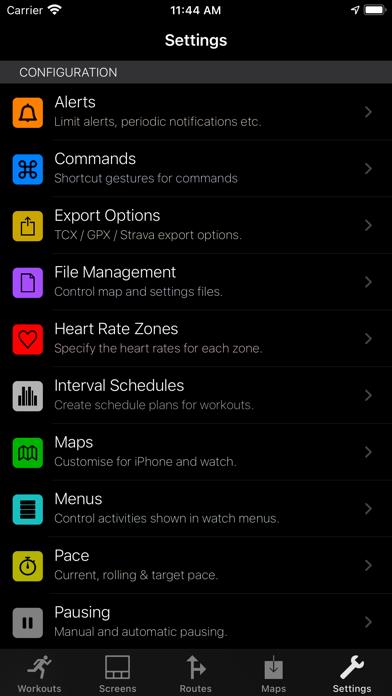
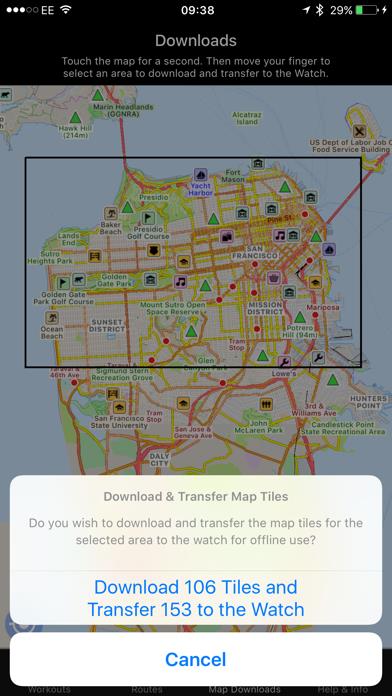
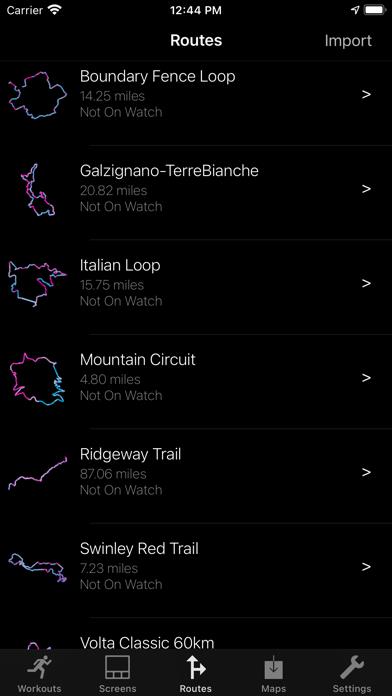
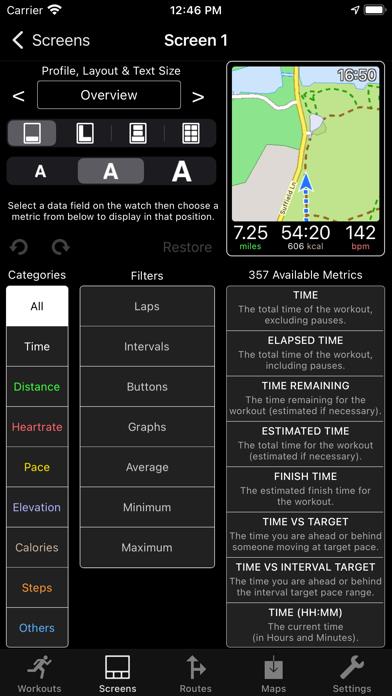
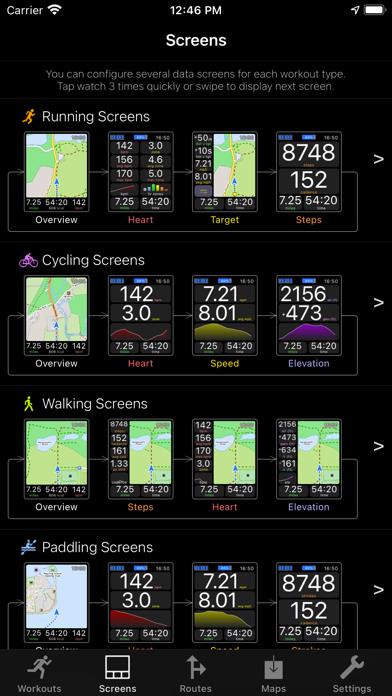
      WorkOutDoors is the most advanced and most configurable workout app for the Apple Watch. It's perfect for running, cycling, hiking and any other indoor or outdoor activity. Note: WorkOutDoors requires an Apple Watch. It is not necessary to have your iPhone with you during a workout. WORKOUT HIGHLIGHTS - 38 different activity types, including all the major activities - Configure multiple screens with metrics from a pool of over 600 data fields and graphs - All workouts are saved to Apple's Health system and are viewable in the Health & Fitness apps - Export workouts as FIT/TCX/GPX files, or automatically upload to Strava (even from the watch) - Dozens of alert types (e.g. mile/km notifications; high heart rate; low speed; zone changes etc) - Configure which metrics are displayed and/or spoken for an alert - GPS signal strength shown before starting a workout, so you can wait for a good signal - Create your own Interval Schedules: e.g. Warm Up for 5 minutes, Run 5 miles; Cool Down - Supports Bluetooth sensors for speed, cadence, distance, heart rate & power (including Stryd) - Zones can be configured for heart rates and also for pace and power metrics - Associate actions with gestures: e.g. double tap to start a new interval, or to show music controls - Auto-pause available for many outdoor activities (including Apple's algorithm where available) - Set a Target Pace and see how far ahead or behind you are (can show a target icon on the map) - Analyse workouts in great depth on the iPhone app, including detailed lap and interval splits - Supports watchOS 9 running metrics: power, ground contact time and vertical oscillation (only available on recent models of watch). MAP HIGHLIGHTS - Maps can be cached on the watch for use when offline - Topographic vector map option with configurable contours and hill shading - Maps can be smoothly panned and zoomed, and can rotate according to the compass - Map-only mode for when you don't want to start a workout and just need a map - Uses OpenStreetMap, which includes the trails necessary for outdoor workouts - Maps cover the whole world. No further purchases or subscriptions required for anything - A breadcrumb trail of your whole route is displayed on the map during the workout - A scale is shown on the map when you zoom, making it easy to see the distance to features - Load GPX routes and display them on top of the map to aid navigation - Routes are coloured by gradient: from red for steep uphill to blue for steep downhill - Get alerts when you deviate from or return to the GPX route - Waypoints in routes are shown as icons (supports "groundspeak" geocache data) - Shows a red compass pointing north and a green compass pointing to the start - Tap the green compass to see the distance to the start (double tap a compass to hide it) - "Smart Contours" use different colours to make it easier to read the terrain at a glance The app also has many, many more features (far too many to list here!).   All this is included for a single one-off payment. There are no extra in-app purchases or subscriptions. If you own an Apple Watch and do any form of exercise, then WorkOutDoors is the app for you. Give it a go!

      WorkOutDoors Information

      Name WorkOutDoors

      Category Medical

      Developer CCS Ltd

      Version 4.9

      Update 2022-12-23

      Languages EN

      Size 39.98MB

      Compatibility Requires iOS 12.0 or later. Compatible with iPhone, iPad, and iPod touch.

      Other Original Version

      WorkOutDoors Screenshot
      WorkOutDoors
      WorkOutDoors
      WorkOutDoors
      WorkOutDoors
      WorkOutDoors
      WorkOutDoors
      WorkOutDoors

      Rating

      4.6

      1491 Ratings

      Tap to Rate

      Please use Safari on iPhone/iPad to access the current page

      Because Panda Helper VIP service is based on iPhone/iPad device information (UDID), please access the current page in Safari on iPhone/iPad:
      • Scan the QR code on your iPhone/iPad
      • Copy the link below and open it in Safari on your iPhone/iPad
      * Safari only. Other browsers cannot get device information
      copy successfully!

      Follow us on social media

      panda helper top hover