Trending Searches

    History

      Clear All
      Word Seek English Infinite

      Word Seek English Infinite

      • Sizes: 16.43MB
      • Version: 3.7
      • Update: 2023-04-04
      Install by Apple Store

      Word Seek English Infinite Description

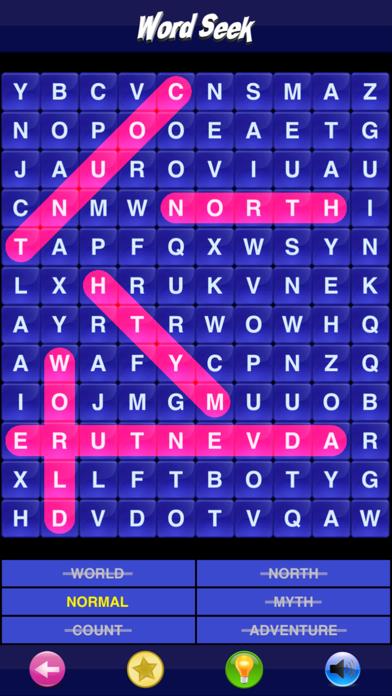
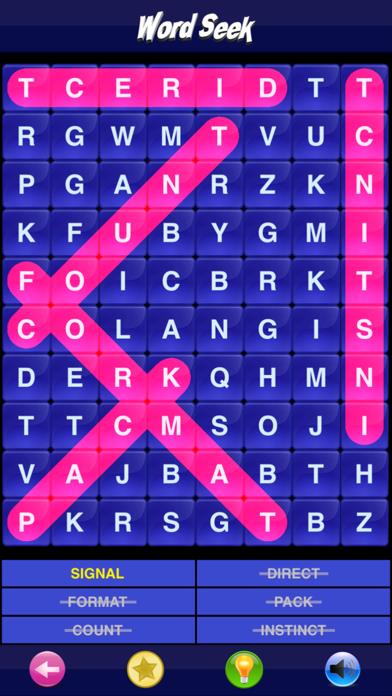
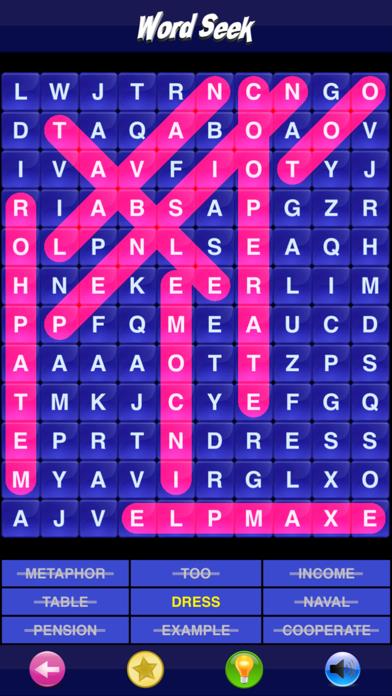
      Word Seek is a fun and addictive word puzzle game. Play unlimited high quality puzzles. Every time you start a new game, a unique puzzle is generated. Easy to use interface, just drag your finger along the word when you find it or tap the first and last letter of the word. When the correct words are found they are automatically crossed out. Fun and educational at the same time. Helps increase both vocabulary and spelling ability. Include over 7,000 words to provide you with an endless collection of puzzles. MAIN FEATURES • Three levels of difficulty: Easy, Medium and Hard • Unlimited puzzles, it's different every time you play • Easy to use interface • If you get stuck, you can get a hint • Thousands of words • Game that is suitable for everyone from kids to adults • Turn sound effects On or Off • Game Center Support. Global leaderboards showing most wins • Universal App, full native support for iPad, iPhone and iPod touch

      Word Seek English Infinite Information

      Name Word Seek English Infinite

      Category Games

      Developer Sergio Licea

      Version 3.7

      Update 2023-04-04

      Languages EN,ES

      Size 16.43MB

      Compatibility Requires iOS 12.0 or later. Compatible with iPhone, iPad, and iPod touch.

      Other Original Version

      Word Seek English Infinite Screenshot
      Word Seek English Infinite
      Word Seek English Infinite
      Word Seek English Infinite
      Word Seek English Infinite
      Word Seek English Infinite

      Rating

      4.6

      1044 Ratings

      Tap to Rate

      Please use Safari on iPhone/iPad to access the current page

      Because Panda Helper VIP service is based on iPhone/iPad device information (UDID), please access the current page in Safari on iPhone/iPad:
      • Scan the QR code on your iPhone/iPad
      • Copy the link below and open it in Safari on your iPhone/iPad
      * Safari only. Other browsers cannot get device information
      copy successfully!

      Follow us on social media

      panda helper top hover